37
Basic adjustment settings
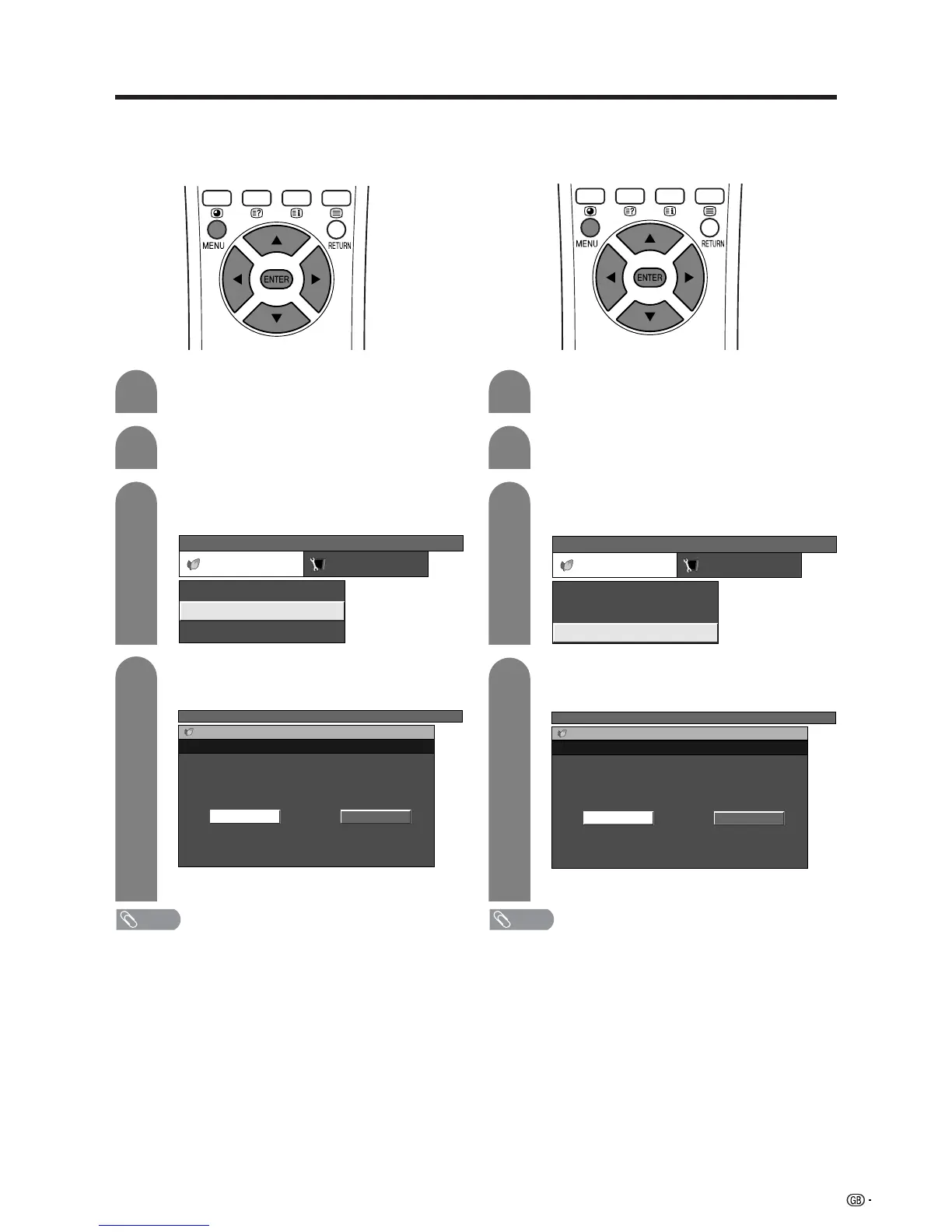
No signal off
When set to “Enable”, the power will automatically shut
down if no signal inputs for 15 minutes.
Press a/b to select “No Signal Off”, and
then press ENTER.
Press c/d to select “Enable”, and then
press ENTER.
3
4
• Five minutes before the power shuts down,
remaining time displays every minute.
NOTE
• “Disable” is factory preset value.
• When a TV programme finishes, and the AVC System
receives signal input, this function may not operate.
Press c/d to select “Power control”.
• Power control menu displays.
Press MENU and the TV MENU screen
displays.
2
1
TV MENU
Power control Setup
No Signal Off
Power Save
No Operation Off [Disable]
[Disable]
[Standard]
TV MENU
Power control
No Signal Off
DisableEnable
No operation off
When set to “Enable”, the power will automatically shut
down if there is no operation for 3 hours.
Press a/b to select “No Operation Off”, and
then press ENTER.
Press c/d to select “Enable”, and then
press ENTER.
3
4
• Five minutes before the power shuts down,
remaining time displays every minute.
NOTE
• “Disable” is factory preset value.
Press c/d to select “Power control”.
• Power control menu displays.
Press MENU and the TV MENU screen
displays.
2
1
TV MENU
Power control Setup
No Signal Off
Power Save
No Operation Off [Disable]
[Disable]
[Standard]
TV MENU
Power control
No Operation Off
DisableEnable














 To Next Page