61
Useful features
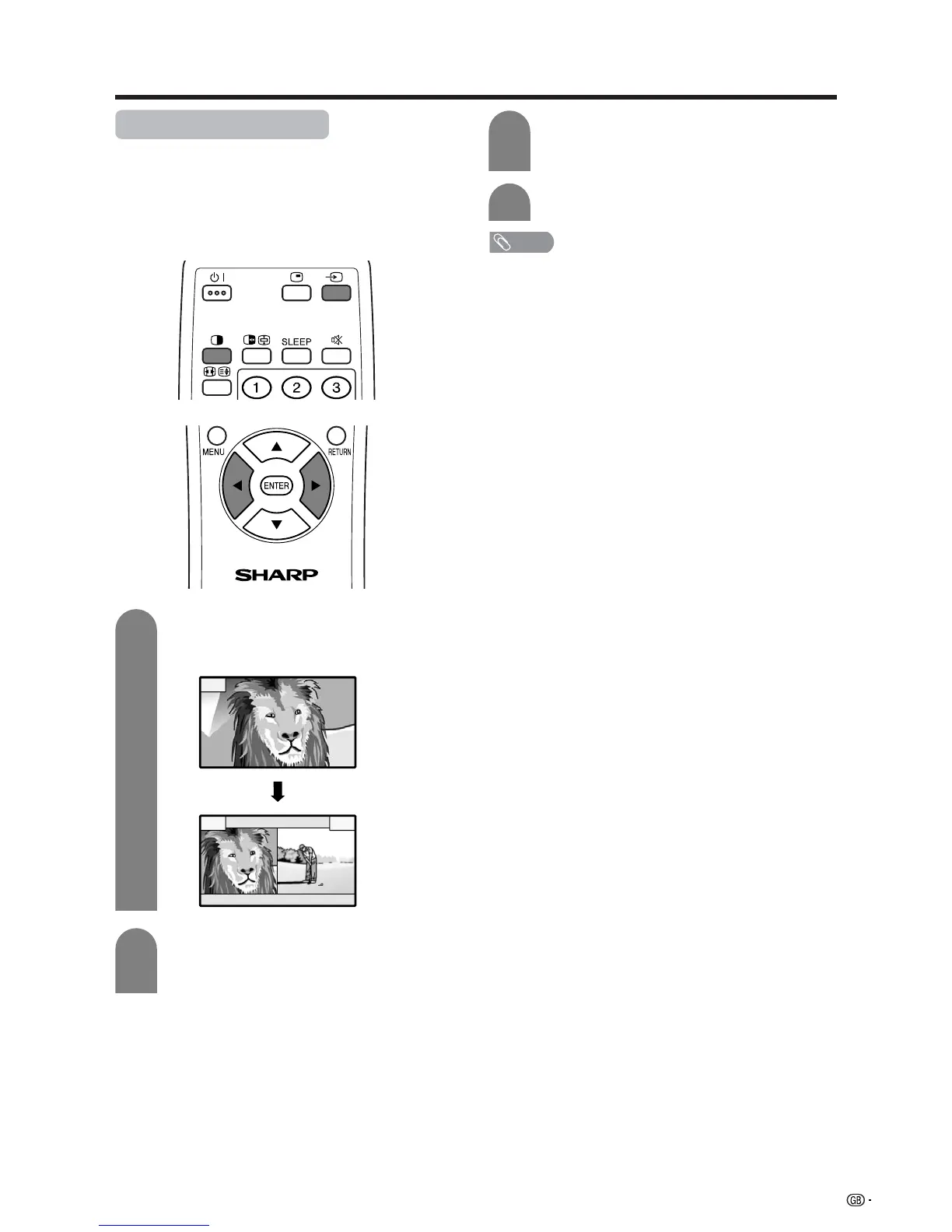
Dual screen functions
Allows you to display two pictures on the screen at
one time.
Dual screen
You can display two same-sized pictures except when
inputting from a PC INPUT terminal.
3
NOTE
• This function does not work under the following input
conditions:
1PC INPUT mode,
2Two pictures from the same source (e.g. INPUT 1 and
INPUT 1),
3Two pictures with different vertical frequency (e.g. PAL
and PAL-60).
• When this function is not available, “No dual screen display
available.” will display.
Press b to select another input source on
the active screen.
• A selected image displays.
Press c to exit dual screen.
4
Press c.
• Dual screen displays and a selected input
source image displays.
2
Press c/d to set either screen to be active.
•“z” displays on the active screen, which has
sound output.
1
z
z














 To Next Page