62
Useful features
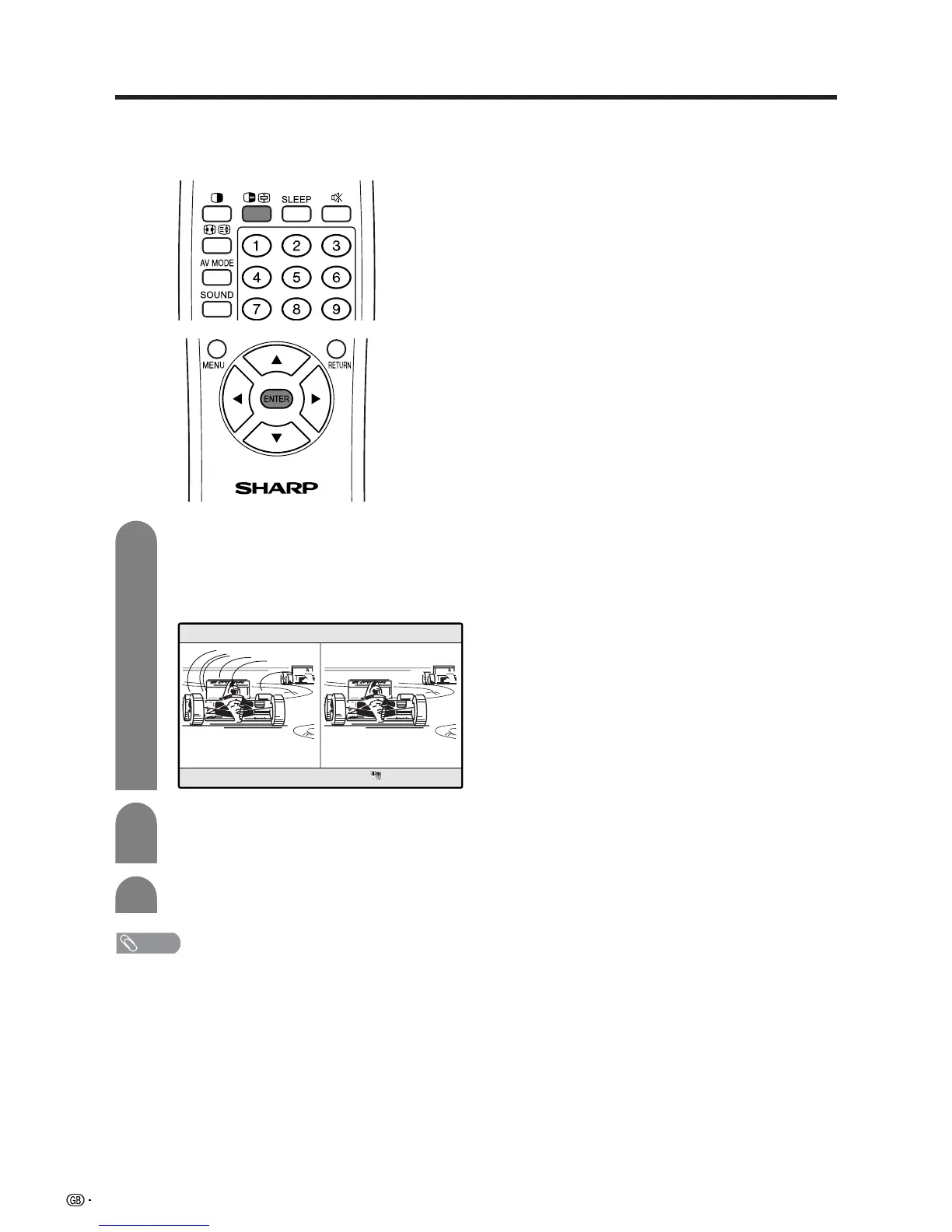
FREEZE
Press d.
• A moving image displays on the left screen and
a still image displays on the right screen. The
still image is one frame captured from a moving
image at the moment you press d.
1
2
Update the still image by pressing ENTER.
• Each time you press ENTER, the image on the
right screen updates.
Press d to exit still image.
Picture and still image
You can display two same-sized pictures – one moving
and one still – when inputting from an AV source.
3
NOTE
• This function does not work in PC input mode.
• When this function is not available, “No still image display
available.” will display.
• The still image automatically goes out after 30 minutes.














 To Next Page