58
Useful adjustment settings
Audio out
Allows you to select what controls the audio output.
Press MENU and the TV MENU (PC MENU)
screen displays.
1
2
Press a/b to select “Audio Out”, and then
press ENTER.
3
Press c/d to select “Fixed” or “Variable”,
and then press ENTER.
4
Description
• Sound via speakers is adjusted with
il/k on the remote control unit or the
Display.
• Sound via the AV OUTPUT terminal is not
adjustable and constantly outputs.
• Sound via the AV OUTPUT terminal is
adjusted with il/k on the remote
control unit or the Display.
• Sound via speakers is muted.
Selected item
Fixed
Variable
Press c/d to select “Option”.
• Option menu displays.
TV MENU
Option
Audio Out
Input Select
Cool Climate
Colour System
[Off]
[Fixed]
[AUTO]
TV MENU
Option
Audio Out
VariableFixed
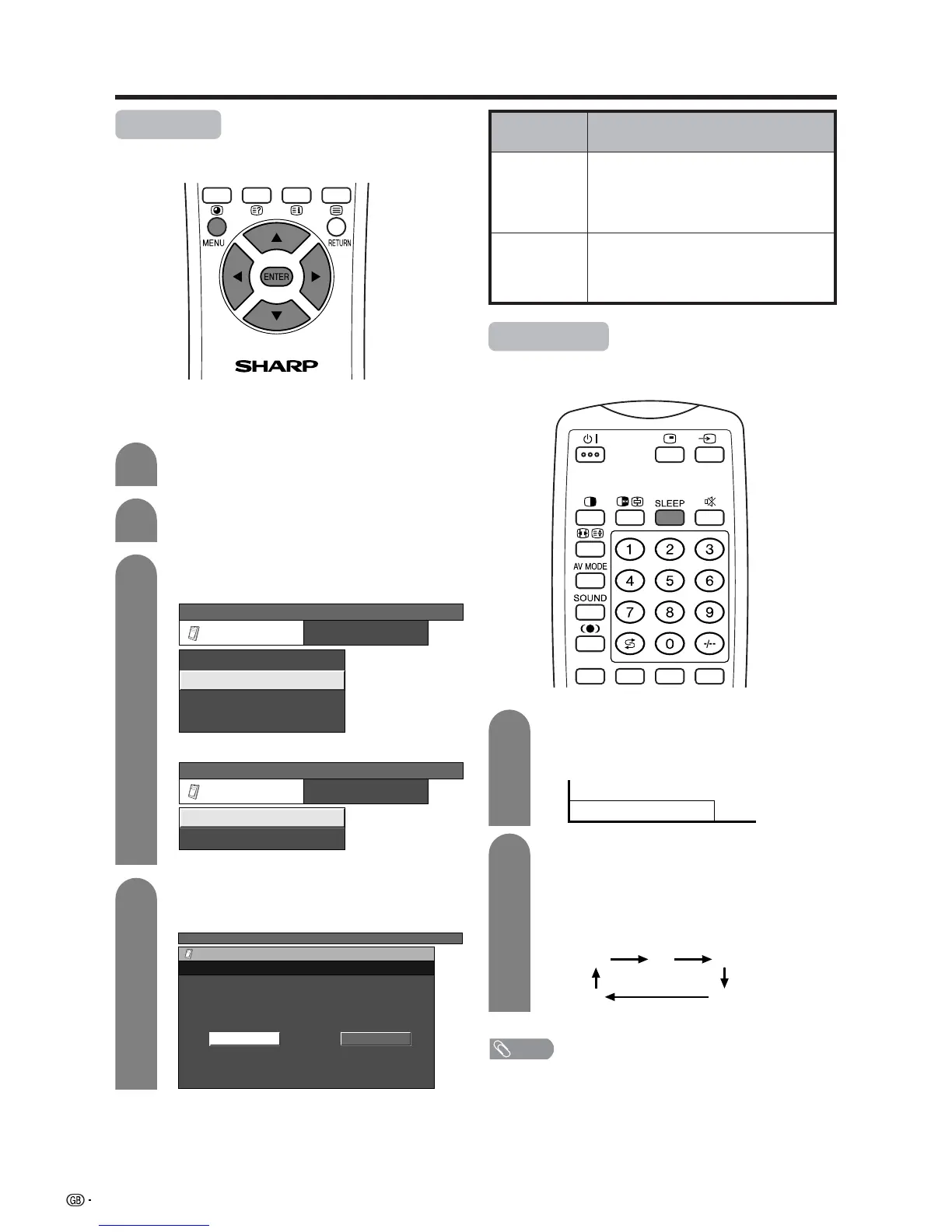
Sleep timer
Allows you to set a time when the TV automatically
switches to standby.
30 60 90
120
0
(minutes)
Each time you press SLEEP, the remaining
time switches as shown below.
• When the time has been set, countdown
automatically starts.
• Five minutes before the preset of time expires,
the remaining time displays each minute.
Press SLEEP.
• Remaining time displays when sleep timer has
been set.
Sleep Timer: Remain 120
1
2
NOTE
• Select “0” by pressing SLEEP to cancel the sleep timer.
(On-screen display for AV input mode.)
(On-screen display for PC input mode.)
PC MENU
Option
Cool Climate
Audio Out
[Off]
[Fixed]














 To Next Page