136
RS-232C channel assignment
Your register is equipped with two RS-232C interfaces. If you use the communication functions, the channel
number of each RS-232C interface must be programmed by using the following procedure.
To activate the communication functions, please consult your dealer.
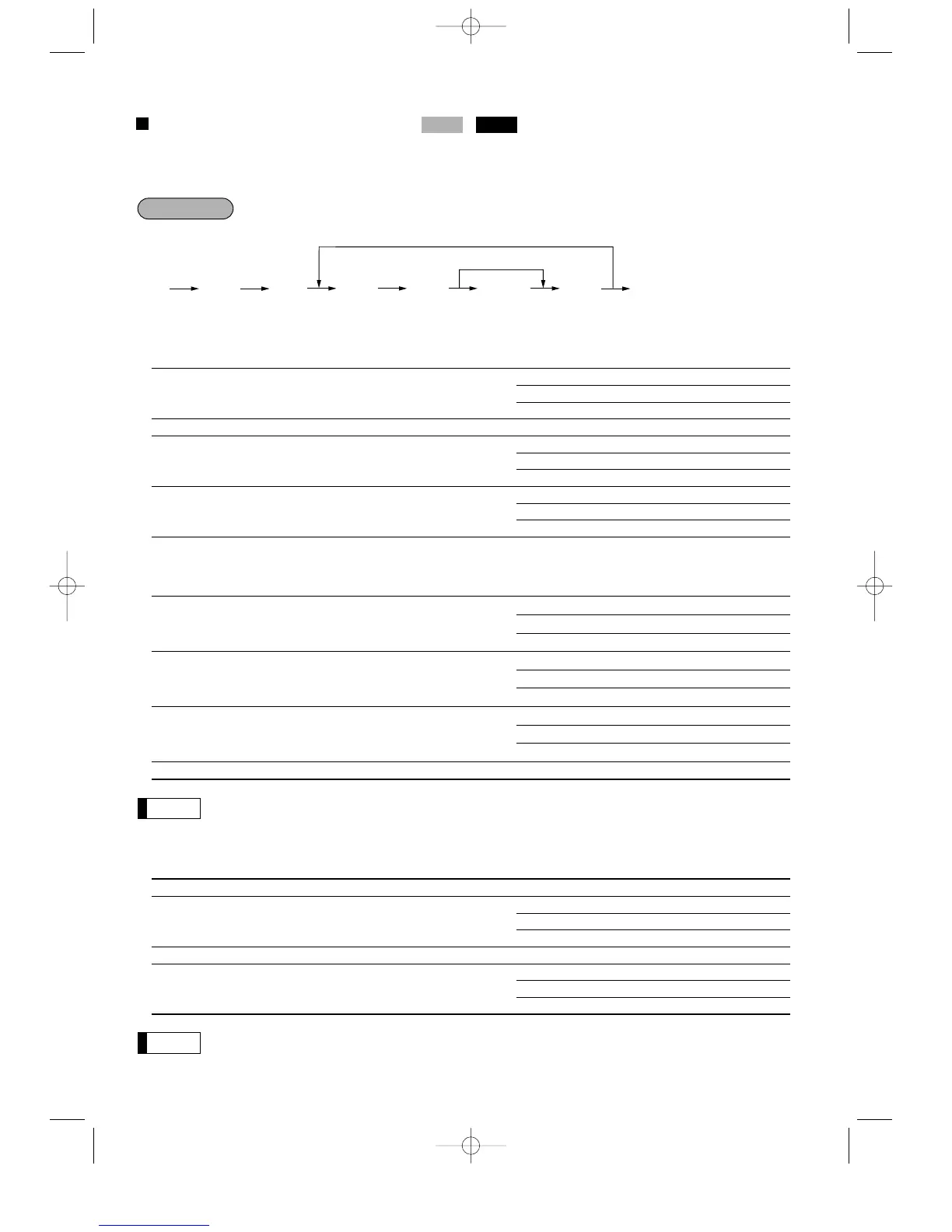
** P: 1
* Item: Selection: Entry:
A Channel no. for the ON-LINE communication Not connected 0
or sending the print data Standard channel 1 1
Standard channel 2 2
B Always enter 0. 0
C Channel no. for the scale Not connected 0
Standard channel 1 1
Standard channel 2 2
D Channel no. for the coin dispenser Not connected 0
Standard channel 1 1
Standard channel 2 2
** P: 2
* Item: Selection: Entry:
A Channel no. for the barcode reader Not connected 0
Standard channel 1 1
Standard channel 2 2
B Channel no. for the remote printer 1 Not connected 0
Standard channel 1 1
Standard channel 2 2
C Channel no. for the remote printer 2 Not connected 0
Standard channel 1 1
Standard channel 2 2
D Always enter 0. 0
For the barcode reader, when you use the model ER-A6HS1, always select the standard channel 1.
** P: 3
* Item: Selection: Entry:
A Always enter 0. 0
B Channel no. for the slip printer Not connected 0
Standard channel 1 1
Standard channel 2 2
C Always enter 0. 0
D Channel no. for CAT Not connected 0
Standard channel 1 1
Standard channel 2 2
• Never enter any number other than 0, 1 and 2.
• The data backup function always uses standard channel 1.



 To Next Page