Automatic-tax delete
You can delete the automatic tax on the taxable 1, taxable 2, taxable 3 and taxable 4 subtotal of each
transaction by pressing the
†
key after the subtotal is displayed.
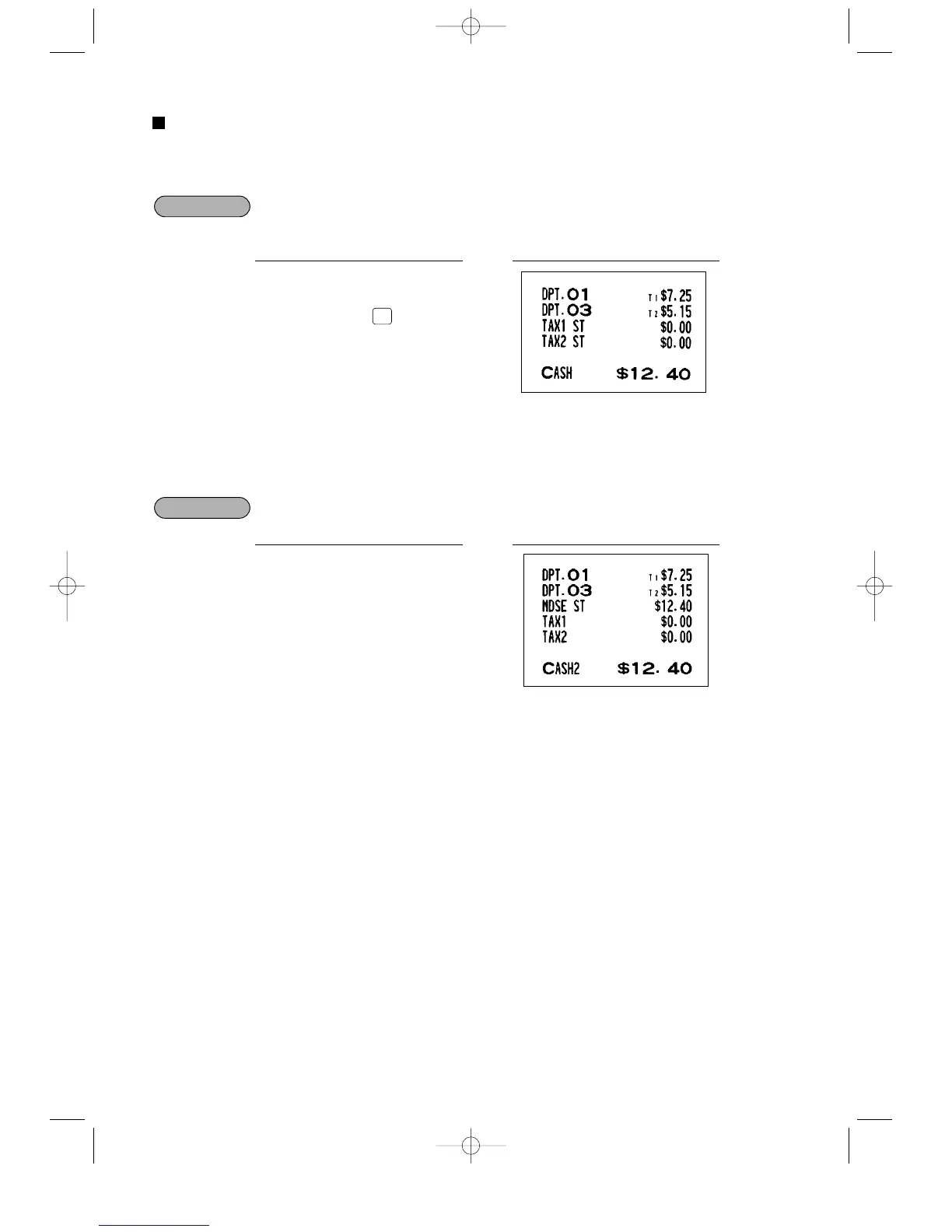
Selling a $7.25 item (dept. 1, taxable 1) and another $5.15 item (dept. 3, taxable 2) for cash
and entering the sale as a non-taxable one
If any of the media keys (i.e. cash, check or charge 1 thru charge 5) are programmed as tax delete in PGM2
mode, the tax can be deleted without using the procedures above. In this case, depressing a corresponding
media key alone will always cause the programmed tax to be deleted.
When the
Å
key is programmed as tax delete for the same case with the above example
725
1
515
3
Å
PrintKey operation



 To Next Page