CHAPTER 4:
HancomMobilePresenter
67
CHAPTER 4: HancomMobilePresenter
Introduction
HancomMobilePresenter is a presentation tool for opening Microsoft PowerPoint
(*.ppt) and HancomPresenter(*.hpt) files and presenting slide shows.
You can use HancomMobilePresenter for SL-5500 to give sophisticated slide
shows.
Reference
Some objects or slide properties may not be displayed for PowerPoint
documents(*.ppt). For the functions available when using Microsoft
PowerPoint files, see the Appendix.
Starting HancomMobilePresenter
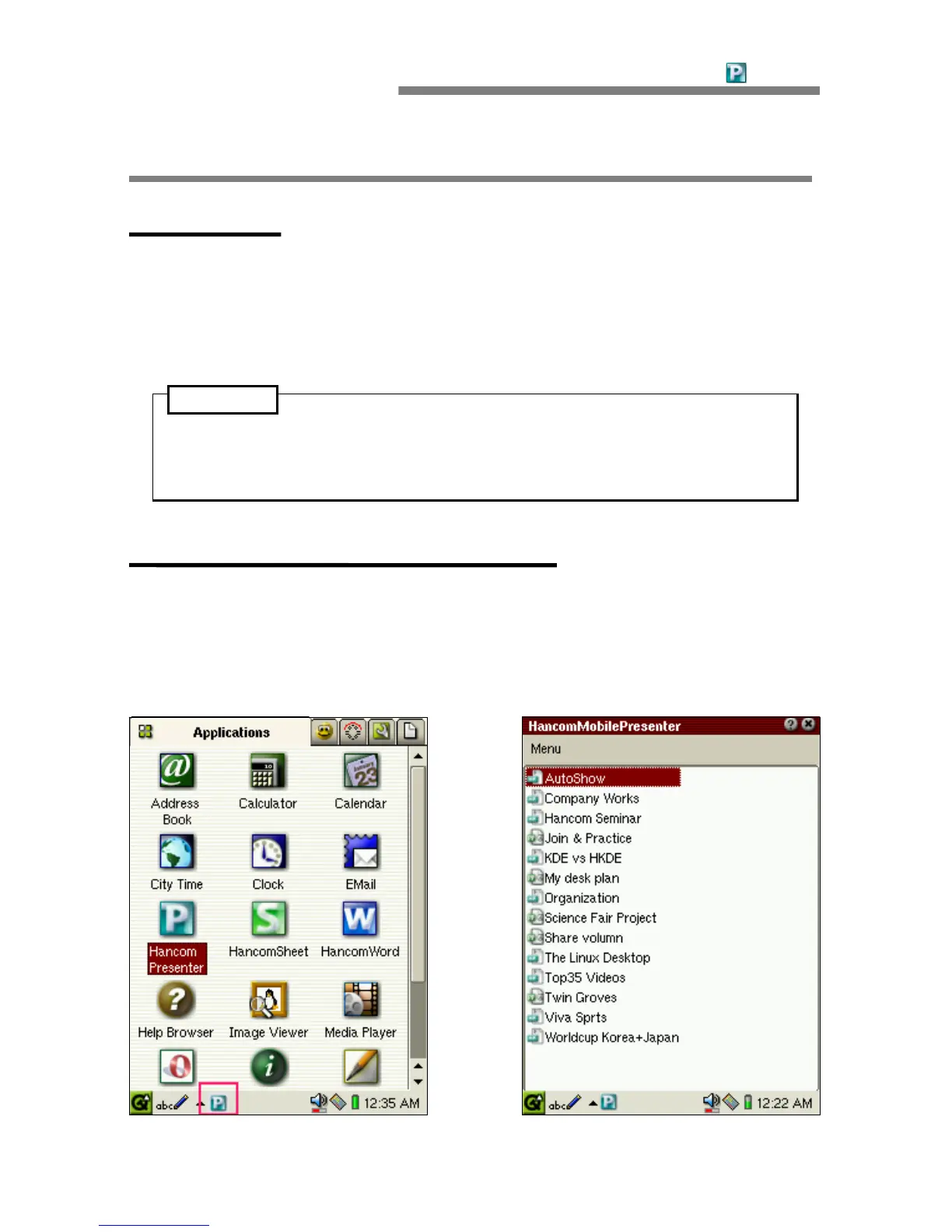
In the Applications folder of the Home screen, tap the [HancomPresenter] icon,
or move the focus to [HancomPresenter] by using the cursor key and then
press the SELECT or OK key.
The HancomMobilePresenter screen will be displayed.




 To Next Page