Copyright © Shimmer 2017
Realtime Technologies Ltd Shimmer User Manual
All rights reserved Rev3p
12
Configuring a Shimmer
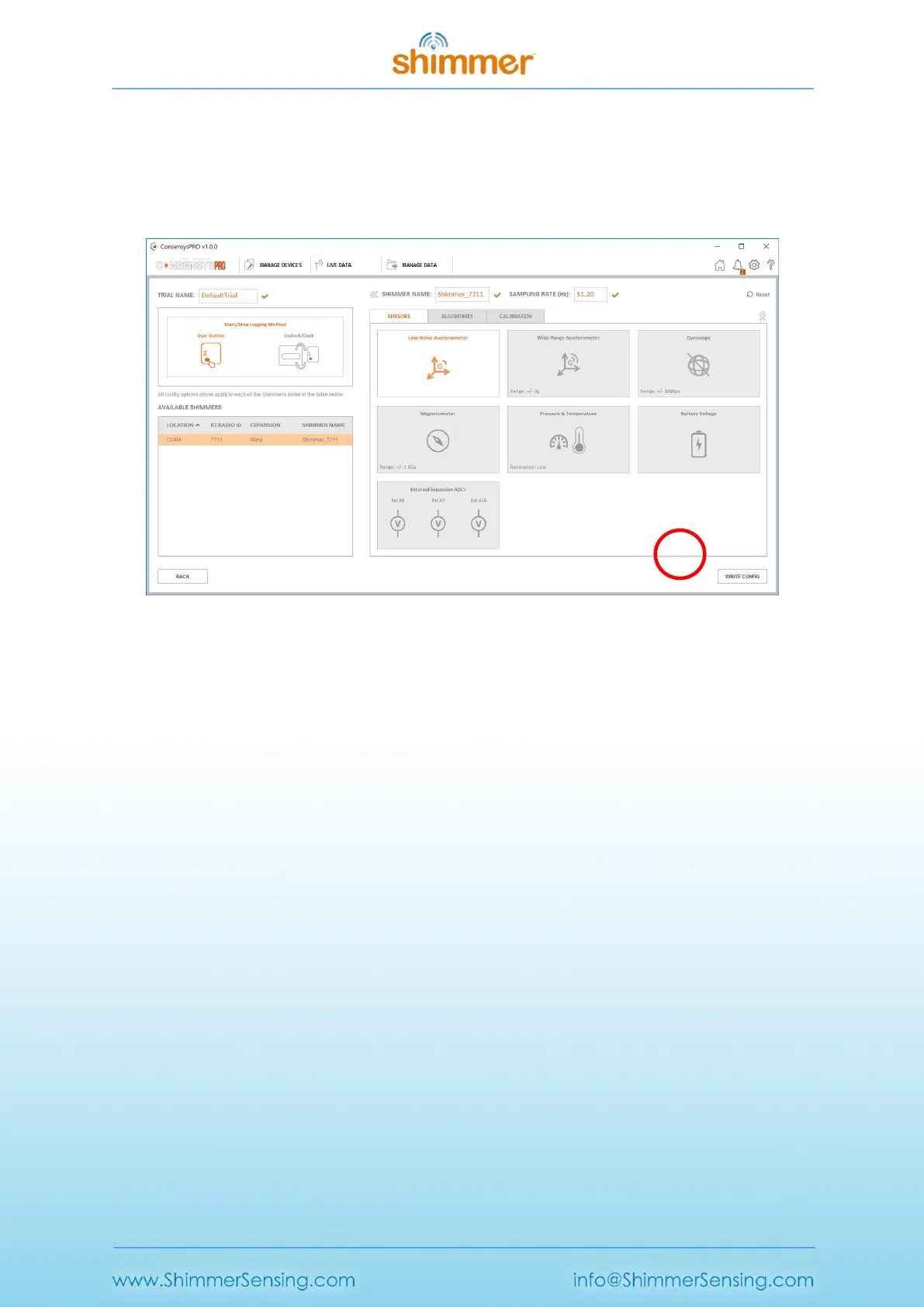
Here, Shimmer sensors can be enabled/disabled and sensor settings like the sampling rate can be
defined. In Figure 2-14 the low noise accelerometer at a sampling rate of 51.2Hz is enabled. Press
the WRITE CONFIG button to write the configuration over Bluetooth to the Shimmer.
Figure 2-14 Writing the Shimmer configuration
Stream data from the Shimmer
Press one of the Start Streaming buttons to start the Shimmer streaming data to the Consensys
application. The blue LED on the Shimmer will blink with a 50% duty cycle at a rate of 0.5Hz (1s ON –
1s OFF). The data is displayed on the screen as in Figure 2-15.



 To Next Page