Copyright © Shimmer 2017
Realtime Technologies Ltd Shimmer User Manual
All rights reserved Rev3p
18
3.1.7. External Connector
The Shimmer mainboard connects to the Shimmer Dock and Shimmer Multi Charger via the External
Connector (highlighted in Figure 2-1). The External Connector can also be used to attach external
expansion boards. The External Connector is keyed and does not require force to attach to a device.
For further hardware based information on the External connector please refer to Appendix A -
Mainboard detail for Debug and Testing.
3.2. Shimmer Dock
The Shimmer Dock (referred to as the Dock in this section) is a multi-purpose device which can
provide three primary functions, as described in more detail throughout this section:
Charging the Shimmer
MicroSD Card access
Programming the Shimmer
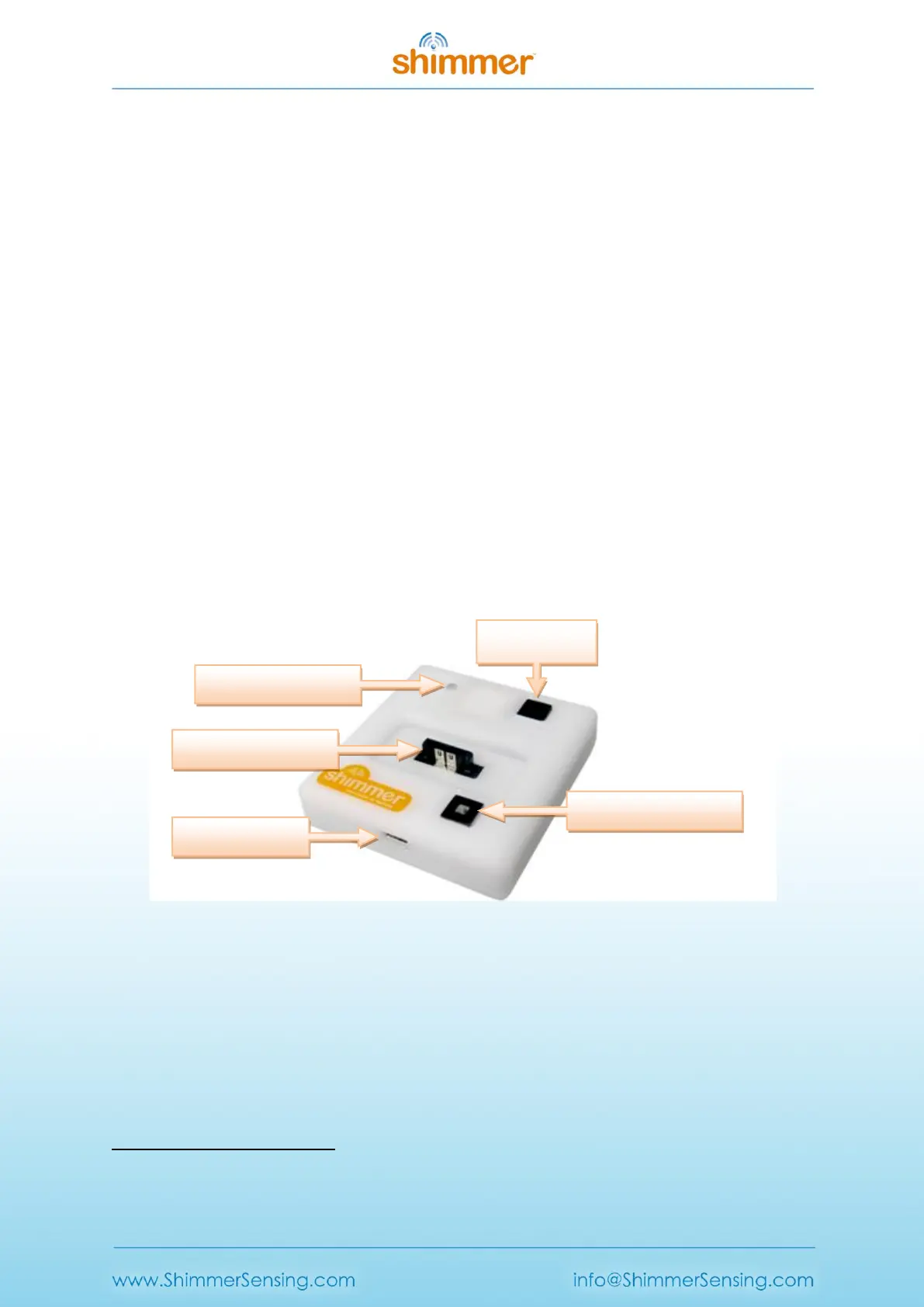
Whilst there have been several Dock design iterations, the current dock is the Shimmer
Programming Dock v3, which is best identified by a square white enclosure, with a power/reset
3
button containing an LED for power indication, a black user button and an LED indicator (see Figure
3-3).
Figure 3-3 Shimmer Dock – enclosure view
The different features of the Dock are summarised in Table 3-2.
3
To power on/off a Shimmer3 device, the slide switch on the device must be used.



 To Next Page