Copyright © Shimmer 2017
Realtime Technologies Ltd Shimmer User Manual
All rights reserved Rev3p
33
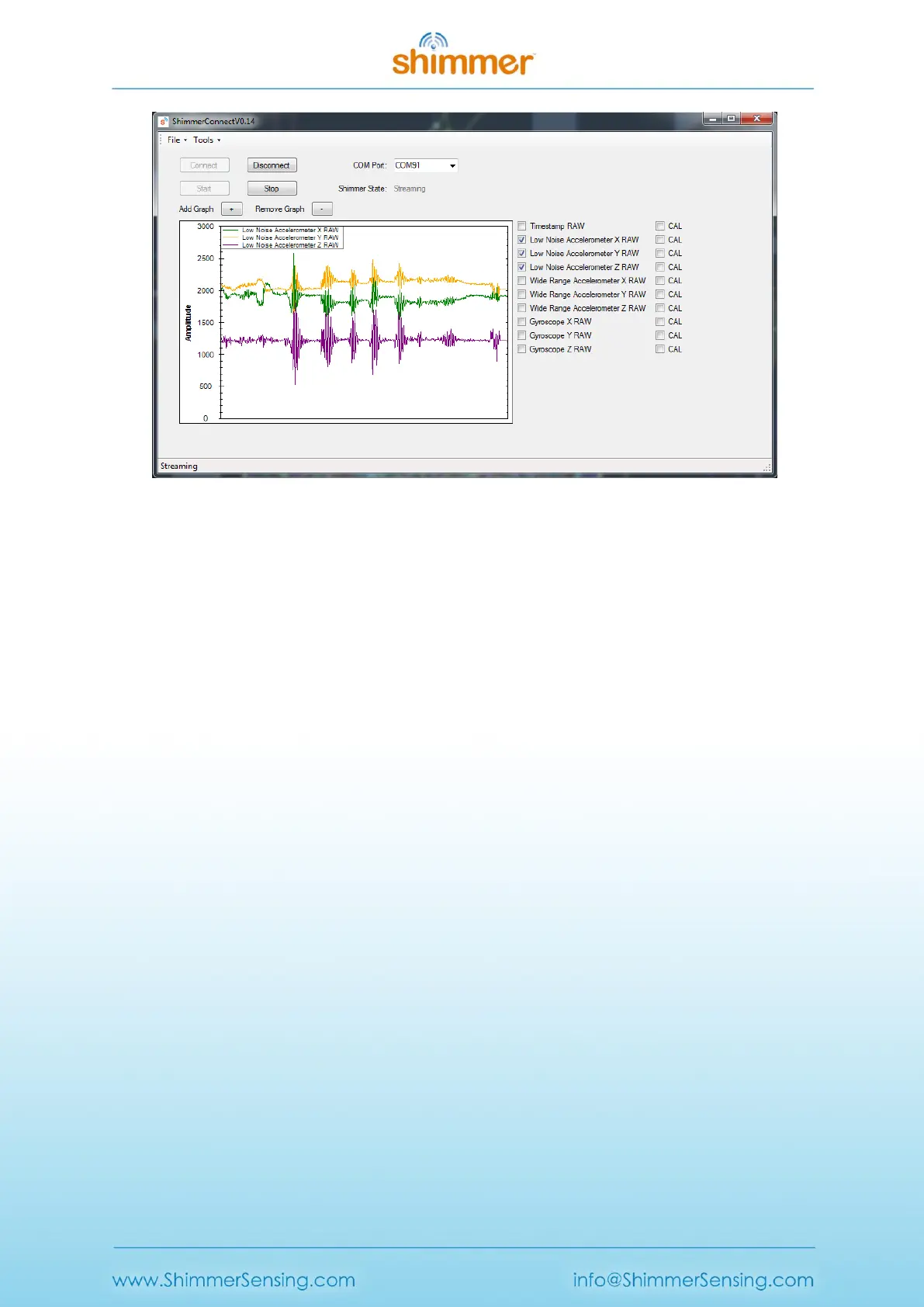
Figure 4-2 ShimmerCapture Software Application
Users can select the sampling rate, enable/disable specific sensors, enable/disable power
monitoring, and change parameters such as the kinematic sensors' sensitivity. Once captured, the
data can then be saved to a CSV file for further interpretation and analysis.
ShimmerCapture is not intended to be the answer to all host side application requirements but,
instead, provides a quick-start application which, for many users, can act as a stepping stone for
more advanced Shimmer applications. A number of design decisions have been focused on favouring
simplicity over more advanced features and/or robustness, to allow the application to be as portable
as possible. The C# source code for ShimmerCapture is available to Shimmer customers; see Section
4.2.1 for more details.
ShimmerCapture for Android
ShimmerCapture for Android (Figure 4-3) is a mobile-device based application which allows users to
configure a single Shimmer unit to stream data to an Android device over Bluetooth and save the
data to file.
The application is ideal for entry level users looking for quick-start application to visualise and store
data from the Shimmer platform.



 To Next Page