Operation
226/293 Revision 11 • INSTALLATION AND OPERATING INSTRUCTIONS • NXPLUS C • 802-9081.9
26.3 Operating vacuum contactor panels
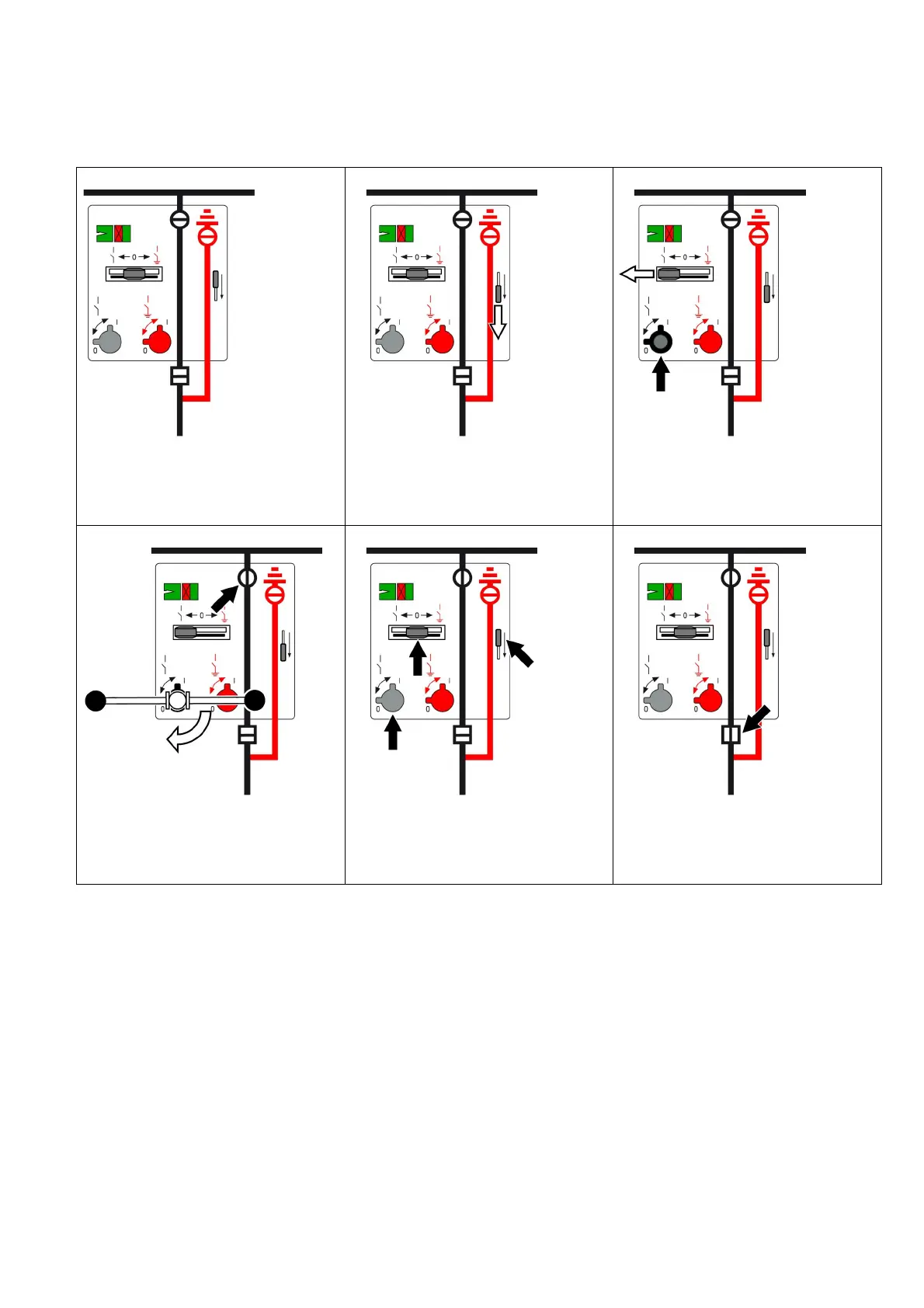
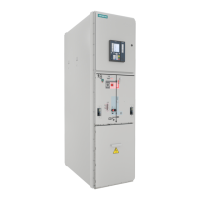
Vacuum contactor panel: Connecting the feeder to the busbar
1
Initial situation
2
➭ Push the interrogation lever downwards and
hold it.
3
➭ Push the control gate to the left (the
interrogation lever locks in lower position.
The actuating opening for the
DISCONNECTING function opens).
4
➭ Switch the three-position switch-
disconnector to CLOSED position (insert the
operating lever and turn 90° clockwise).
5
➭ Remove the operating lever (the
interrogation lever and the control gate
return to their initial position. The actuating
opening closes).
6
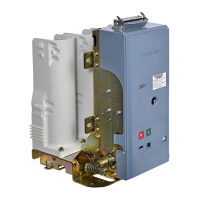
➭ To connect the feeder to the busbar, close
the contactor via a bay controller (e.g.
SIPROTEC).


 To Next Page