Diagnostics
10.1 Status LEDs
PN/BACnet LINK
Operating Instructions, 10/2017, A5E39895543-AA
79
Connection status BACnet bus
Connection status BACnet bus
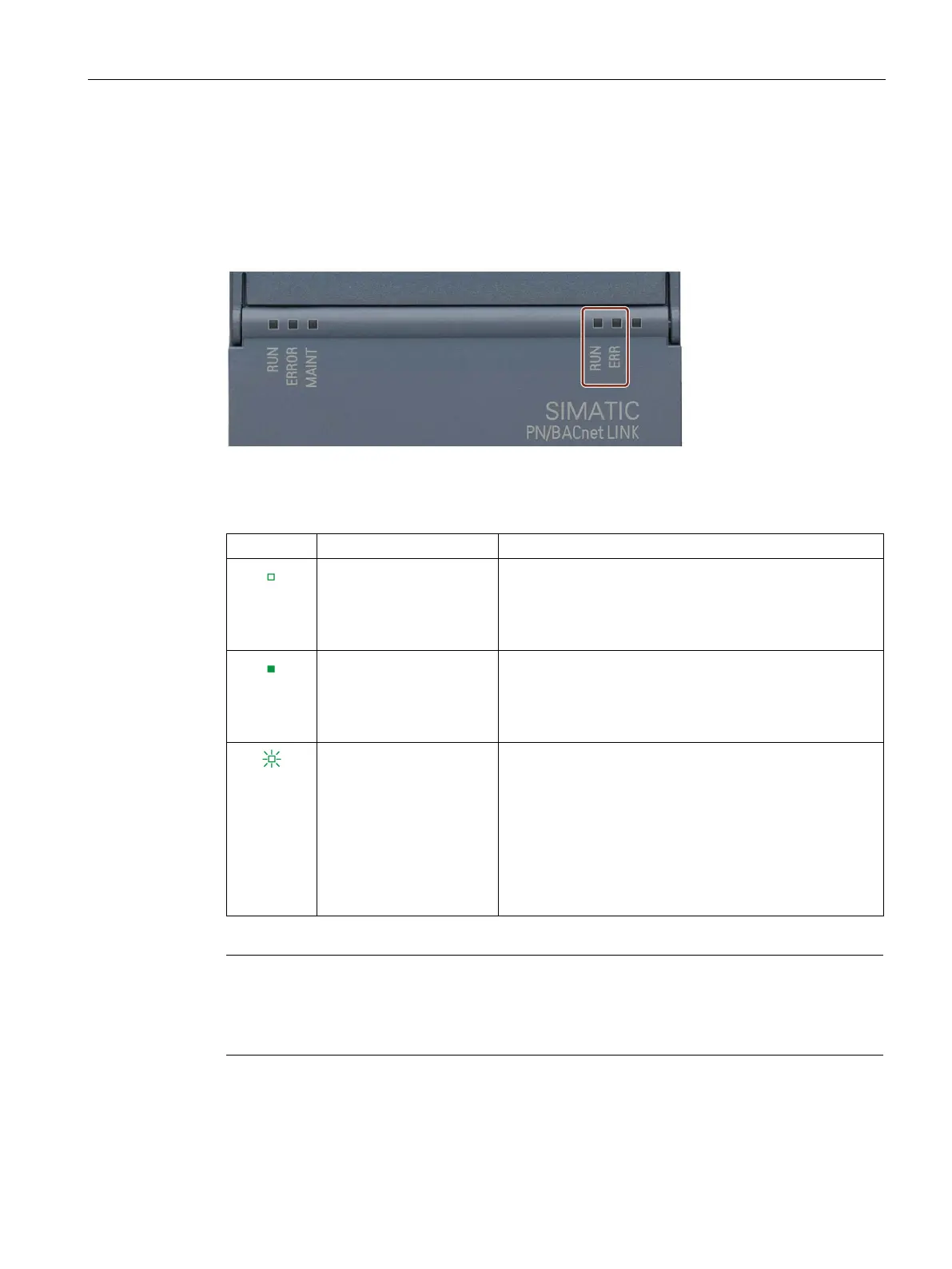
The PN/BACnet LINK signals its state with the BACnet LEDs on the front of the housing.
Figure 10-2 Status LEDS BACnet bus
Table 10- 1 Behavior of the RUN LED
Off
The PN/BACnet LINK is
not in RUN operating state
• Server: System_Status is not OPERATIONAL
• If client references are configured: Status =
INACTIVE (0)
On
The PN/BACnet LINK is in
RUN state.
• Server: System_Status is OPERATIONAL
• If client references are configured: Status =
ACTIVE (1)
Flashes
The PN/BACnet LINK is in
CONFIGURATION state.
• Device is waiting for HWConfig from the CPU. The old
configuration (if any) is discarded.
• When foreign device registration is activated, the de-
vice waits for the result of the registration.
• New Server objects and/or object references are cre-
ated. This may take up to 30 seconds. During this time,
the PN/BACnet LINK is not accessible for the other
BACnet devices.
Note
Definition of RUN state
The RUN state is defined as follows: PN/BACnet server is in the OPERATIONAL sta
te and
the client function is enabled for configured client references.










 To Next Page