Diagnostics
10.1 Status LEDs
PN/BACnet LINK
80 Operating Instructions, 10/2017, A5E39895543-AA
Note
If the server and client are configured, then the RUN LED indicates whether it is the
operating state of the server or that of the client which keeps the RUN LED in the "Off" state.
If required, this detailed information can be found in the corresponding status byte in the
cyclic I/O image.
Table 10- 2 Behavior of the ERR LED
No error on BACnet bus --
On
Error on BACnet bus Diagnostics active, see Events that
trigger a diagnostic message
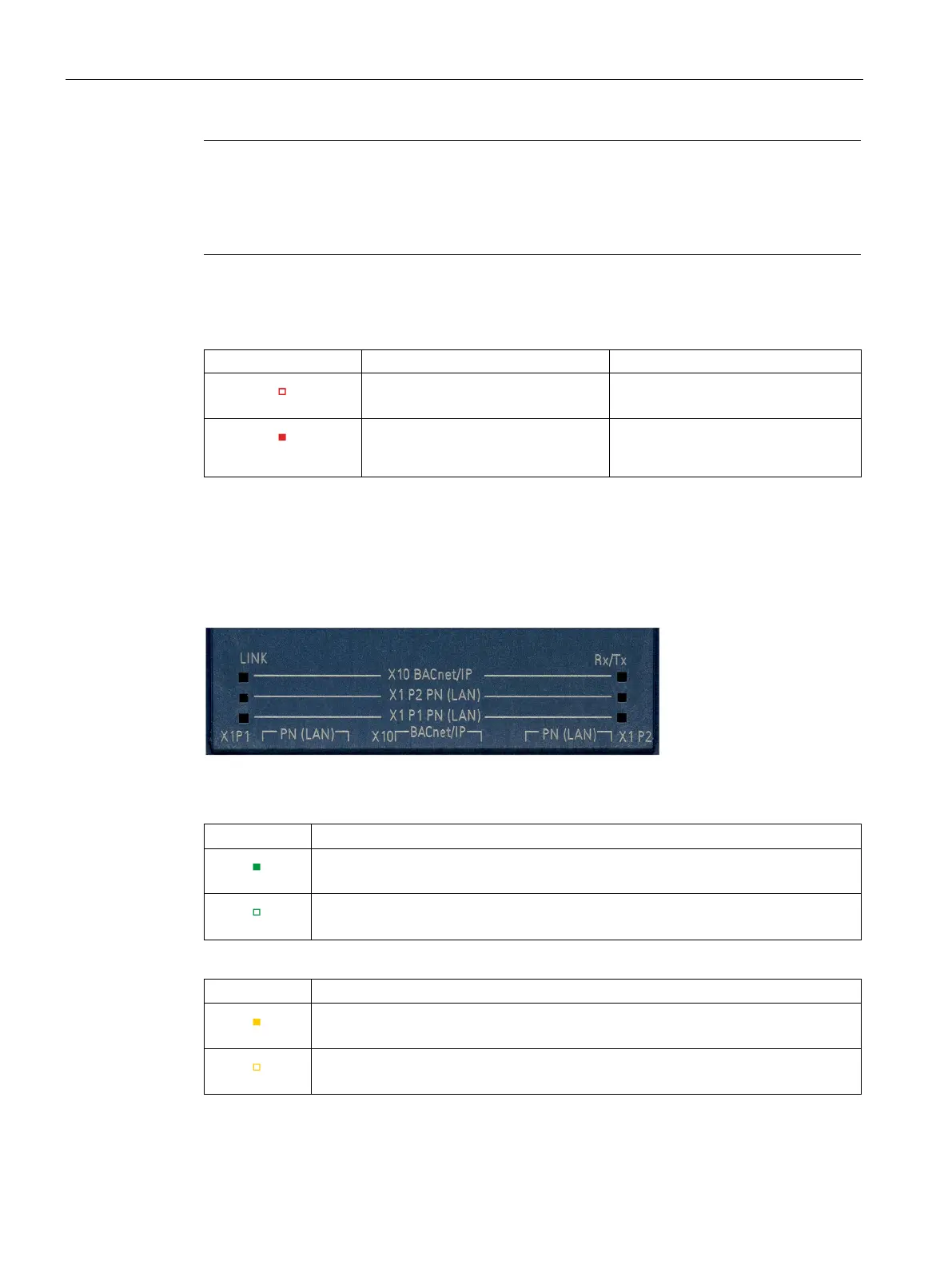
Connection status of Ethernet interfaces
The LEDs for indicating the connection status of the Ethernet interfaces are located under a
housing flap.
Figure 10-3 Status LEDs Ethernet interfaces
Indicates whether there is a physical connection on the Ethernet level.
Connection exists
No connection exists
Indicates whether a package is being sent or received
On
PN/BACnet LINK sends or receives a package
No package is sent or received










 To Next Page