Commissioning
7.4 Notes on operation
SIMATIC Rack PC 547B
42 Operating Instructions, 12/2007, A5E01127519-02
RAID system management functions
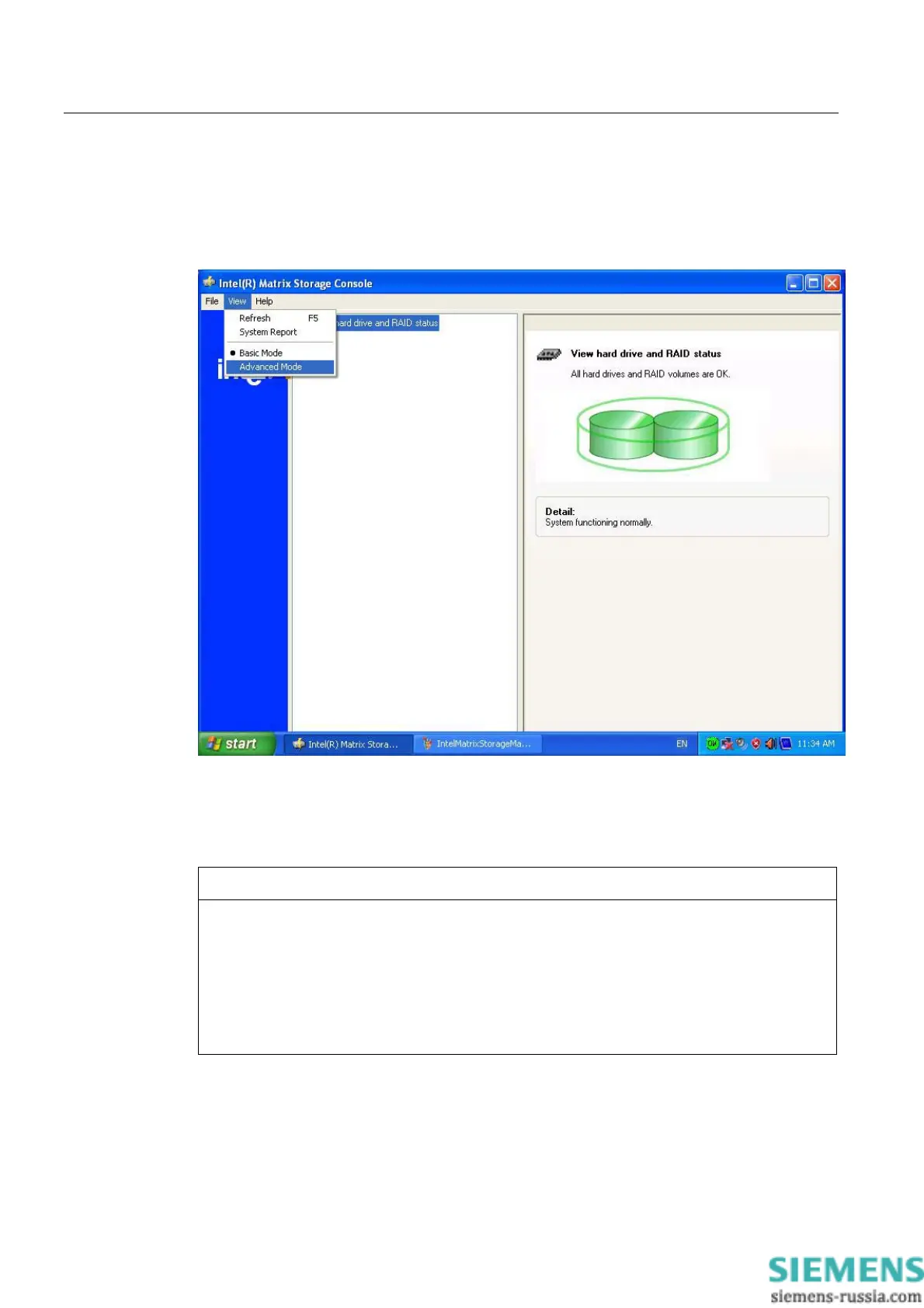
The pre-installed RAID system software offers enhanced functionality for RAID system
operation and management. Start the SW by selecting the "Start > Programs > Intel Matrix
Storage Manager command.
The "View -> Advanced Mode" command returns details of the RAID volumes.
The command "View -> System Report" can be used to create a report with details of the
RAID volumes.
NOTICE
The RAID status entries are returned by default in the Windows event view and in the log
file of the program.
hard drive can be synchronized at operating system level if a fault is detected. It may take
up to several hours to synchronize a new disk in the background, depending on the size of
the hard disk and on the system load.
The redundant system state RAID 1 is reached again only after synchronization is
completed.














 To Next Page