Commissioning
7.4 Notes on operation
SIMATIC Rack PC 547B
Operating Instructions, 12/2007, A5E01127519-02
43
Comments about faults
NOTICE
Input delay
Depending on the load on the processor and the hard disk activity at the time, the system
may become briefly overloaded when a disk fails due to the synchronization process.
In extreme cases, input from the keyboard and touch screen may be delayed for a brief
period.
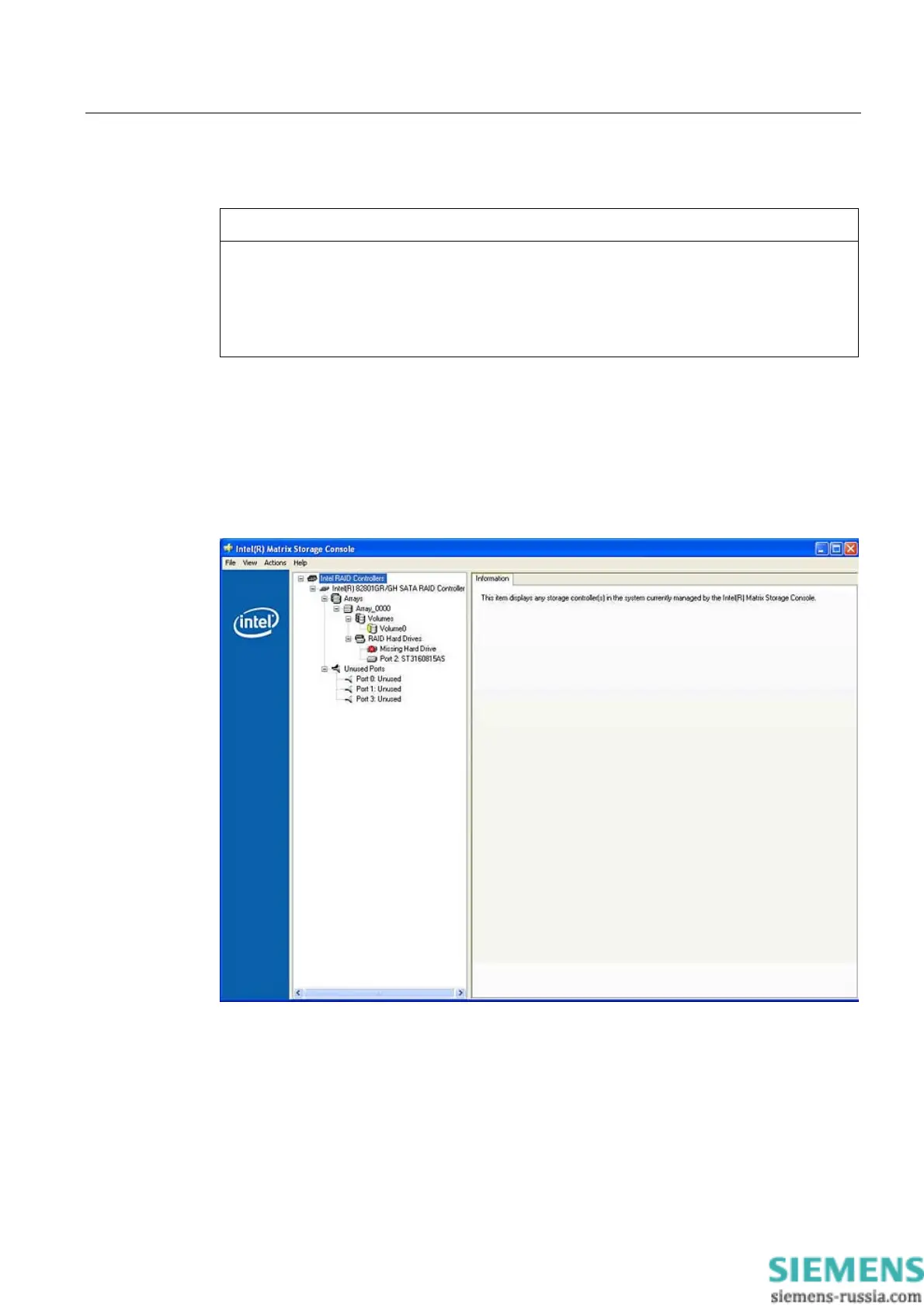
Replacing a faulty drive in a RAID array
Replace faulty RAID drives with a new drive in order to recover secure RAID1 state. The
RAID software reports the faulty drive and returns details of the operable hard drive.
The functioning hard drive is indicated in BIOS by its port number, or by the RAID software
by its device port number.
The functioning drive can be localized by means of the following table.














 To Next Page