Commissioning
7.4 Notes on operation
SIMATIC Rack PC 547B
Operating Instructions, 12/2007, A5E01127519-02
45
NOTICE
Drives in removable cartridges can be hot-swapped without shutting down the device.
Devices without removable cartridges may only be replaced in shutdown state.
The new HDD can be integrated into the RAID system at operating system level by means
of the RAID software. This is not possible as BIOS level.
Points to note if the hard disk is replaced when the computer is turned off
Only a hard disk that was active and functioning correctly when you booted can later be
included in the RAID array.
To be able to boot from the RAID system, you must place this first in the list of bootable
sources in the BIOS "Boot" setup menu. Otherwise the system will boot from the hard disk
you have just installed and the message "Operating System not found" will be displayed.
Integrating a new hard drive
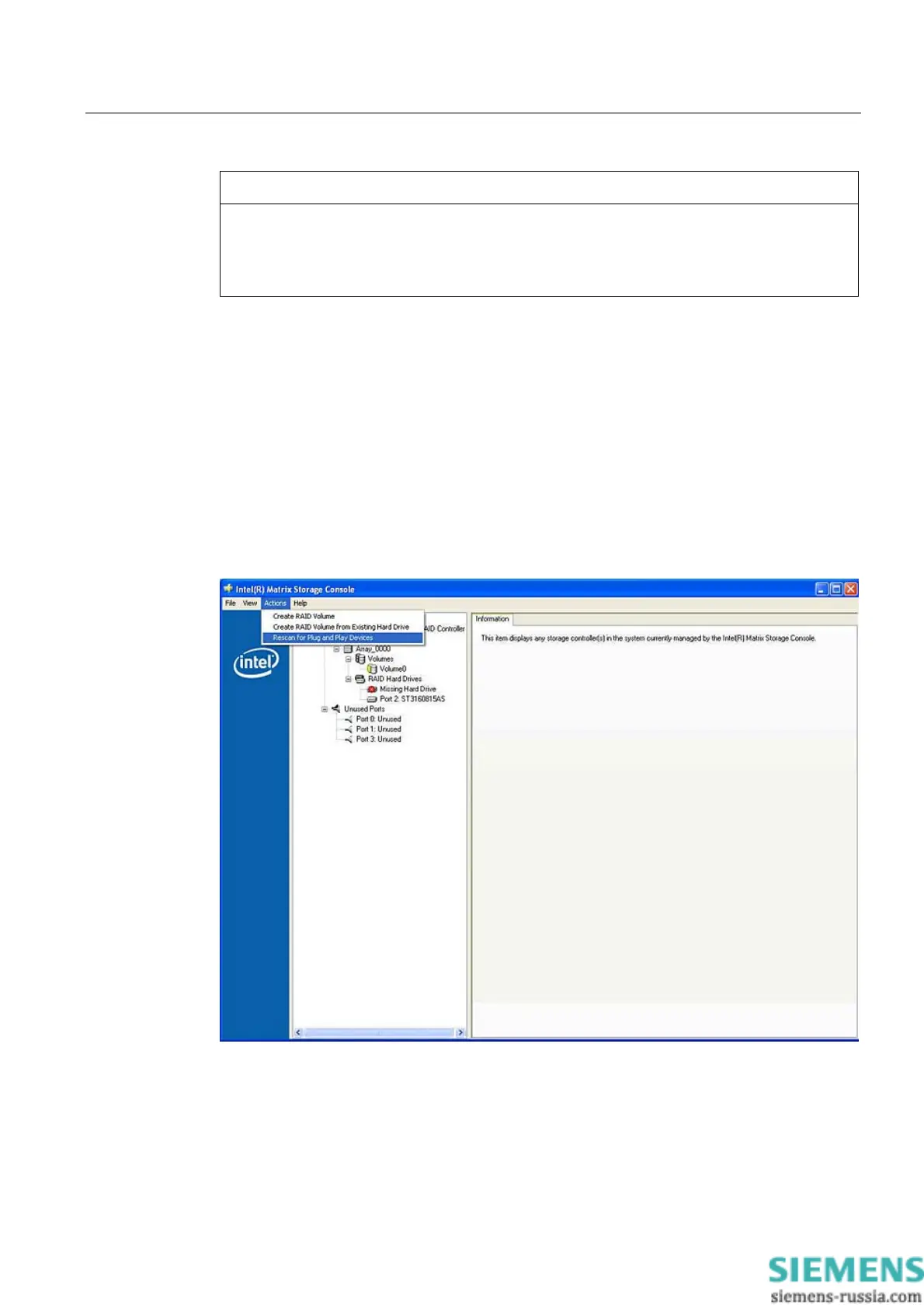
Select the "Rescan for Plug and Play Devices" command to find and indicate the new HDD.














 To Next Page