CN-Series Hardware Installation and Maintenance Guide Task 4—Connecting the Network Cables
Related Topics
Shipping Carton Contents on page 18
Task 4—Connecting the Network Cables
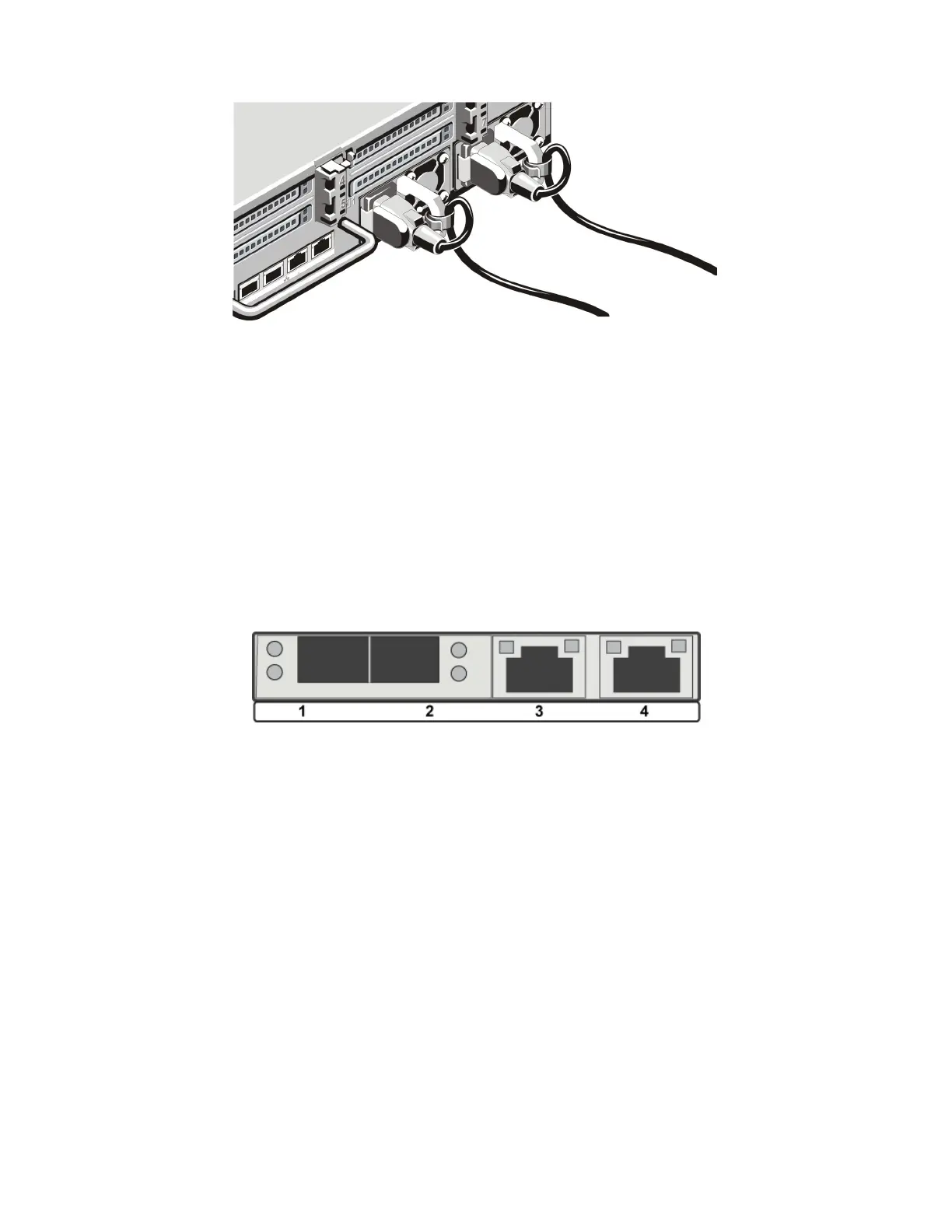
Each CN-Series system includes four network interfaces that are required for OmniCube Federation
networks. These interfaces are labeled 1 to 4, from left to right. Network interfaces 1 and 2 are 10GbE,
(SFP) and network interfaces 3 and 4 are 1GbE, as shown in the following image.
Other networking interfaces are:
• Each CN-Series system has a separate 1GbE IPMI network interface that you can use for the initial
system setup and remote management.
• The CN-3000 and CN-5000 support an optional 1GbE or 10GbE network interface for guest VM use.
To connect network cables:
1. Obtain the network cables needed for the network configuration.
2. Connect the cables according to the guidelines required for your network configuration.
Related Topics
Back Panel Description on page 10
10GbE-Only Network Configuration on page 57
Direct-Connected Storage Network Configuration on page 58
26



 To Next Page