CN-Series Hardware Installation and Maintenance Guide Removing a Drive
Removing a Drive
You remove a hard disk drive (HDD) or solid state drive (SSD) that has failed, or is failing, to replace it
with a new drive. Replace a problem drive as soon as possible.
Note: Do not leave a drive slot empty. Do not remove a failed drive unless you have a replacement drive
or blank carrier ready to install.
Before You Begin
• You have obtained a replacement drive of the same type, speed, and capacity.
• You have read the guidelines for maintaining disk drives.
• You have read the guidelines for protecting hardware from electrostatic discharge.
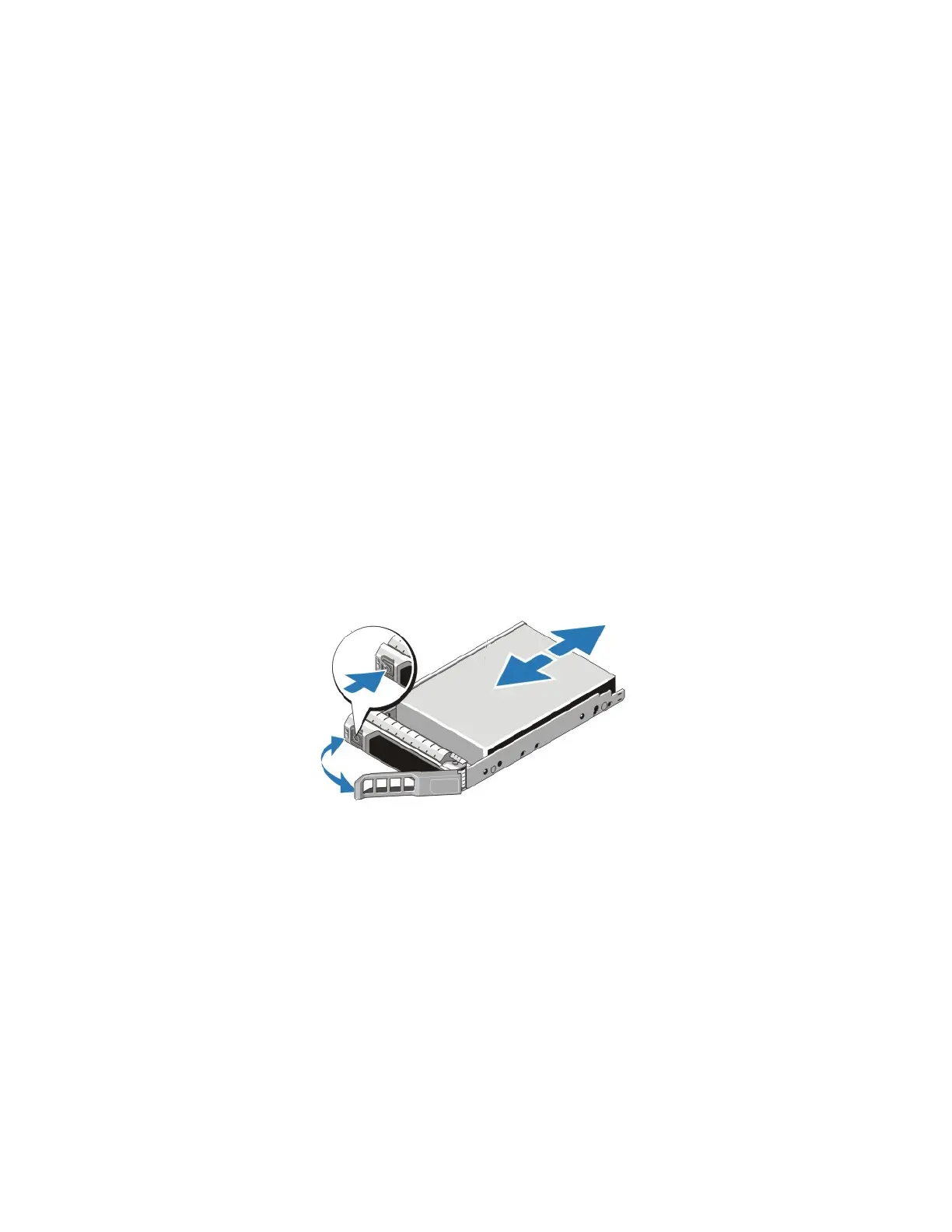
To remove a drive:
1. Remove the bezel, if necessary.
2. Examine the drive LEDs to identify the failed drive.
3. Press the release button to release the drive handle.
4. Rotate the handle downward, disengaging the drive from the slot.
5. Grasp the edge of the plastic drive carrier and slowly remove the drive from the slot.
6. Place the drive on a surface that is protected from electrostatic discharge.
Related Topics
Protecting Sensitive Hardware from ESD on page 16
Guidelines for Maintaining Drives on page 49
Drive Monitoring on page 40
50



 To Next Page