CN-Series Hardware Installation and Maintenance Guide Drive Monitoring
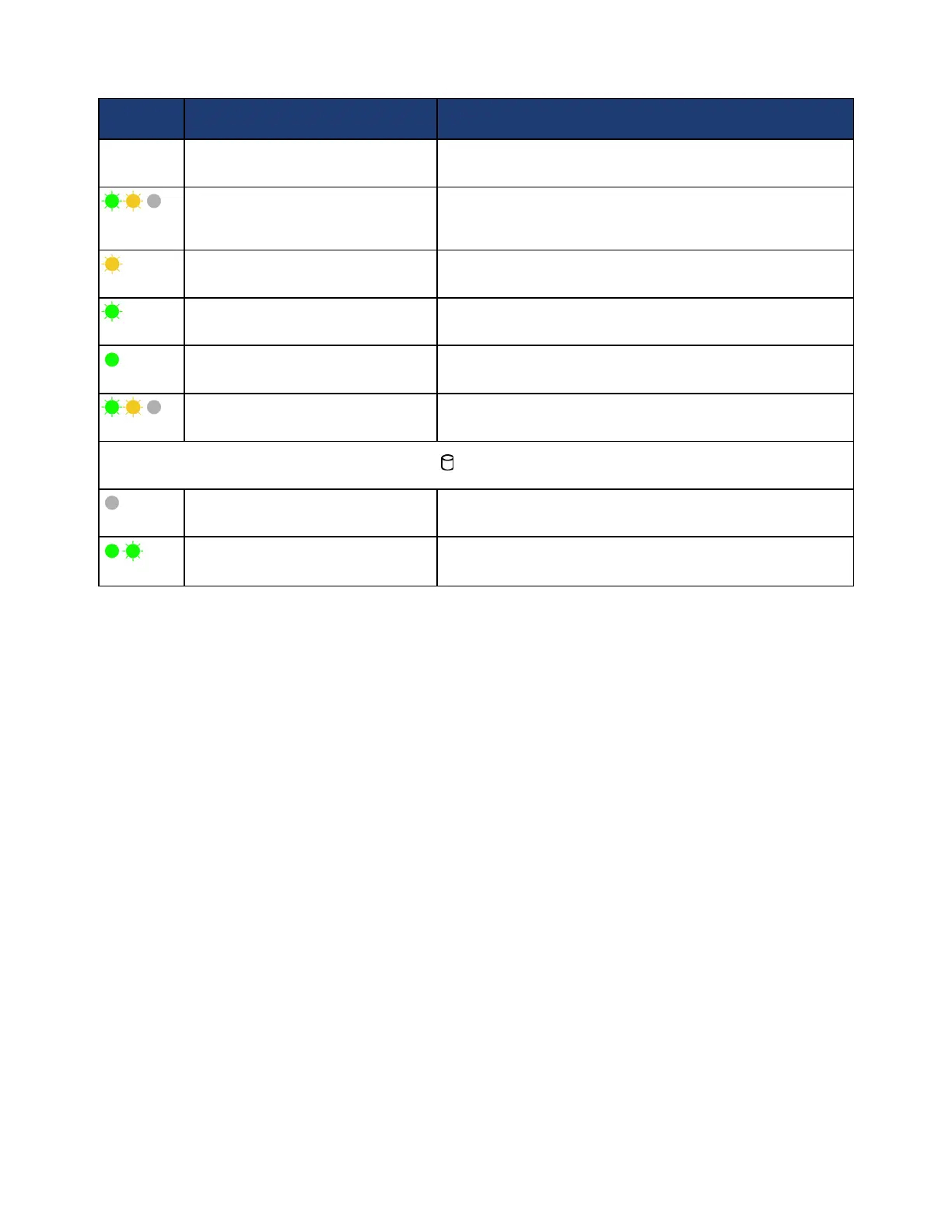
LED Pattern Status Description
during this time.
Flashes green, amber, and off
Predicted drive failure.
Flashes amber four times per second Drive failed.
Flashes green every 2 seconds Drive is rebuilding.
Steady green
Drive is online.
Flashes green three seconds, amber
three seconds, and off six seconds
Rebuild aborted.
Drive Activity LED ( , callout 2 in the image above)
Off
Not lit—No disk activity.
Flashing or Steady green Read/Write (I/O) activity is occurring.
If a drive fails or is failing, contact your support provider to obtain a replacement drive of the same type,
size, and speed.
Related Topics
Front Panel Description on page 8
Back Panel Description on page 10
Removing a Drive on page 50
Installing a Drive on page 51
Viewing Drive Status in the vSphere Client
You can view the status of the hard disk drives (HDD) or solid state drives (SSD) in the vSphere Client to
ensure that the drives are operational.
To view drive status:
1. In your vSphere Client, expand the datacenter that contains the CN-Series system.
2. Select the CN-Series system.
3. Select the Hardware Status tab.
4. Expand Storage to display the drives.
41



 To Next Page