CN-Series Hardware Installation and Maintenance Guide Power Supply Monitoring
Power Supply Monitoring
The LEDs on the front of each power supply indicate when there is a problem, such as a failed or failing
power supply. You can also view power supply status in your vSphere Client. If a power supply fails,
contact your support provider for a replacement of the same type and wattage.
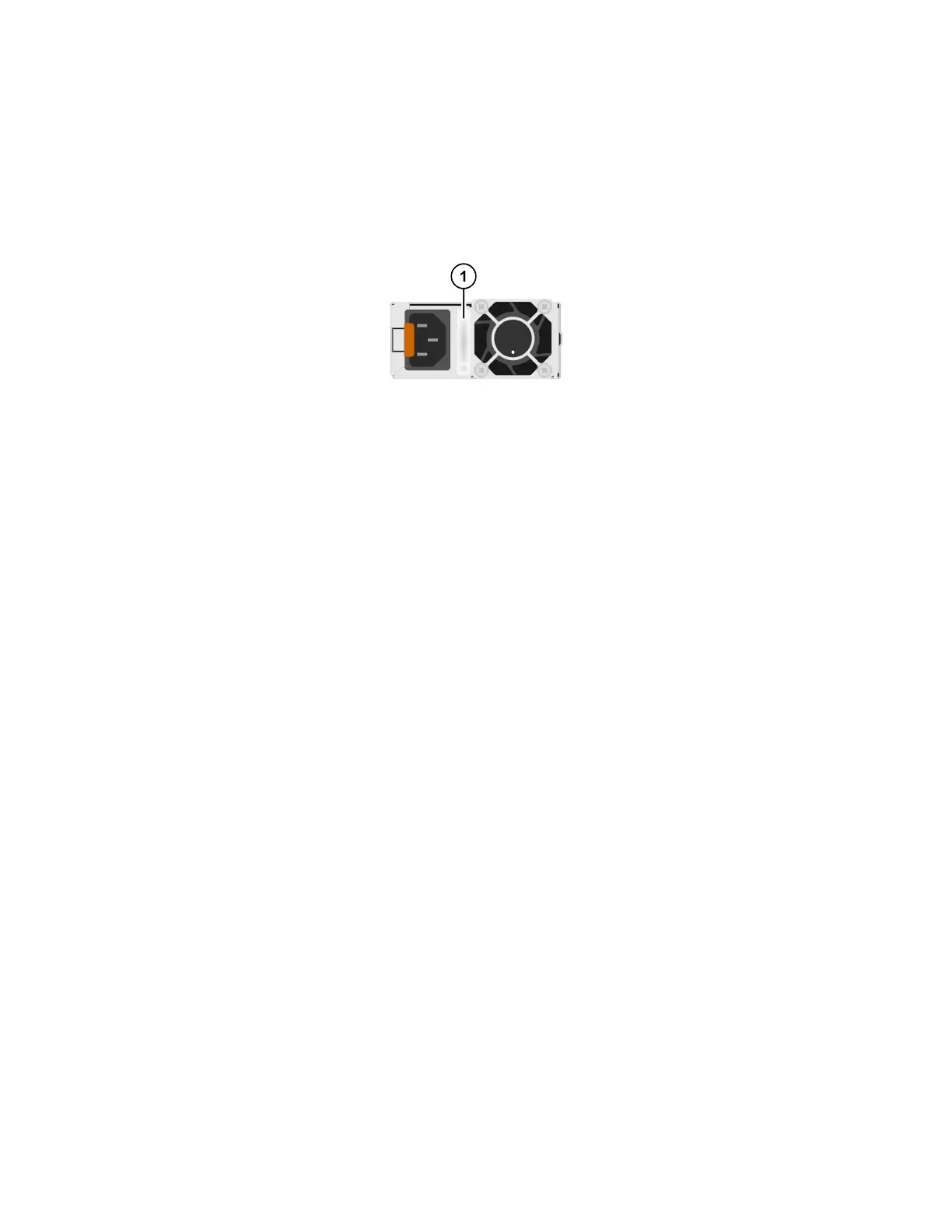
The following image shows the front of a single power supply in a CN-Series system.
• Viewing the CN-Series system hardware status. In vSphere Client, you can expand the datacenter that
contains the CN-Series system, select the host, click the Hardware Status tab, and expand Power.
• Viewing events and alarms. In vSphere Client, you can expand the datacenter that contains the
CN-Series system and select the host. Then, click the Task & Events tab or the Alarms tab.
• Examining the power supply handle, as shown in callout 1 in the above image. Each power supply has
an illuminated translucent handle that indicates whether power is present or whether a power fault has
occurred:
◦ Not lit—Indicates no power present.
◦ Steady green—Indicates the power supply is connected to a power source, is operational, and is
supplying power to the CN-Series system.
◦ Blinking amber—Indicates a problem with the power supply.
◦ Blinking green—When performing a hot swap of a power supply, with the CN-Series system
powered on, this LED indicates that the newly-installed power supply is not compatible with the
installed power supply.
If a power supply fails, contact your support provider for a replacement of the same type and wattage.
Related Topics
Guidelines for Maintaining Power Supplies on page 53
Viewing Power Supply Status in the vSphere Client on page 42
Back Panel Description on page 10
Viewing Power Supply Status in the vSphere Client
You can use the vSphere Client to view the status of the power supplies in a CN-Series system to ensure
that the power supplies are operational.
To view power supply status:
1. In your vSphere Client, expand the datacenter that contains the CN-Series system.
42



 To Next Page