CN-Series Hardware Installation and Maintenance Guide Installing a Drive
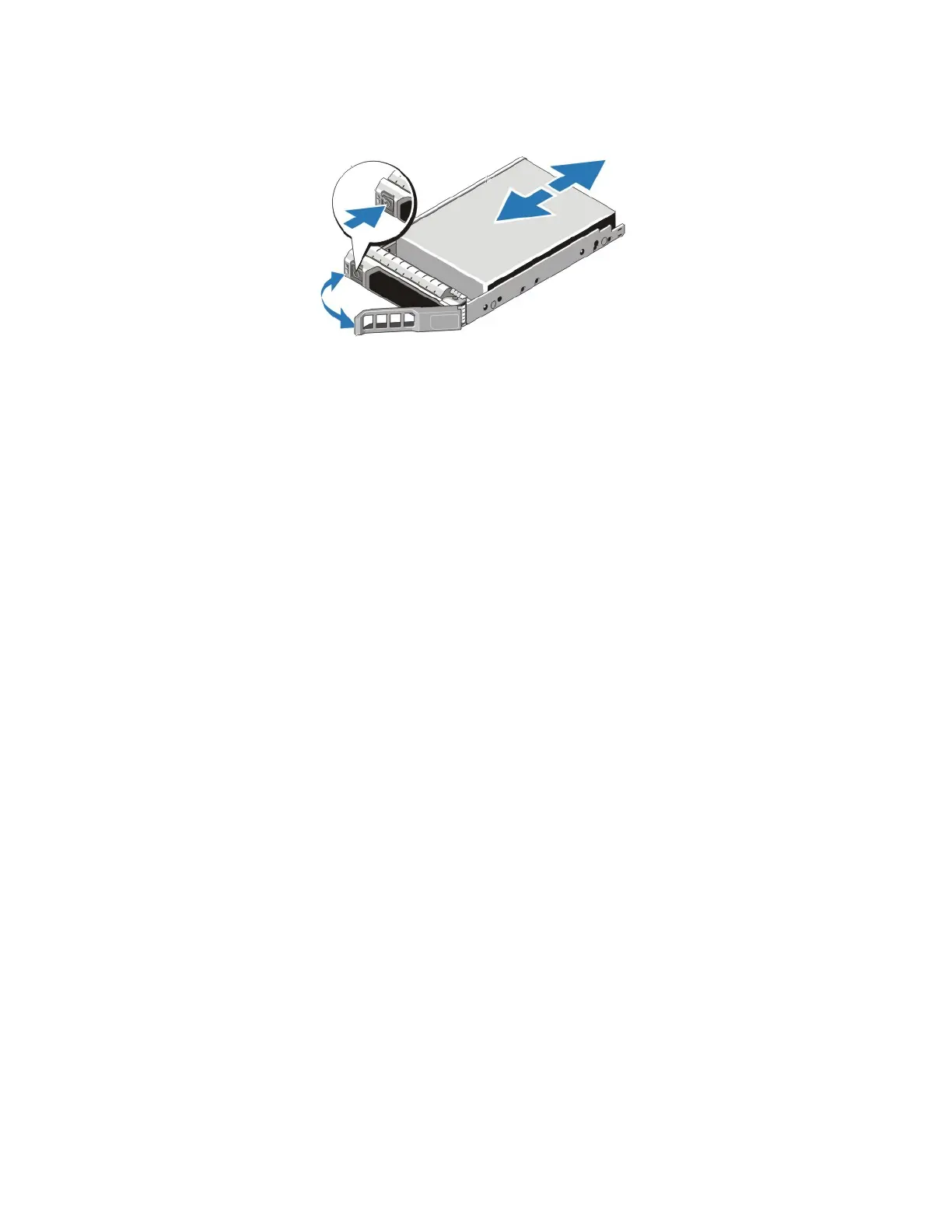
3. Rotate the handle outwards.
4. Orient the drive properly.
5. Grasp the edge of the plastic drive carrier and slowly insert the drive into the slot, stopping when you
feel resistance.
6. Simultaneously rotate the handle upward and press the drive completely into the slot.
7. Examine the LEDs and event messages to ensure the disk drive is operational.
Related Topics
Protecting Sensitive Hardware from ESD on page 16
Guidelines for Maintaining Drives on page 49
Drive Monitoring on page 40
Removing a Drive on page 50
52



 To Next Page