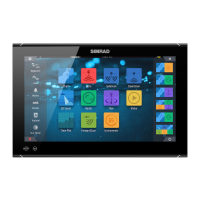
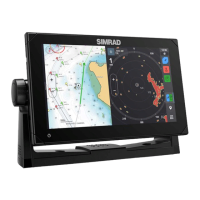
Simulator
The simulation feature lets you see how the unit works in a stationary position and without
being connected to sensors or other devices.
The status bar indicates if the simulator is toggled on.
Demo mode
In this mode the unit automatically runs through the main features of the product; it changes
pages automatically, adjusts settings, opens menus, etc.
If you tap on a touchscreen or press a key when demo mode is running, the demonstration
pauses. After a time-out period, demo mode resumes and any changed settings are restored
to default.
Ú
Note: Demo mode is designed for retail/showroom demonstrations.
Simulator source files
You can select which data file is used by the simulator. A set of source files is included in your
system, and you can import files from a storage device connected to the unit. You can also
use your own recorded log files in the simulator.
Advanced simulator settings
The Advanced simulator settings allows for manually controlling the simulator.
23
Simulator| NSO evo3 Operator Manual
129



 To Next Page