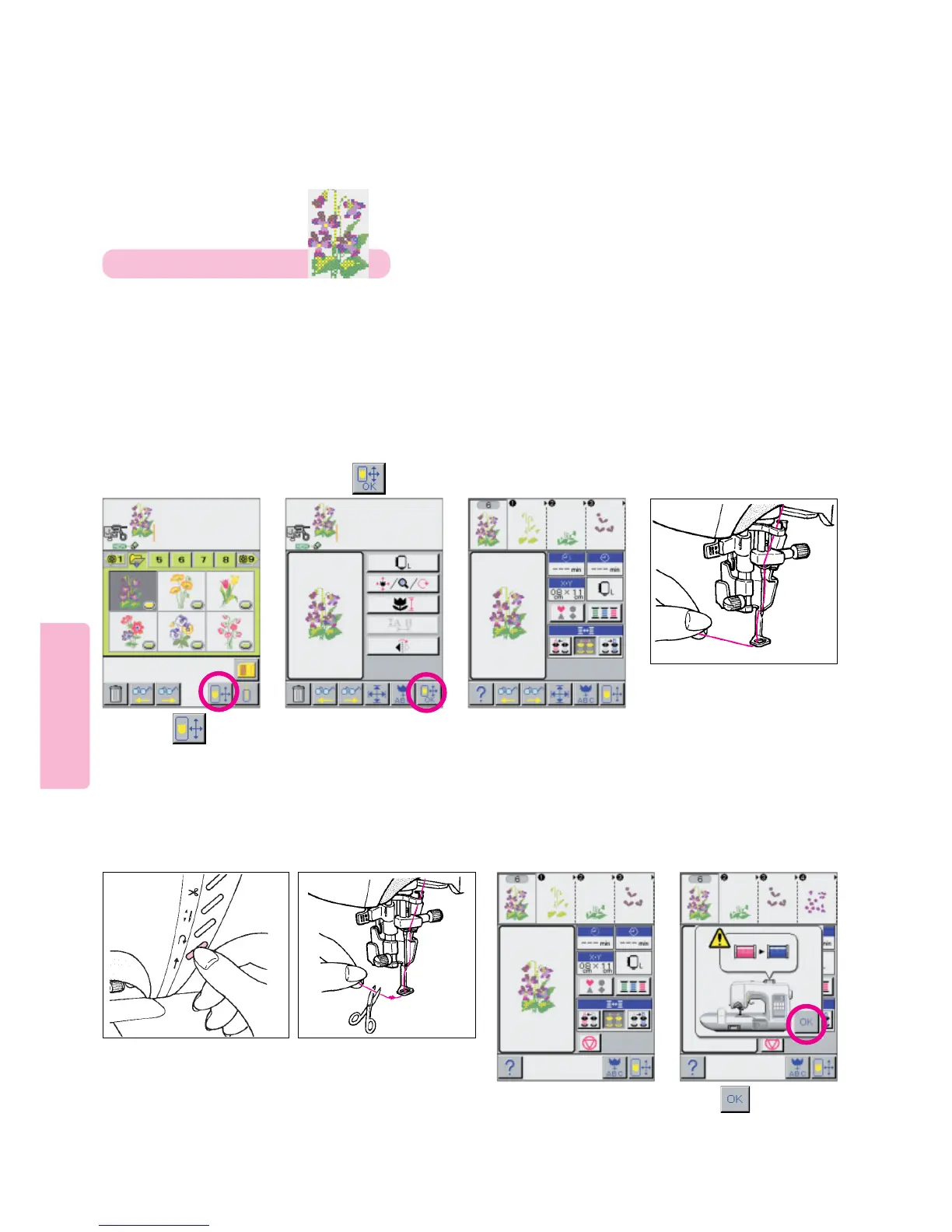
Basic Embroidering Trial Sewing
73
Select desired pattern.
(In this case, pansy of
“Flower Screen 4”)
Thread machine with first
color thread. Pass thread
through the hole in the
embroidery foot and lightly
hold thread with your left
hand to begin sewing.
Re-start machine.
15
67
Lower embroidery
presser foot. Press
start/stop button.
8
This machine will sew
portion “1” of selected
embroidery pattern and
automatically stop.
Sew five or six stitches.
Stop machine. Cut away
any excess thread from
edge of stitches.
Upon completion of
sewing, relevant
message will appear
on LCD screen.
Press to clear
message.
34
2
9
Example: For embroidering
Press pictogram.
Press pictogram.
Note: As preparation for this Trial Sewing Example, install stabilized fabric in Medium Embroidery Frame
and install frame on Embroidery Unit. Please note the sequence for this exercise has you operate the
Thread Exchanger Semi-Automatically.





 To Next Page