14 SIVISION 3 Sirona Dental Systems GmbH
14.4 SIROCAM C intraoral camera (extra equipment) Operating Instructions C4
+
59 06 313 D 3382
76 D 3382.201.01.13.02
14.4 SIROCAM C intraoral camera (extra equipment)
The SIROCAM C intraoral camera combined with SIVI-
SION 3 is a perfect system for effective communication
with the patient.
The camera images cannot be used for diagnosis!
The SIROCAM C intraoral camera is a sensitive optical
instrument and must therefore always be handled with
care.
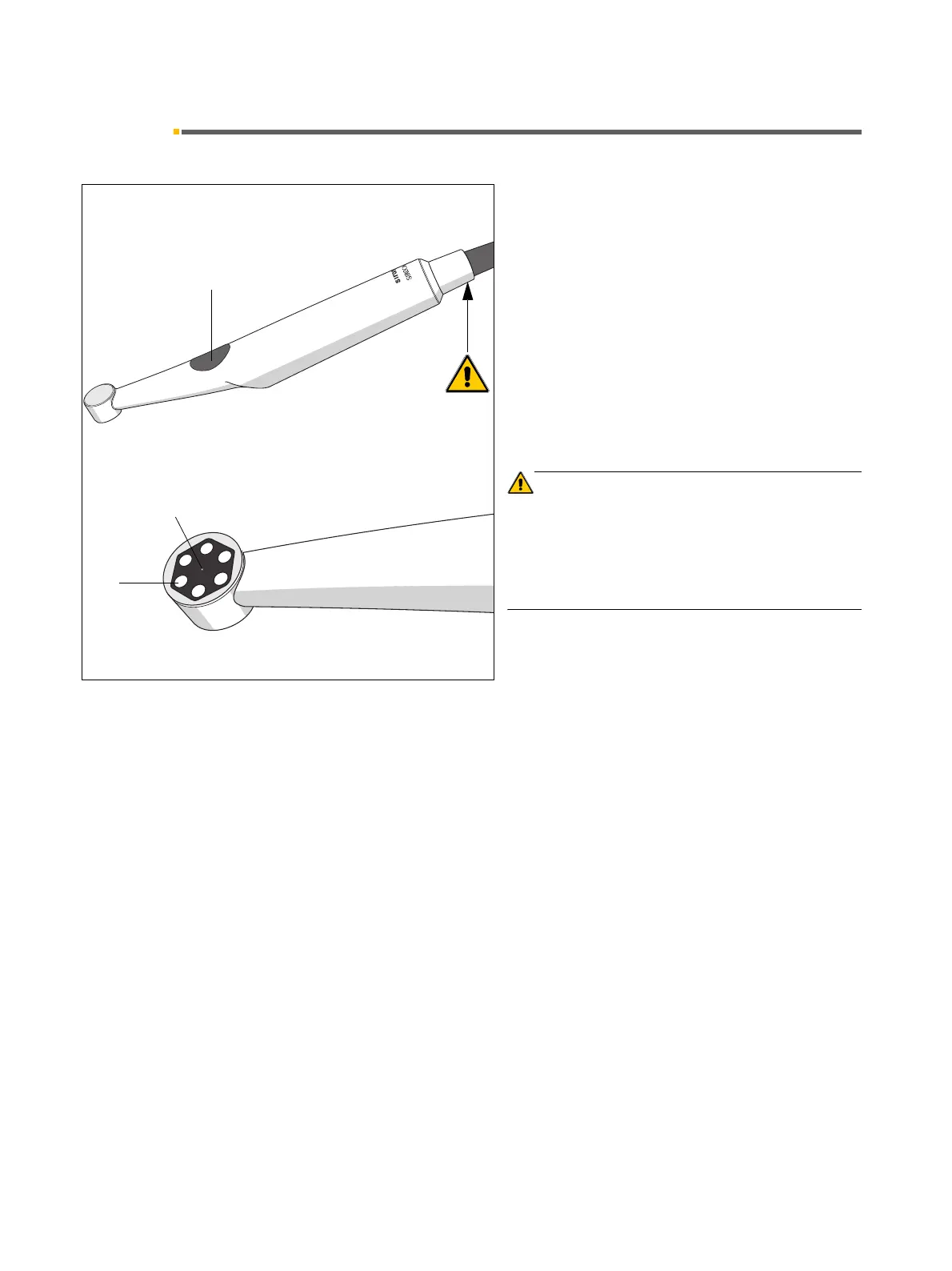
The camera illuminates the tooth areas to be imaged
with 6 white-light LEDs (1).
These are arranged around the single-lens optical sys-
tem (2).
The LEDs and the lens are protected by a scratch-proof
antiglare glass cover.
CAUTION
* = Intermittent camera operation:
t1= 1 min on, t2 = 3 min off.
The camera heats up during operation.
To prevent overheating of the camera, the camera must
be put down for a time interval t2 = 3 min after an operat-
ing time of t1 = 1 min.
When the camera is in LIVE IMAGE mode, it is possible
to toggle between close range and far range by pressing
button (3) on the camera.
Button released – close range 5 – 15mm
Button pressed – far range from 15mm to smile line.
1
2
3
t
1
/
t
2
*



 To Next Page