Sirona Dental Systems GmbH 5 Putting the system into operation
Operating Instructions C4
+
59 06 313 D 3382
D 3382.201.01.13.02
21
5 Putting the system into operation
Initial startup
The disinfection system adds a disinfectant to the water
(1:100) to prevent the formation of microorganisms in
the water system.
Prior to initial startup of your treatment center, sanita-
tion must be performed.
If the service engineer has skipped the sanitation proce-
dure after installation of your treatment center on the
basis of an agreement with you, please perform sanita-
tion yourself as described in the separate instructions
“Care and Cleaning by the Practice Team”.
Sanitation takes approx. 24 hours.
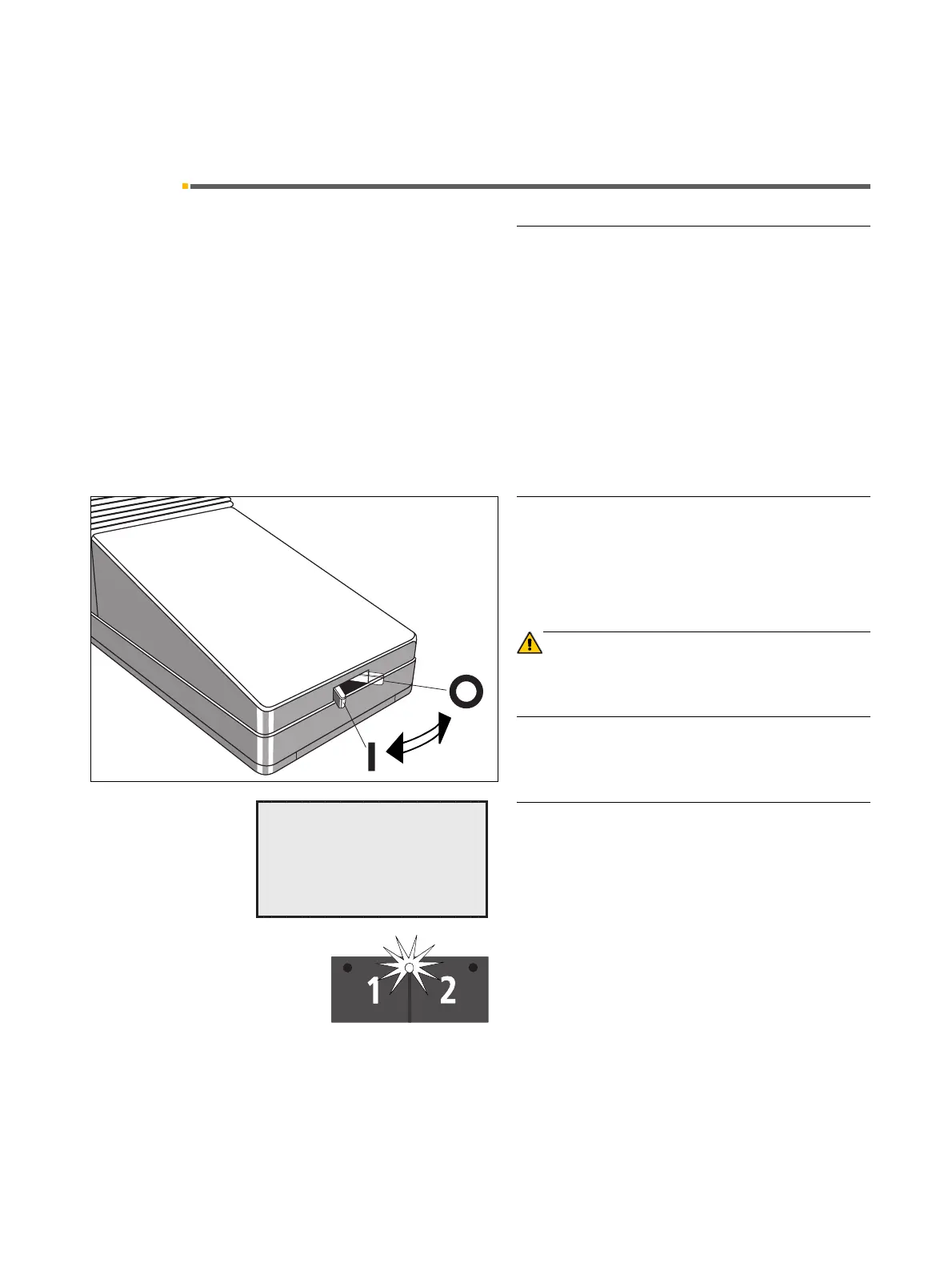
Main switch
Switch ON the main switch ( l ).
During power-up, the treatment center automatically
performs a self-test.
CAUTION
For safety reasons, always switch the treatment center
OFF (O) after consulting hours. This cuts off the air and
water supply as well as the line voltage.
Ready for operation
After the end of the self-test, the message READY the
time and the last user selected (A or B) appear on the
display.
After the treatment center is switched on, the cursor is
between the chair program keys 1 and 2. If a program
LED is illuminated, then the chair was in a programmed
position before switching off. If no program LED is illumi-
nated, then the chair was in a non-programmed position
before switching off.
The unit is now ready for operation.
ON
OFF
READY
10:04:27
A



 To Next Page