Sirona Dental Systems GmbH 14 SIVISION 3
Operating Instructions C4
+
14.8 SIROCAM 3 / SIROCAM C integrated in the assistant element (video)
59 06 313 D 3382
D 3382.201.01.13.02
93
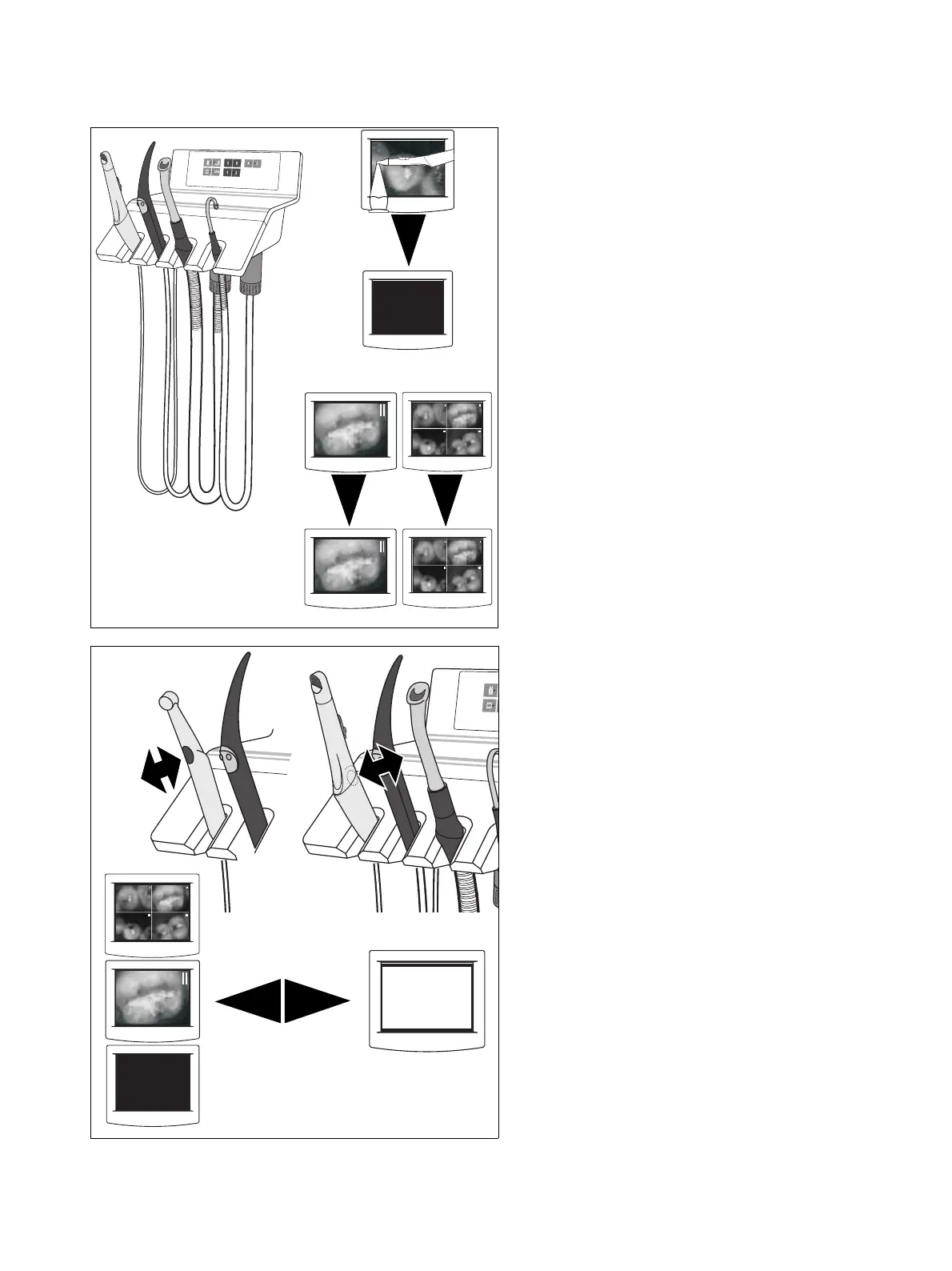
Placing back the camera
•If a LIVE IMAGE was displayed, a BLACK SCREEN
appears.
•A STILL IMAGE or a QUAD IMAGE remains dis-
played.
WHITE SCREEN
To activate a WHITE SCREEN, the camera must be
placed in its holder.
When you briefly press the camera button now, a
WHITE SCREEN is displayed on the monitor. When you
press the button again, the view changes to a QUAD
IMAGE, STILL IMAGE or BLACK SCREEN, etc.



 To Next Page