Sirona Dental Systems GmbH 14 SIVISION 3
Operating Instructions C4
+
14.9 SIROCAM 3 / SIROCAM C integrated in the assistant element (PC)
59 06 313 D 3382
D 3382.201.01.13.02
95
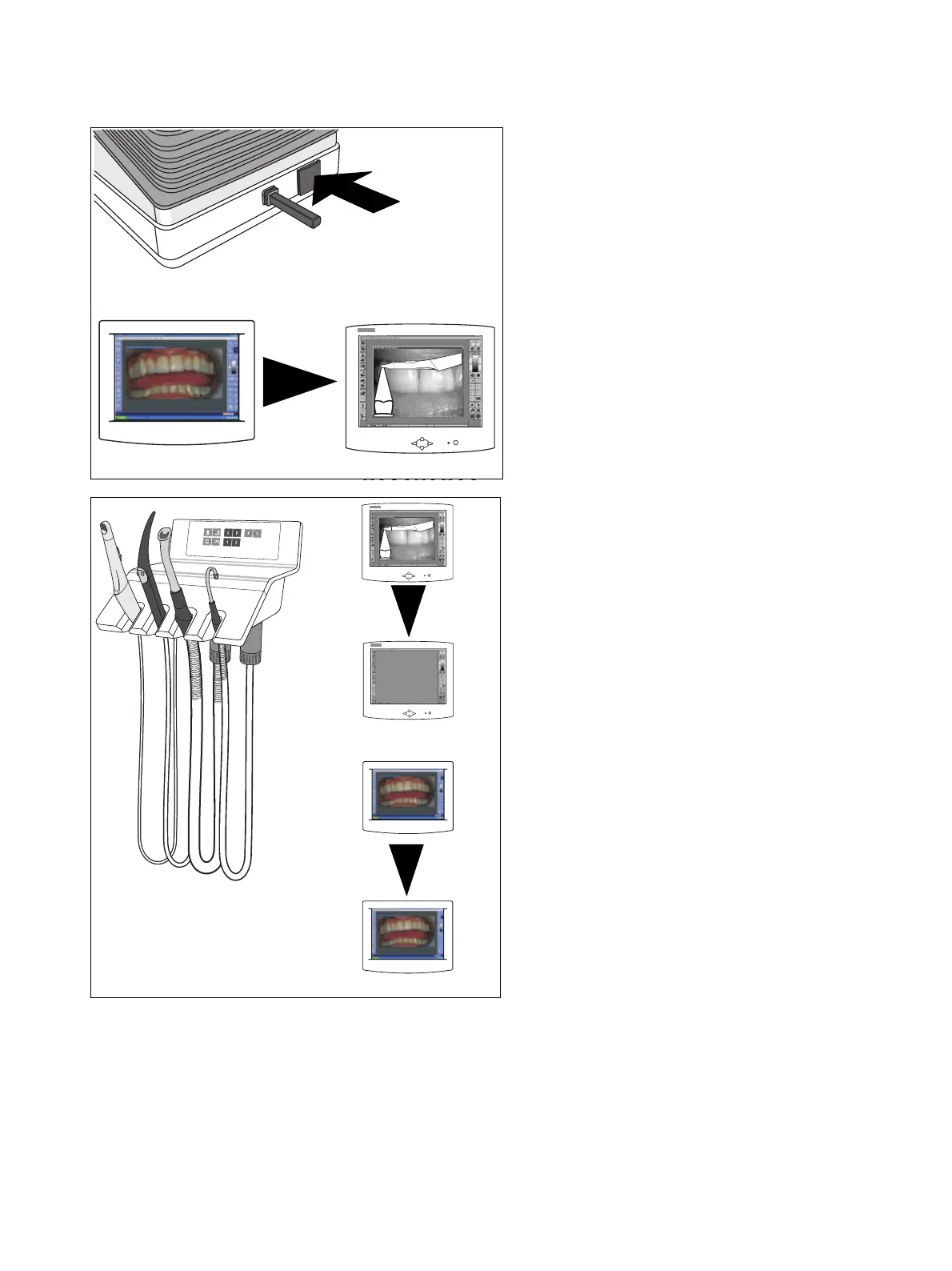
SAVING A STILL IMAGE IN SIDEXIS/VIDEXIS
• Save the displayed STILL IMAGE by pressing the
foot button for some time (> 1s) when the camera
has been picked up.
•A LIVE IMAGE opens again automatically.
Placing back the camera
• The LIVE IMAGE is closed.
•A STILL IMAGE remains displayed.



 To Next Page