15
SKOPE Reflex Underbench Fridge and Freezer
Electronic Controller
Service Manual
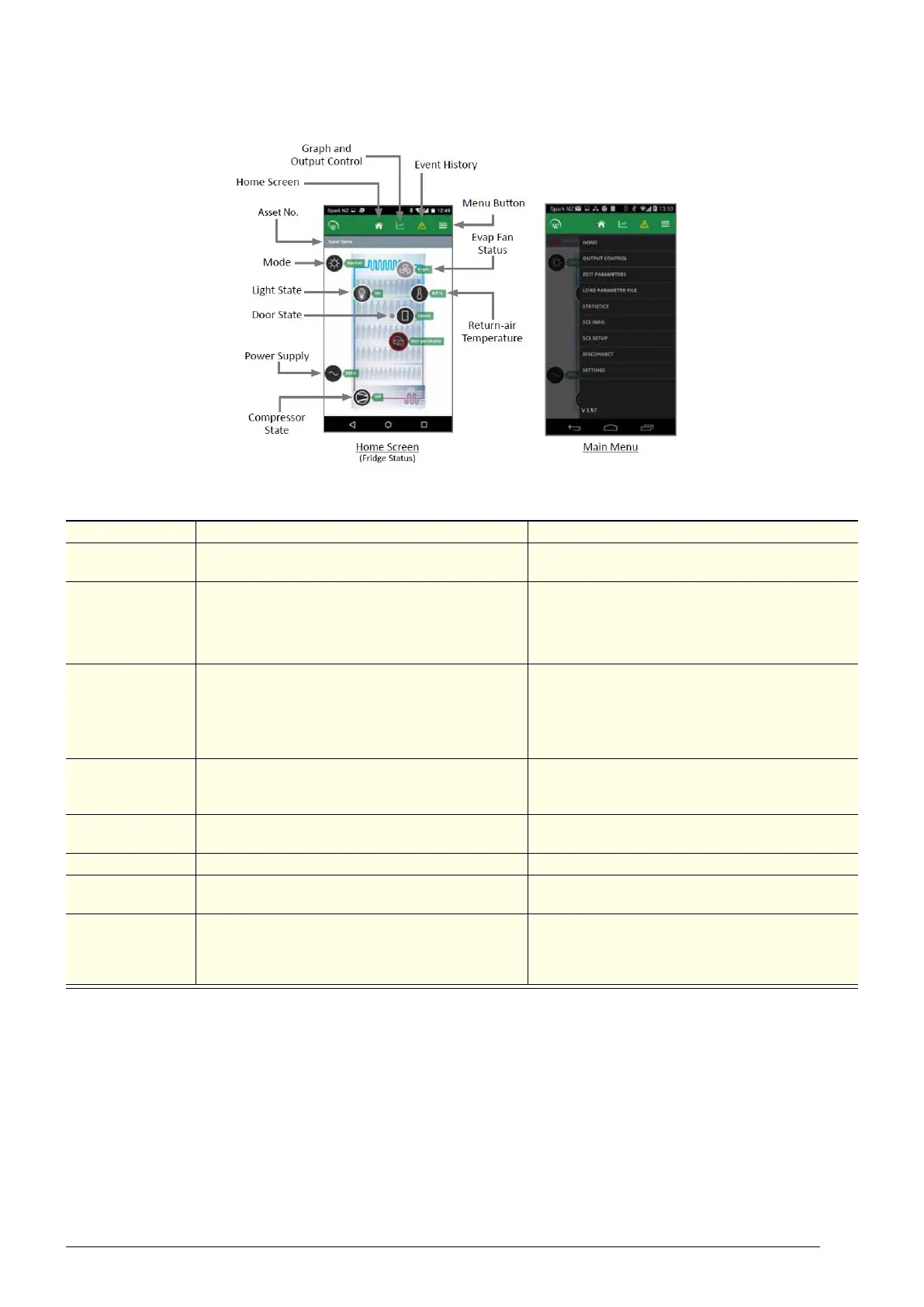
Home screen
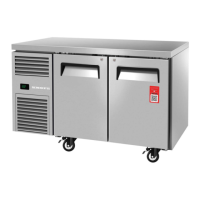
Shows a graphic representation of the fridge being controlled.
Table 3: SCS Connect Field App Home Screen
Item Description Action
Output control
Gives you control of the input sensors and switches,
and output relays.
Edit parameters
Allows you to access and edit individual controller
parameters.
SKOPE does not recommended changing
parameters unless absolutely necessary.
If you edit a parameter, you must:
• select “DISCONNECT” from the menu to apply
the updated parameter.
• record the changes on the warranty/job card.
Load parameter
file
Allows you to reload a default parameter set or
change to new parameter set.
SKOPE does not recommended changing
parameters unless absolutely necessary.
1. If you suspect an incorrect parameter setting,
reload the complete parameter set.
2. After loading the new parameter set, select
“DISCONNECT” from the menu to apply the
updated parameters.
Statistics
Displays information from the past seven days
about the fridge's activity, including temperatures,
door openings and alarms.
SCS info
Displays information about the cabinet and the
controller version.
SCS setup Allows you to add or change SCS info (see above).
Disconnect
Allows you to disconnect from the currently
connected controller.
Settings
Allows you to change the app's general settings and
see which databases you have activated. You can
have more than one database activated at the same
time.
To add a new database, select ACTIVATE
ANOTHER DATABASE, and enter the new
database's unique activation code.


 To Next Page