14
Electronic Controller
Service Manual
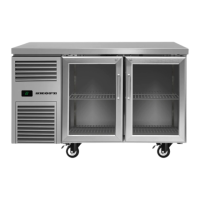
SKOPE Reflex Underbench Fridge and Freezer
App Menu
Items
You can find information and make changes to the connected controller and its fridge via the
app menu.
Procedure 1: To install the SCS Connect Field app
Before you start
When you first run the app, you will need to enter an activation code – a 9-digit PIN. If you don’t
already have one, contact SKOPE Customer Services to request an activation code. You will need to
be connected to the internet at the time of activation.
Your activation code is unique to you, and determines your personal level of access for the app. Never
share it with anyone else. The same code will give you access to all SCS apps you are authorised to
use.
1. Download and install the Connect Field app:
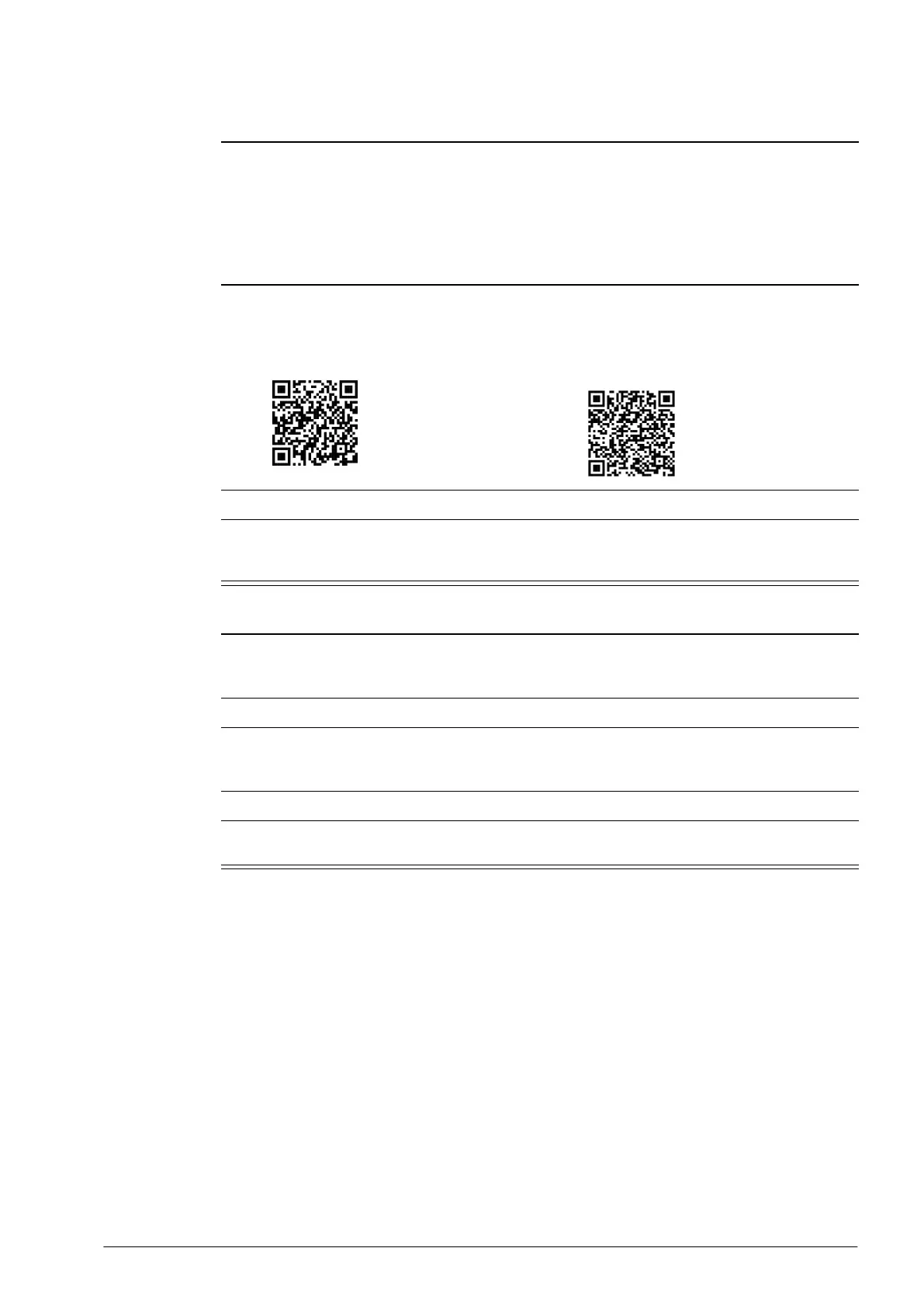
• Apple App Store:
https://apps.apple.com/nz/app/scs-
connect-field/id1172570106
• Google Play Store:
https://play.google.com/store/apps/
details?id=air.com.wdtl.scs.diagnostic.mo
bile
2. Make sure you are connected to the internet, and enter your 9-digit activation code.
3. Once activation is complete, you must define a 4-digit PIN. This can be any code unique to you.
Each time you start the app, you will be required to enter this same PIN. This is to prevent other
people accessing the app from an unlocked phone.
Procedure 2: To connect to a controller
1. Check that the Bluetooth logo on the top right of the controller faceplate is unlit, indicating that the
controller is ready to connect to a device.
Note: A flashing Bluetooth logo indicates that the controller is currently connected to a device.
2. Open the SCS Connect Field app.
3. Select the controller from the list of visible controllers.
Note: This list is filtered by your activation permissions, so devices you are not authorised to
connect to will not be displayed.
4. Select “CONNECT” to connect to the controller.
5. Check that the Bluetooth logo on the top right of the controller faceplate is flashing, indicating that
the controller is connected.


 To Next Page