Technical documentation
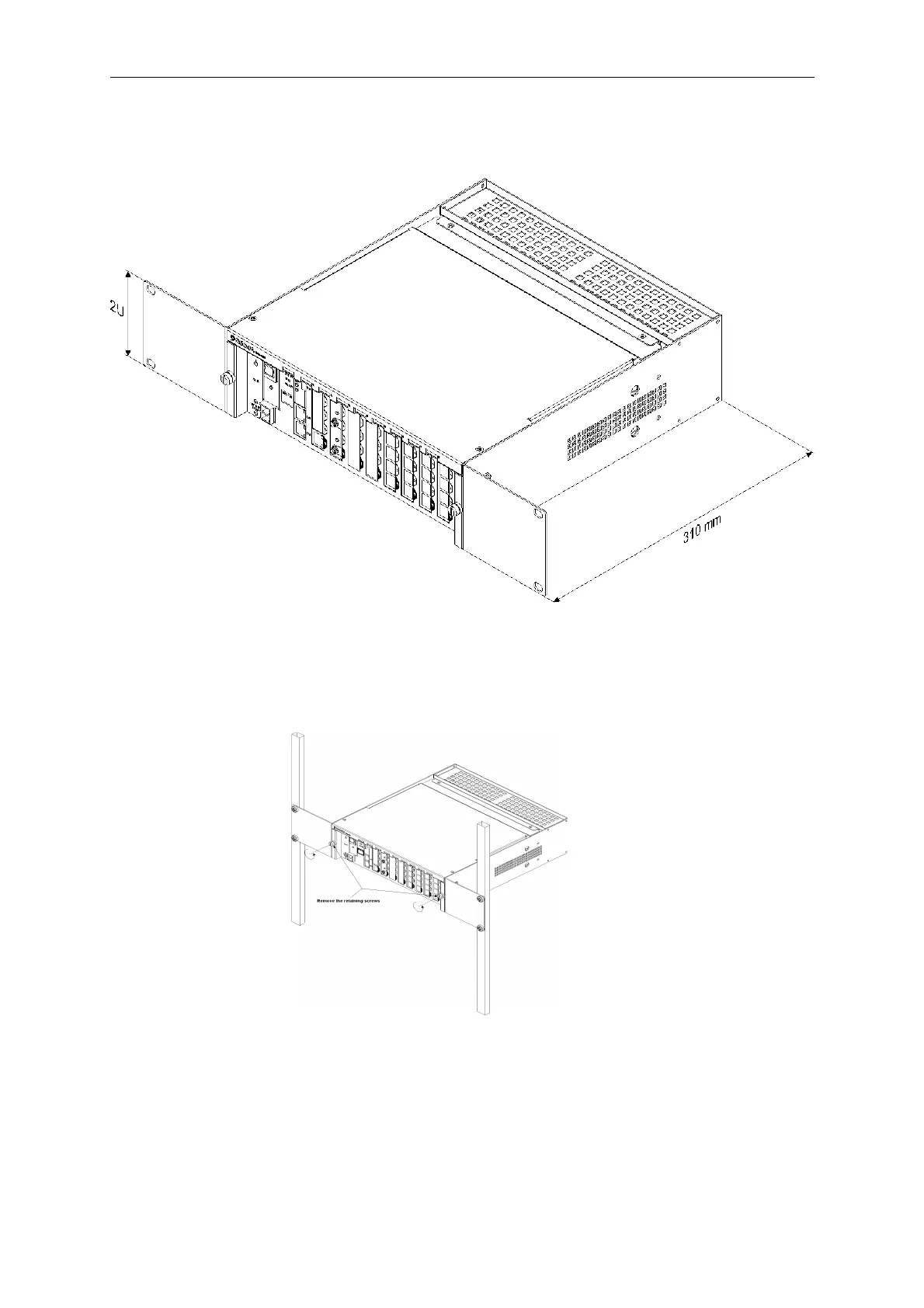
• slots from 1 to 8 – for installing expansion cards; only slots 3 and 4 support IPL1E1 or
IPL32VoIP cards.
• FAN socket – for connecting a shelf fan
• (+ / –) – for installing a shelf power supply unit
The openings in the housing increase the air circulation and lower the risk of too-high temperatures.
3.1.1 Card installation
Read the description for the card in the chapter on port modules before installing expansion cards.
Install cards with power off, some cards should be installed in dedicated slots (controller, power
supply card, E1 card,...).
Figure 3 5: IPM-032.A8x4.2U - installation of cards - step 1
10


 To Next Page