Technical documentation
4.10.2 IPM1GSM card (to 1SIM)
Print name: IPM2GSMv0 Short description of the card:
GSM trunk cards are designed to support direct voice
calls and SMSs to the mobile communications
network. To enable their operation, external aerials and
SIM cards are required.
Card marking: IPM1GSM
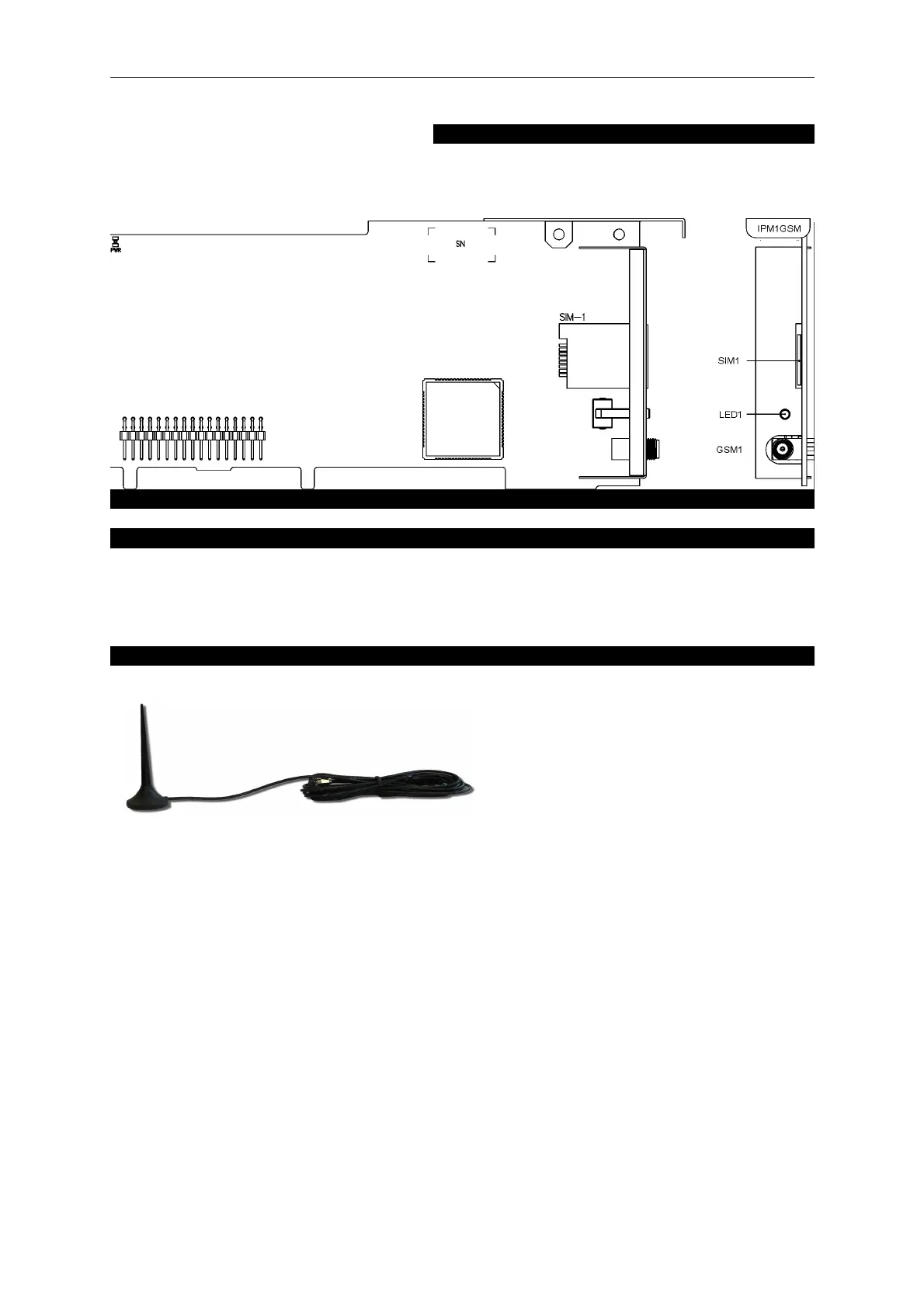
View of the GSM card and its front panel:
Installation of a card in the server:
This type of card can be installed in any of the slots numbered from 1 to 8 (6 for IPM-032.WM). A
SIM card is installed by sliding the card directly into the panel from the front (IPM-032.EU) or by
removing the bottom cover (IPM-032.WM). SIM cards are installed from the front panel without the
need to remove the module from the server.
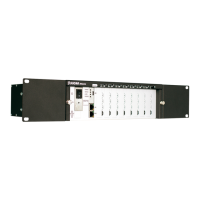
External aerials for GSM cards:
Use aerial to ensure correct operation of GSM cards. We offer aerials with a 3m cable and SMA plug.
The SMA type plug on the aerial cable should be
screwed on carefully by hand, without the use of
tools, as over tightening may damage the
connection.
Make sure that the aerial is connected and
disconnected while the server is turned off, due
to electrostatic charge. When laying out aerials,
pay attention not to place them in locations too close to electrical and electronic devices (installations)
as they might disturb the operation of a GSM module.
36


 To Next Page