2
SMART Board User’s Guide
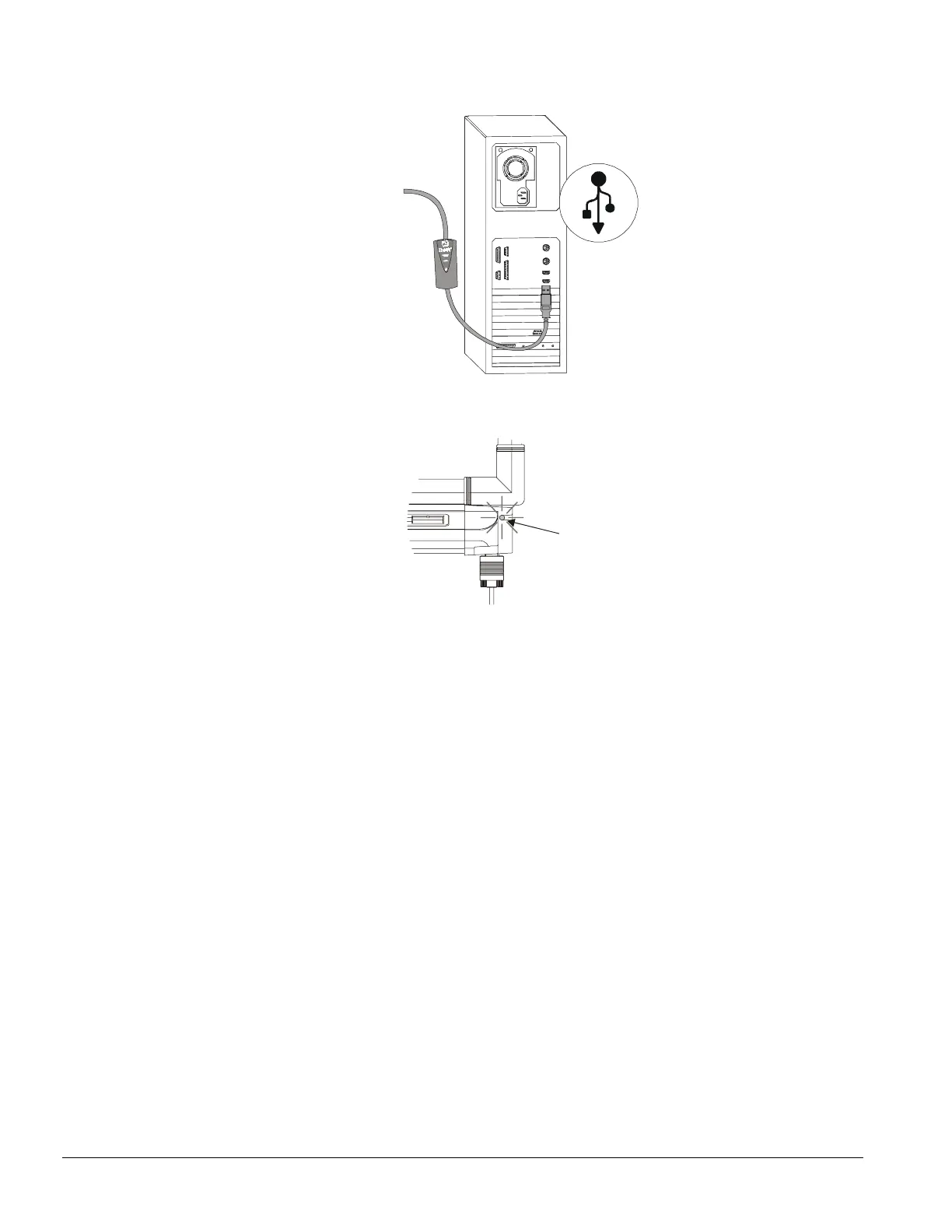
2 Connect the USB end of the USB adapter to the USB port on your computer.
U
S
B
3 The Ready Light on your pen tray turns red, indicating that the interactive whiteboard is receiving
power from the USB port.
Ready Light
4 Insert the SMART Board software CD into your computer’s CD-ROM drive.
The installation program automatically opens.
5 Follow the on-screen instructions.
When the installation is complete, the SMART Board icon appears on the menu bar and the
Ready Light on the pen tray turns from red to green.
6 Orient the interactive screen so the computer can accurately track your touch on the interactive
screen (see page 7 for more information).



 To Next Page