SMART Board User’s Guide
21
Editing Objects in Notebook Software
The annotations you create in Notebook software are individual, selectable objects that you can edit in a
variety of ways. As well, you can control whether these objects are selectable individually or as part of a
group.
For example, you can:
• move an object to anywhere on the workspace
• group and ungroup objects, including using the SMART Grouping feature
• reorder objects within an object stack
• resize an object by selecting it and dragging any one of its eight resize handles
• format an object or text
• delete or erase an object
Selecting Objects
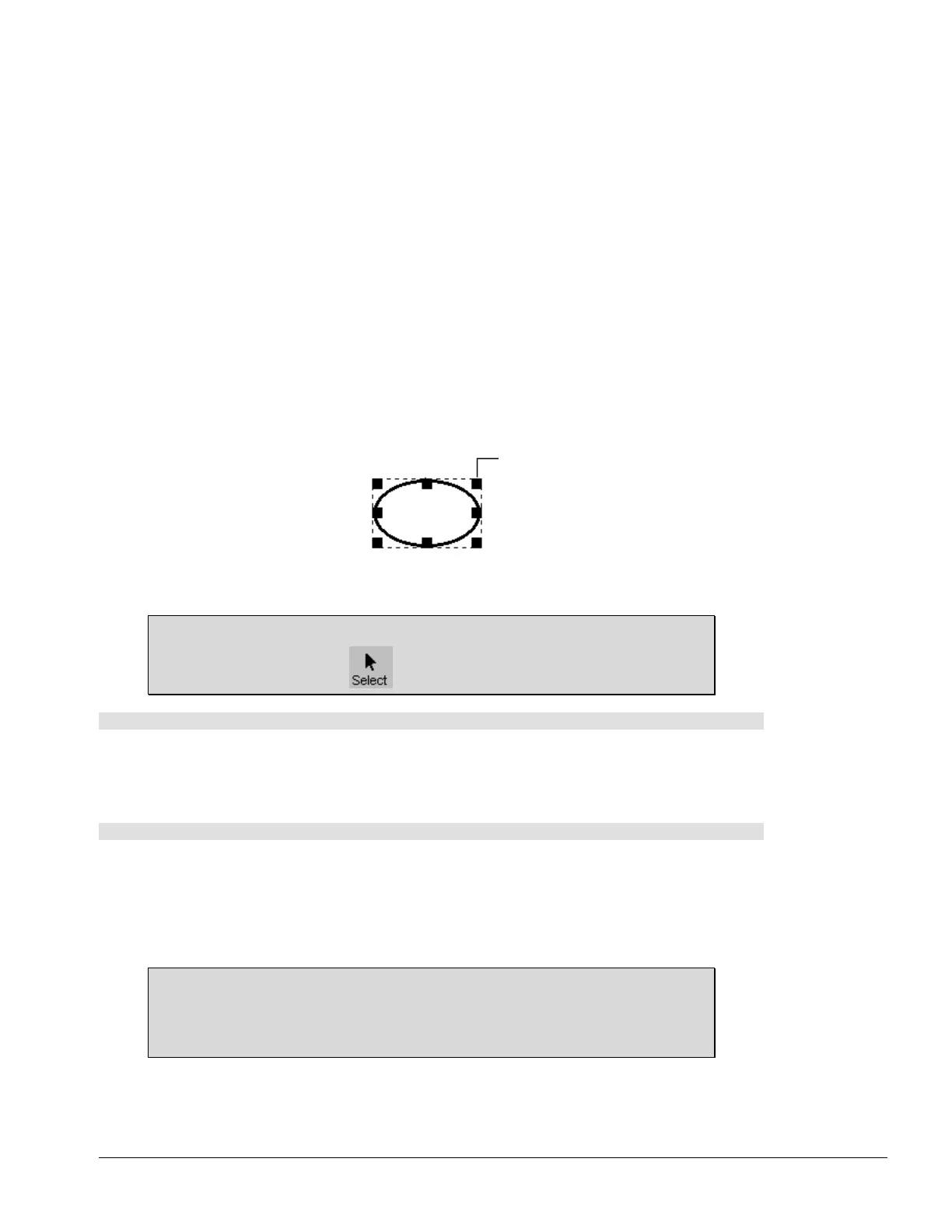
To move or edit an object, you must first select it. When you do this, a dotted-line selection rectangle and
eight resize handles (four handles if the object is small) appear in around the object.
A Selected Image
The various methods for selecting one or more objects are described in this section.
TIP
You can use the Select button on either toolbar.
To select a single object
1 Choose Select from the Draw menu.
2 Click the object.
The object appears enclosed by a dotted-line selection rectangle with eight resize handles.
To select several objects
1 Choose Select from the Draw menu.
2 Start at one side of the objects you want selected and drag to draw a selection rectangle around them.
3 Release the mouse button or lift your finger from the interactive whiteboard.
All objects within the selection rectangle, except those that you have previously moved to the
background, are selected.
TIP
You can use the SHIFT key and cursor to make multiple selections. Click the first object
to select it, and then hold the SHIFT key as you click the other objects that you want
selected.
Resize Handle



 To Next Page