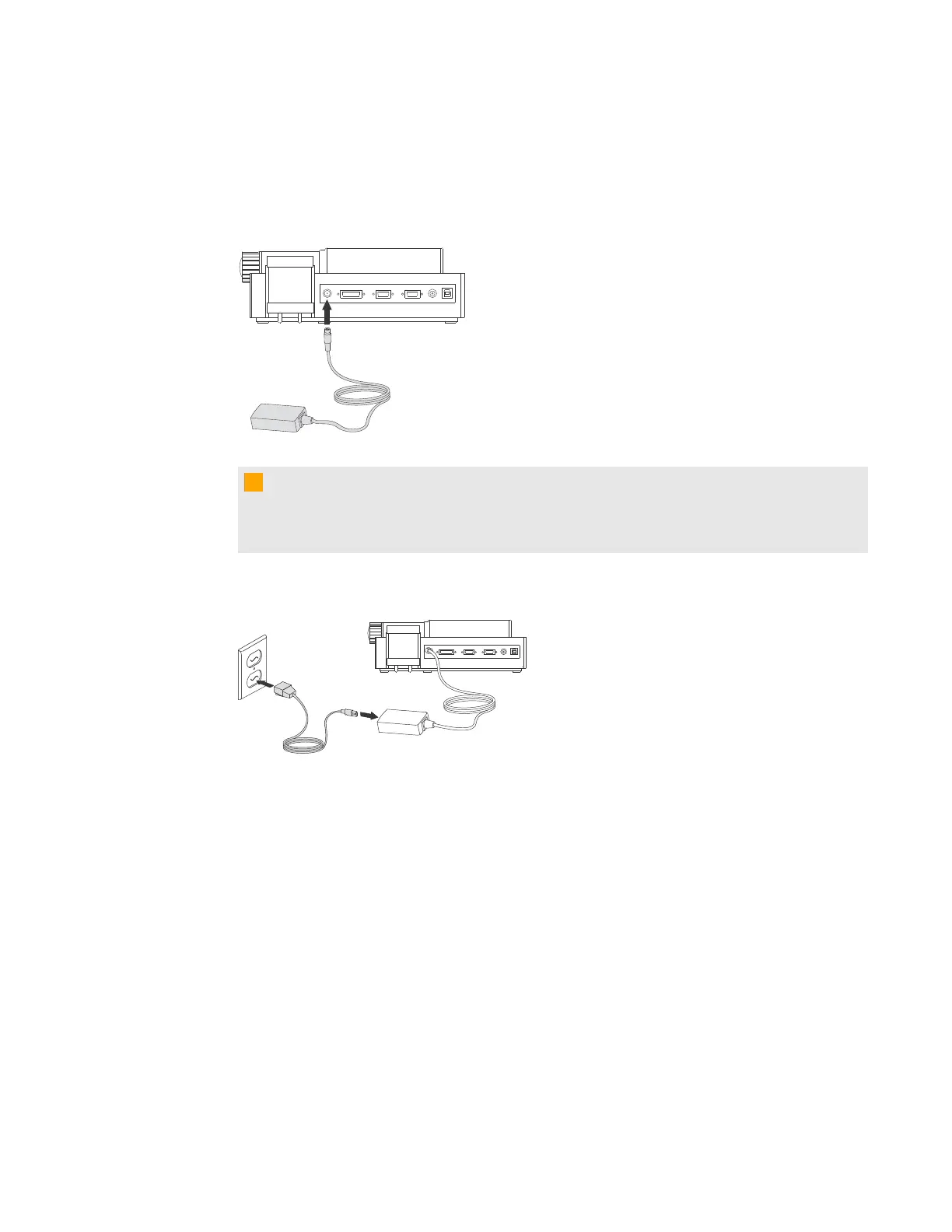
g To connect the power supply
1. Connect the power supply cable to the 12V DC receptacle on the rear connection panel.
C C A U T I O N
Ensure you connect the power cable to the power supply before connecting the power plug to
a power outlet.
2. Connect a country-specific power cable to the power supply, and then connect the plug to a
power outlet.
C H A P T E R 2
Setting up your SMARTDocumentCamera
10



 To Next Page