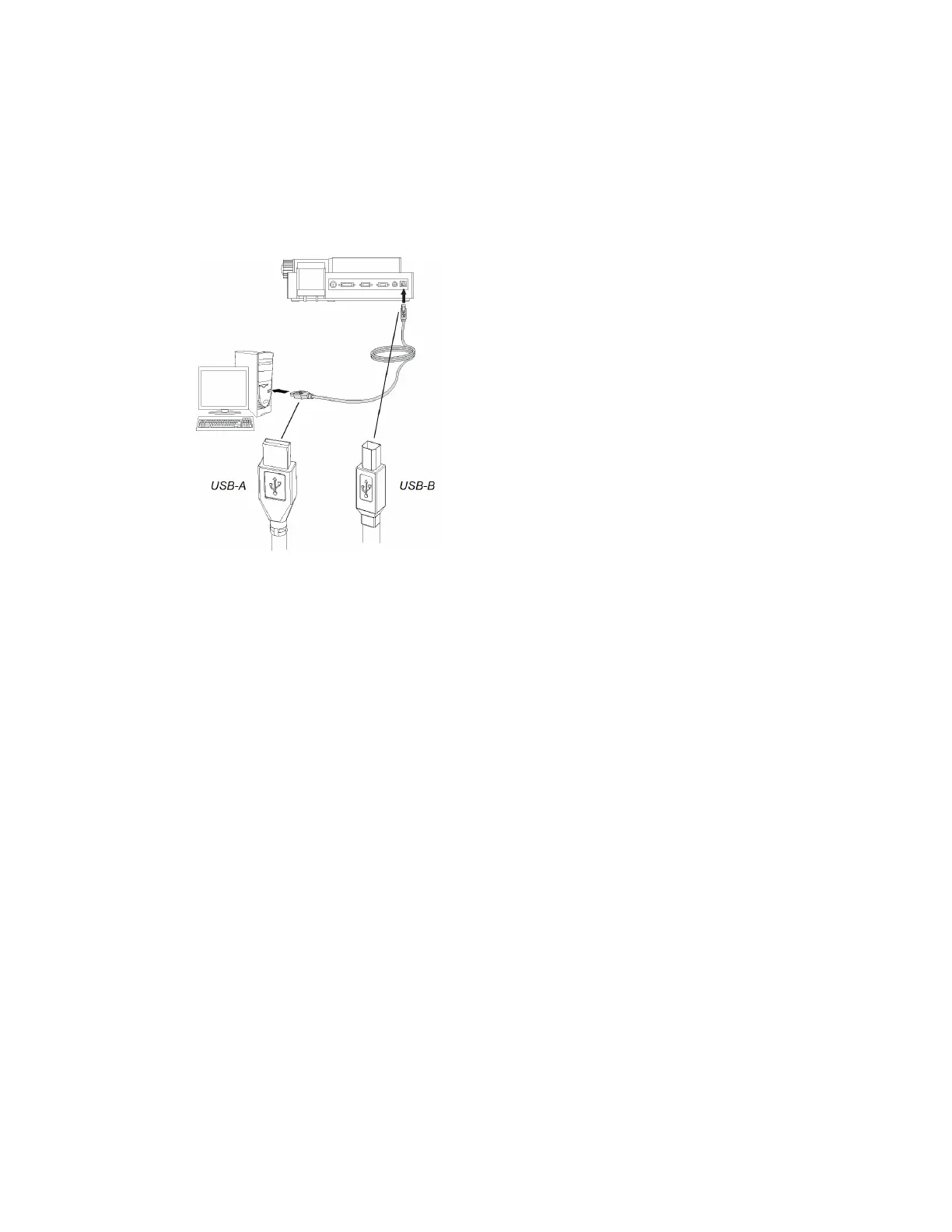
g To connect your document camera to your computer
Connect the USB-B plug of your USB cable to your document camera, and then connect the USB-A
plug to your computer.
Setup configurations for Camera view and SD
Card view
After you complete the basic connection procedure (see page 9), you can connect your document
camera to an external display. This enables you to use the document camera in Camera view and SD
Card view (see page 17).
You can connect your computer and your document camera to different displays or they can share a
display.
C H A P T E R 2
Setting up your SMARTDocumentCamera
11



 To Next Page