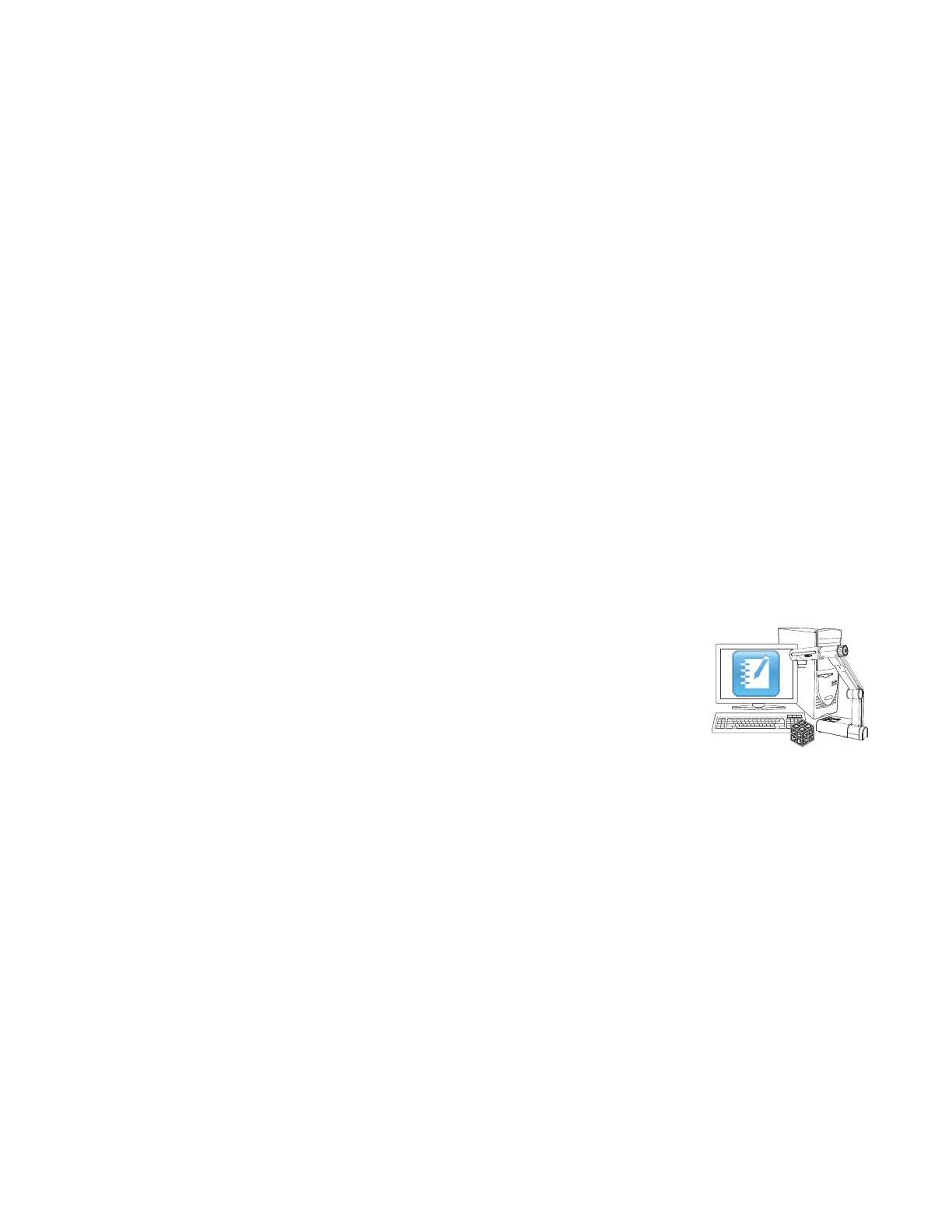
Incorporating mixed reality into your lessons
You can incorporate mixed reality into your SMARTNotebook software lessons. The following are
some examples of how to do this:
l If you’re teaching a biology class, insert a 3D model of a heart into your .notebook file. Using
Mixed Reality Tools for the SMARTDocumentCamera, rotate and change the size of the 3D
model to present the different parts of the heart.
l If you’re teaching an English class, insert a 3D model of a city that is referenced in a novel the
class is reading. Using the 3D scene feature, navigate streets and interiors of buildings.
l If you’re teaching a primary class, insert multiple 3D models and use the disguise feature to
reveal answers as a memory exercise.
What you need to get started
Hardware and software requirements
To get started with Mixed Reality Tools, you need the following:
l SMARTNotebook software 10.8
l SMARTDocumentCamera 330
l A mixed reality cube
l A computer meeting the following requirements:
o
Pentium® 4 processor or better
o
512 MB of RAM (1GBrecommended)
o
2 GB of free hard disk space
o
Windows XP SP3, WindowsVista® SP2 or Windows 7 operatingsystem
o
DirectX® 9 compatible graphics hardware
Lighting requirements
Mixed Reality Tools works best in a bright room where the work surface doesn’t have any noticeable
shadows or glare.
The light must be as uniform as possible, shining on the cube and background. You can achieve this
by setting up the document camera so that the camera is facing directly down, perpendicular to a
C H A P T E R 7
Using Mixed Reality Tools for the SMARTDocumentCamera
50



 To Next Page