g To navigate a 3D scene
1. Select the 3D scene.
2. Press the 3D scene’s menu arrow, and then select Enter 3D Scene.
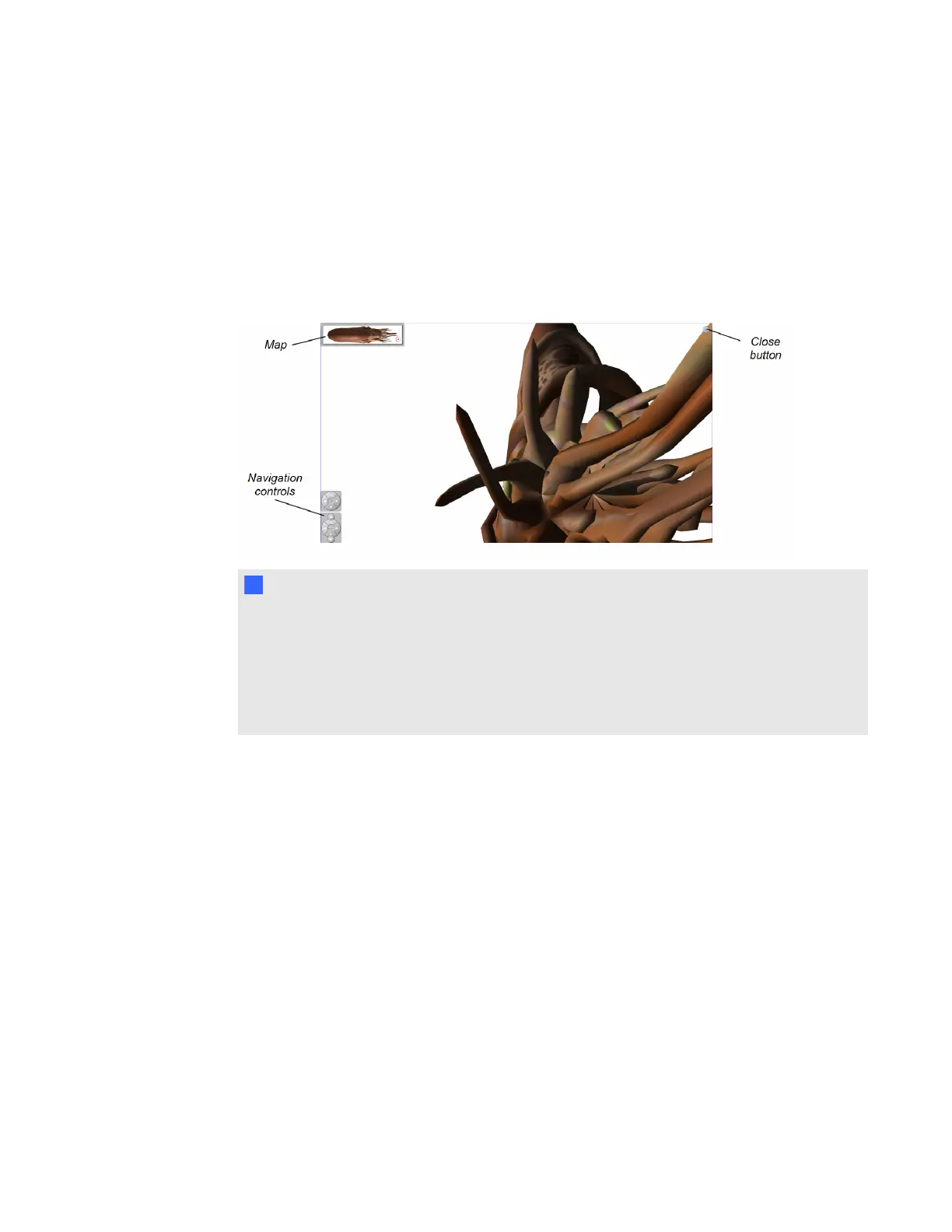
SMARTNotebook software displays the 3D scene in Full Screen mode. A map of the 3D
scene, navigation controls and the Close button appear.
T T I P S
o
You can press the gray border of the map to drag it to another area of the page if it’s
covering materials you want to present. You can also resize the map by pressing the
gray border in the lower-right corner and then dragging.
o
You can drag the navigation controls to other areas of the page if they’re covering
materials you want to present.
C H A P T E R 7
Using Mixed Reality Tools for the SMARTDocumentCamera
58



 To Next Page