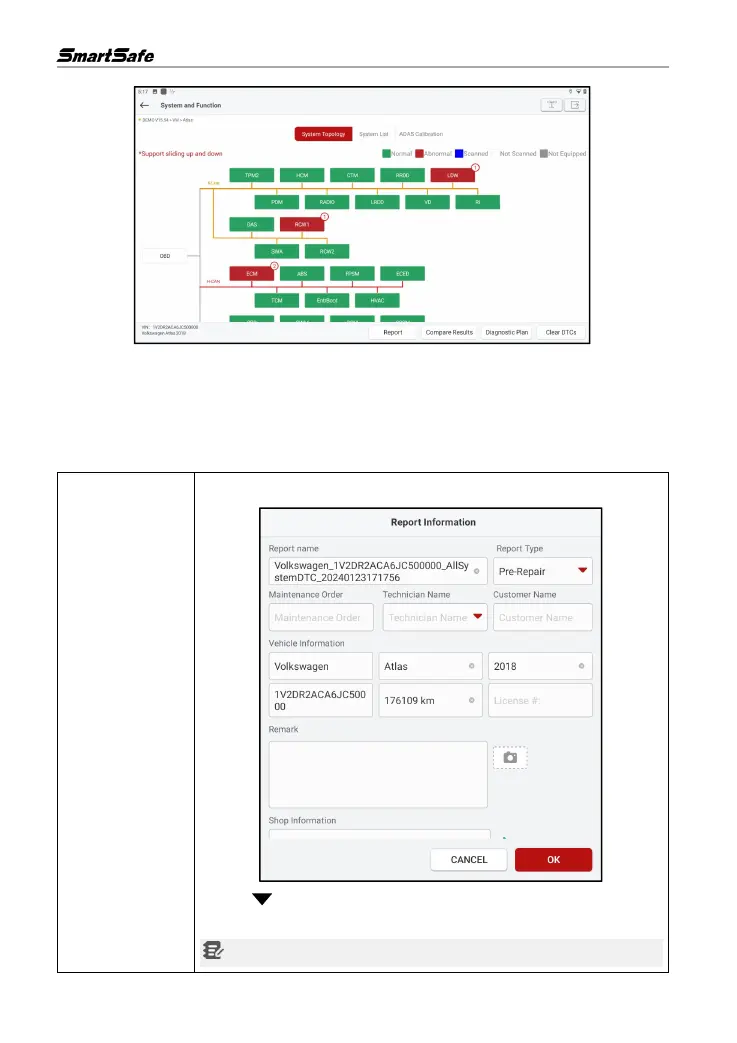
The systems with fault codes will be displayed on the screen with a red bottom box, and the
number of specific fault codes will be displayed. Clicking on an individual system will allow the
users to view the specific fault information. For systems without faults, the bottom box color is
displayed in green.
Screen button instructions:
Click to save the current fault report as an inspection report.
Click to select the report type from the drop-down list, then enter the
details and click OK.
Note: Diagnostic reports are categorized into three types: Pre-Repair



 To Next Page