HRX-OM-X010
Chapter 5 System Operation
HRZ Series 5.3 Operation Screen
5.3.13 Alarm Setting screen 1
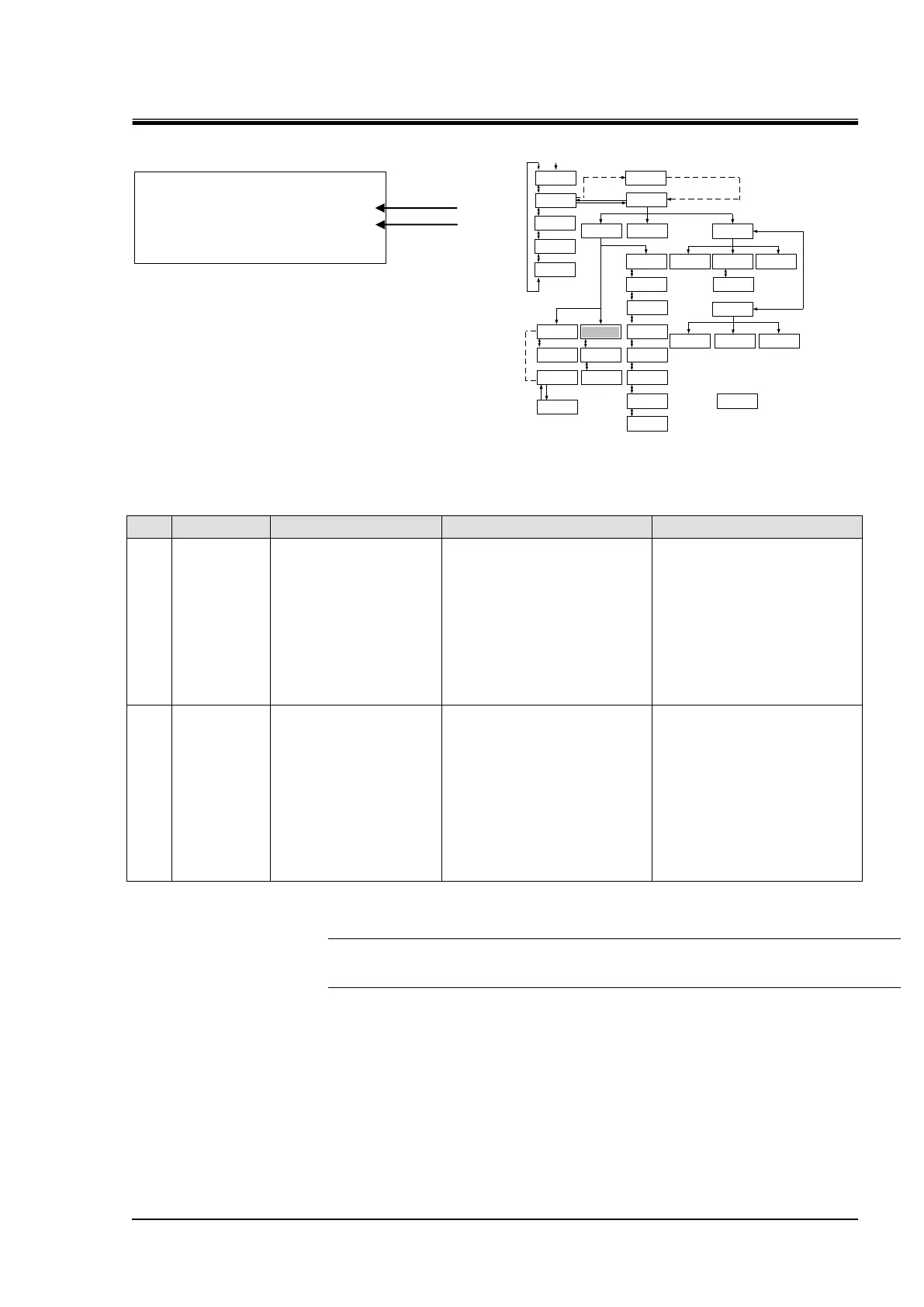
Figure 5-16 Alarm Setting screen 1
Table 5-13 Alarm Setting screen 1
Allows the setting of
temperature to generate
“11:Reservoir High Temp.
WRN”.
Alarm is raised when
circulating fluid
temperature exceeds the
set value.
HRZ002-WS/W1S-F:
-10.0 to 93.0 deg C
HRZ004/008/010-WS/W1S-F:
-20.0 to 93.0 deg C
HRZ***-W2S-F:
10.0 to 63.0 deg C
HRZ008-L/L1-F:
-20.0 to 45 deg C
HRZ***-WS/W1S-F:93.0 deg C
HRZ***-W2S-F:
63.0 deg C
HRZ008-L/L1-F:
45.0 deg C
Allows the setting of
temperature to generate
“32:Reservoir Low Temp.
WRN”.
Alarm is raised when
circulating fluid
temperature falls below
the set value.
HRZ002-WS/W1S-F:
-15.0 to 90.0 deg C
HRZ004/008/010-WS/W1S-F:
-25.0 to 90.0 deg C
HRZ***-W2S-F:
5.0 to 60.0 deg C
HRZ008-L/L1-F:
-25.0 to 40.0 deg C
HRZ002-WS/W1S-F:
-15.0℃
HRZ004/008/010-WS/W1S-F:
-25.0℃
HRZ***-W2S-F:
5.0℃
HRZ008-L/L1-F:
-25.0℃
[Tips]
[▲] or [▼] key is used for selecting “Item” and move to other Alarm Setting screens.
And pressing the [ENT] key enabling to change the set value.
< ALARM SET > ↕
HI TEMP 93.0℃
LO TEMP -25.0℃


 To Next Page
 Loading...