f) Orient and angle the model to maximize its contact area with the glass platform.
6. Check the filaments for quality problems such as moisture (see How to identify damp
filaments). If any, dry the filament or replace it with a new filament and try again.
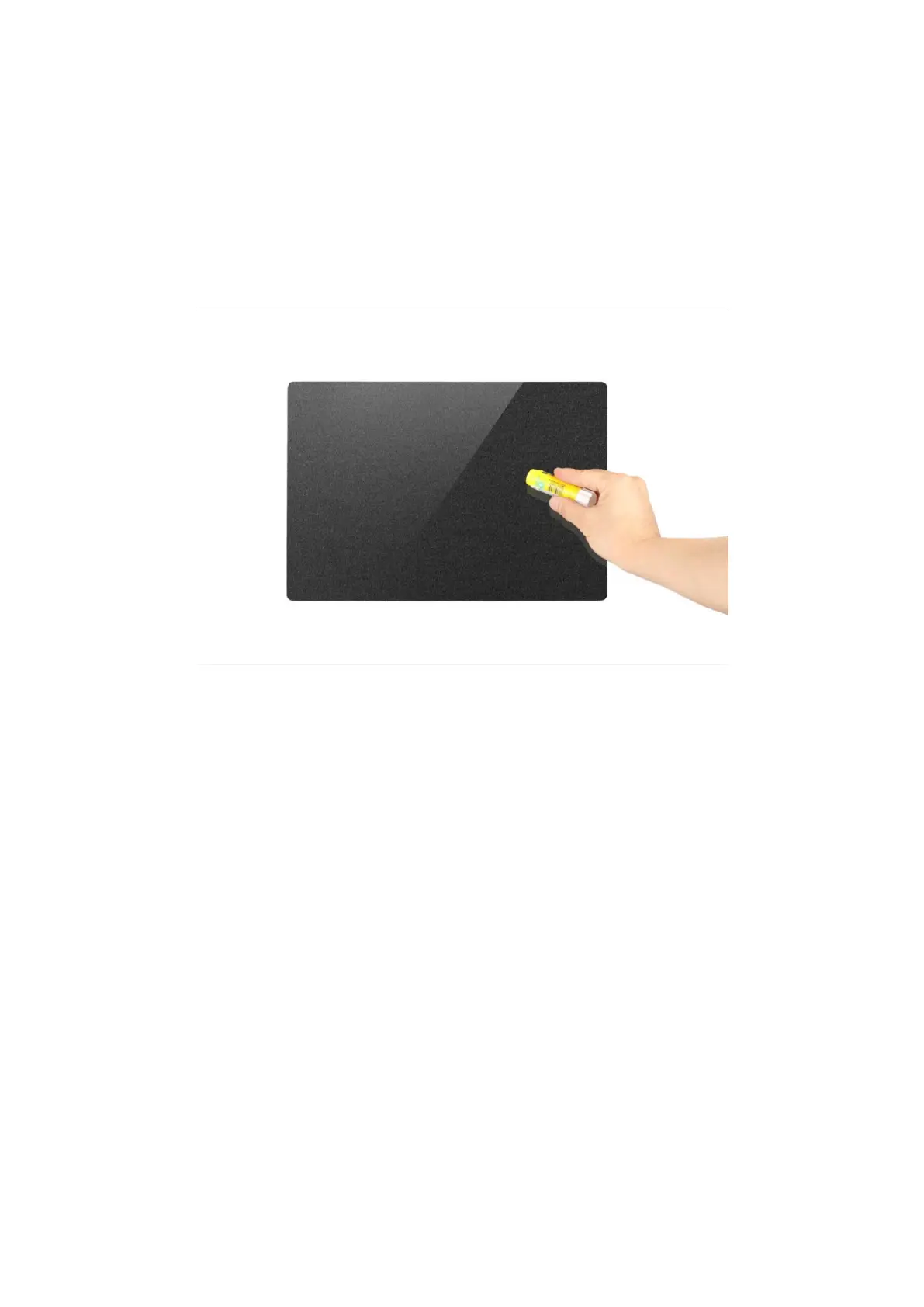
7. If there is still no improvement in the adhesion of the first layer, apply a thin layer of
solid glue on the glass platform before printing (provided, see tool box).
Edge warping
Under the influence of cold air, the top layer of extruded filaments will shrink, while the
bottom layer of filaments continuously heated by the heated bed will expand, and its edge
will easily tilt up or even break away from the glass platform. The light one will cause the
bottom of the print to be deformed, and the heavy one will cause the print to fail.
Possible causes
1. Improper setting of printing parameters.
2.
Ambient temperature is too low.
Solution
1. Refer to the information provided by the filament manufacturer to set the correct printing
parameters, including:
a) heated bed temperature;
b) Single-layer adhesion or multi-layer adhesion needs to be set when some models are
printed;



 To Next Page