BTP-M300 Service Manual
- 34 -
5.2 Printer adjustment
5.2.1 Print spacing adjustment
1) Turn off the power;
2) Disassemble the printer cover with reference to 4.2.1 after print head cooling down;
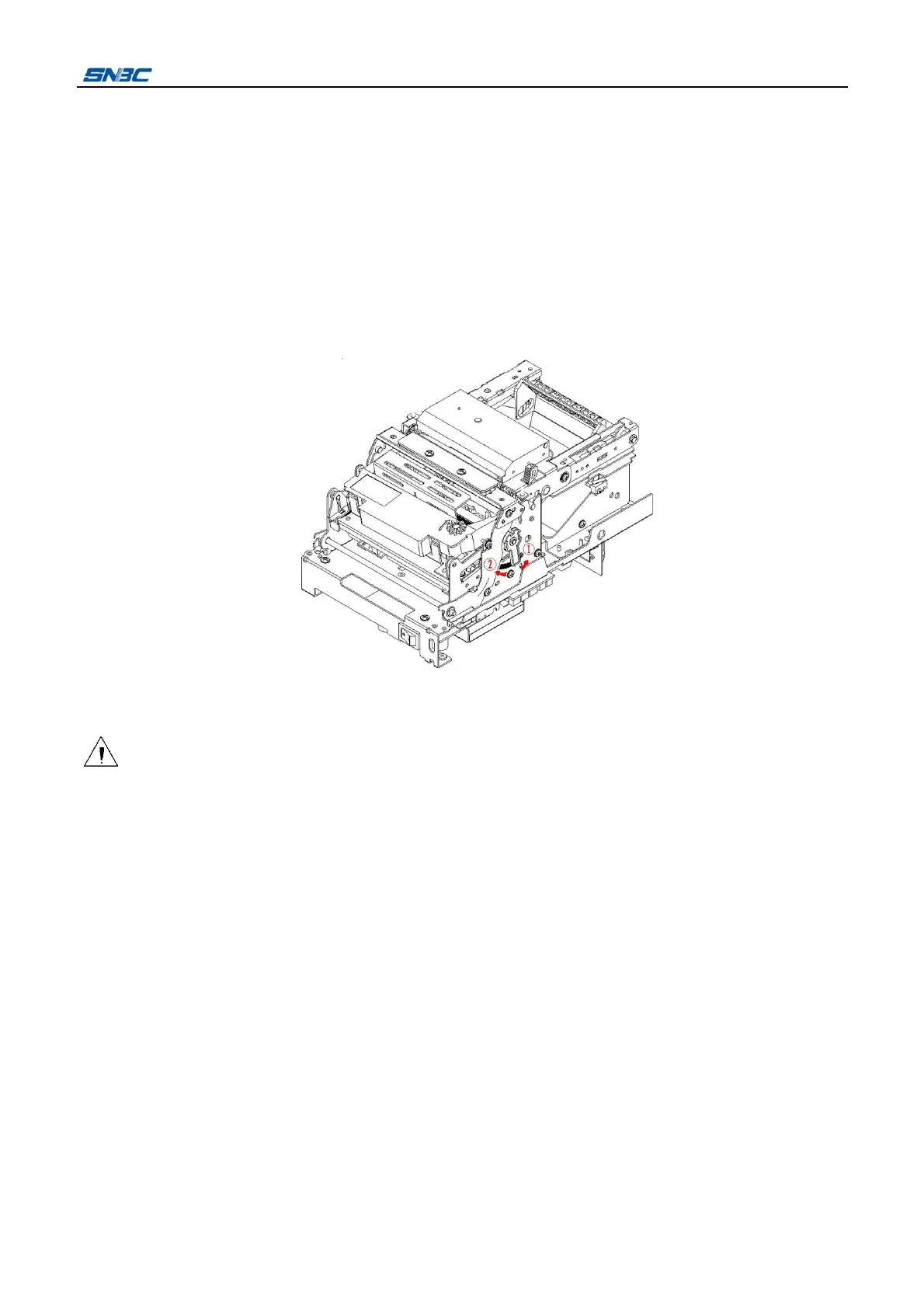
3) Measure the print spacing with feeler gauge and compare with standard distance(0.5±0.05mm), if the
distance is bigger than standard distance, please rotate the eccentric bushing at both sides in arrow
direction ① until the print spacing measured meets the standard distance requirements; If the print
spacing is less than standard distance, please rotate the eccentric bushing at both sides in arrow
direction until the ② print spacing measured meets the standard distance requirements.
4) Fix the eccentric bushing with glue to complete the print spacing adjustment;
5) Install the printer cover with reference to 4.2.1.
Caution:
While disassembling the locking frame of printer, the force must be moderate to avoid damaging the
cover of printer.
In reassembling, please fix all screws firmly.
5.2.2 Tighten transmission belt of carriage
1) Turn off the power;
2) After the print head cooling down, open the front cover and take off the ribbon;
3) Remove the two ST2.9X6 screws with cross screwdriver, tighten the transmission belt in the arrow
direction(about 1~2 kg force), then fix the two screws to complete tightening transmission belt .



 To Next Page