BTP-M300 Service Manual
- 26 -
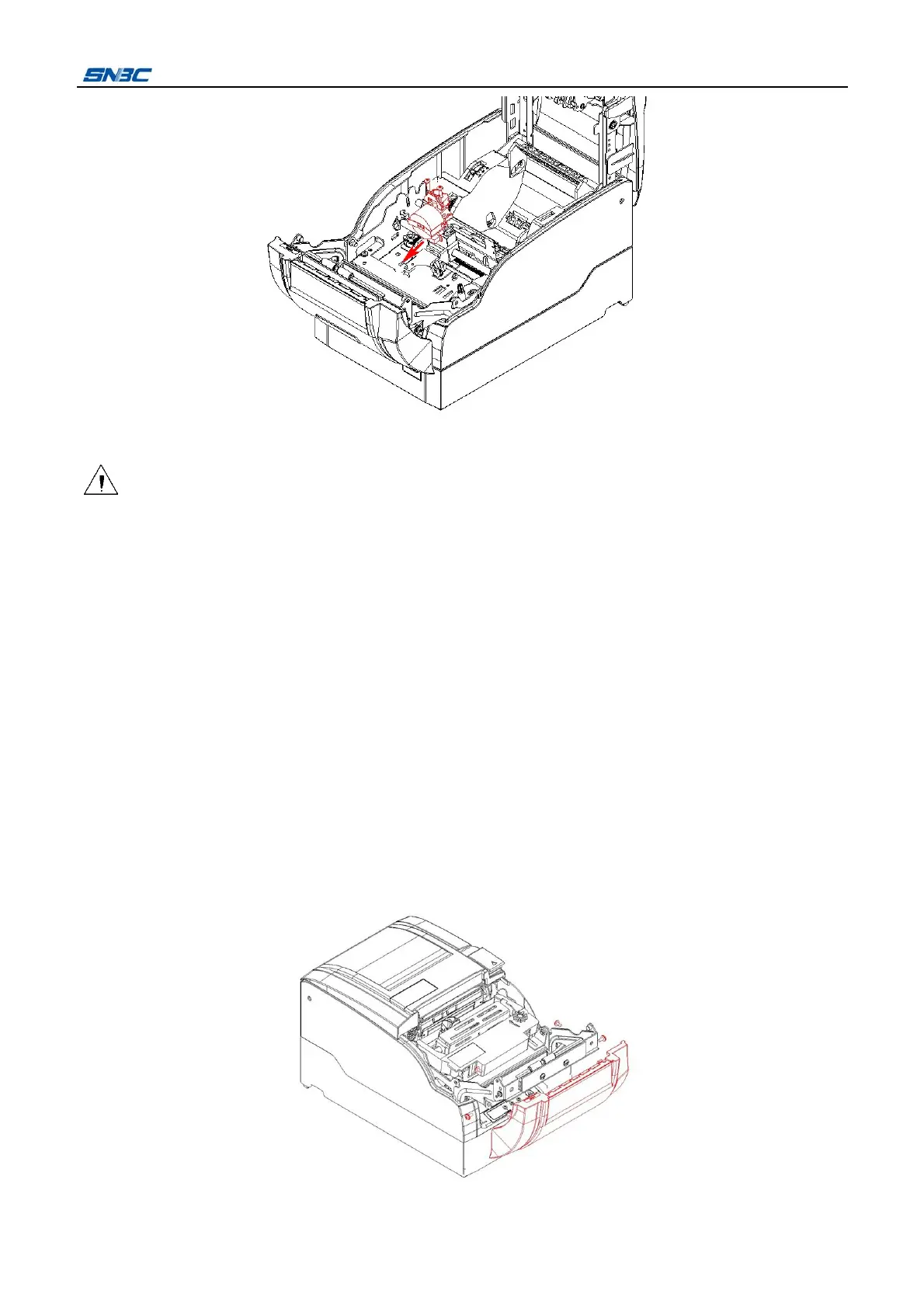
5) Install a new print head in the reverse steps.
Caution:
Please do not pull the cable when detaching the connector, so as to avoid breaking the cable
connector.
Print head is a thermal part, please disassembly it after cooling down.
Print head is easily damageable part, please avoid injuring or damage it when disassembling or
reassembling it.
Please make sure that the cable print head connect to the print head firmly.
Please avoid squeezing the cable in reassembly.
When reassembling the print head, please position the print head on carriage and ribbon correctly and
fix the screws firmly.
5.1.2 Cutter replacing
¾ Stationary blade replacing
1) Turn off the power.
2) After the print head cooling down, open the front cover and remove the four screws (ST2.9X6), then
take off the front cover.



 To Next Page