102 • Settings
[ SNOM 320 USER MANUAL V1.00 ]
Status
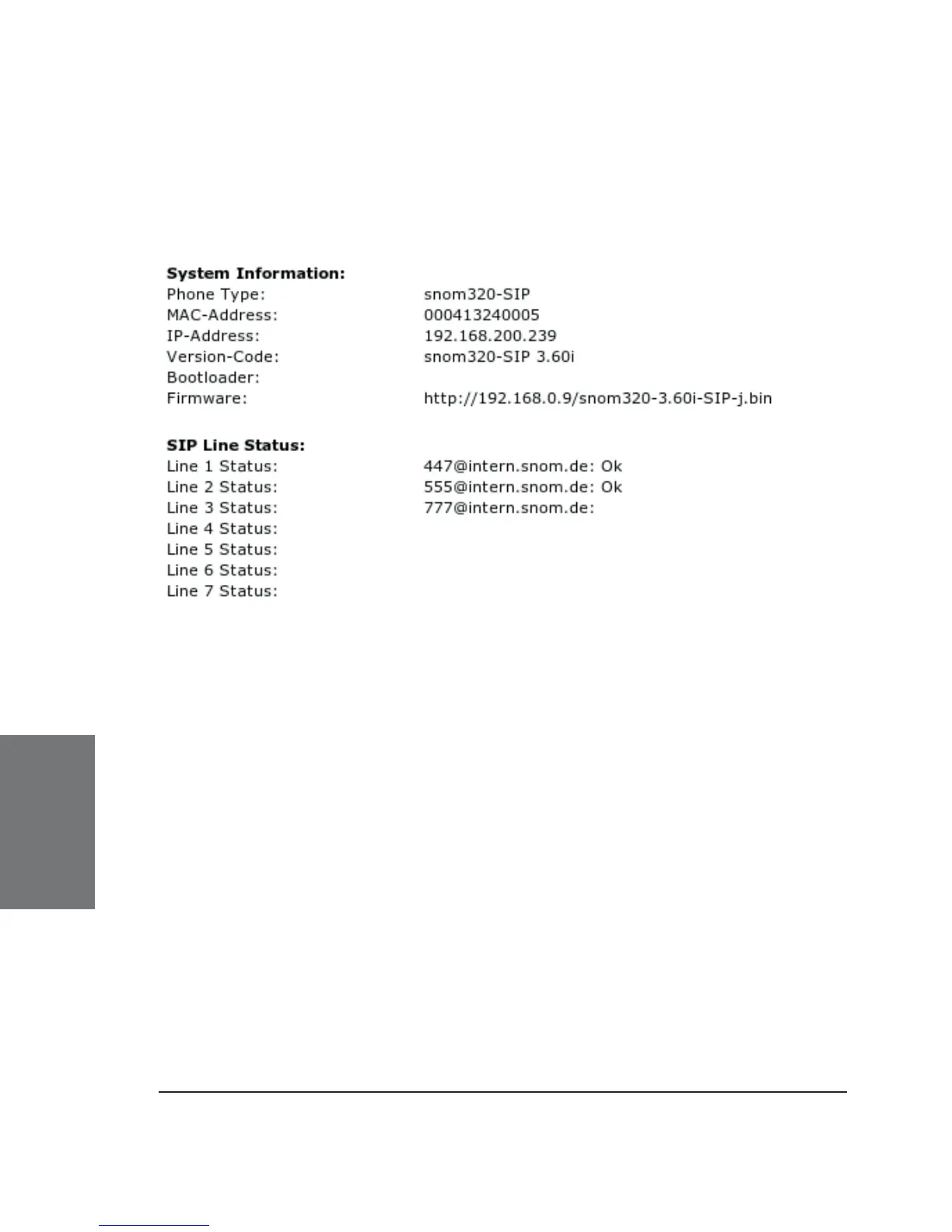
System Information
Here, you fi nd information regarding phone type, MAC Address,
IP Address, fi rmware version (version code - this is extremely important!),
boot loader, and fi rmware URLs.
The SIP Line Status displays the current status of each SIP line as
long as it is confi gured completely.
Log
Depending on a selectable log level, the log messages are shown
here. Don’t forget to attach this log to your support request!
SIP Trace
A quite helpful feature to display SIP signaling. For a support
request, clear this page, perform your not-working scenario, reload the
page, and attach it to your support request.
6





 To Next Page