42 • Basic Functions
[ SNOM 320 USER MANUAL V1.00 ]
3
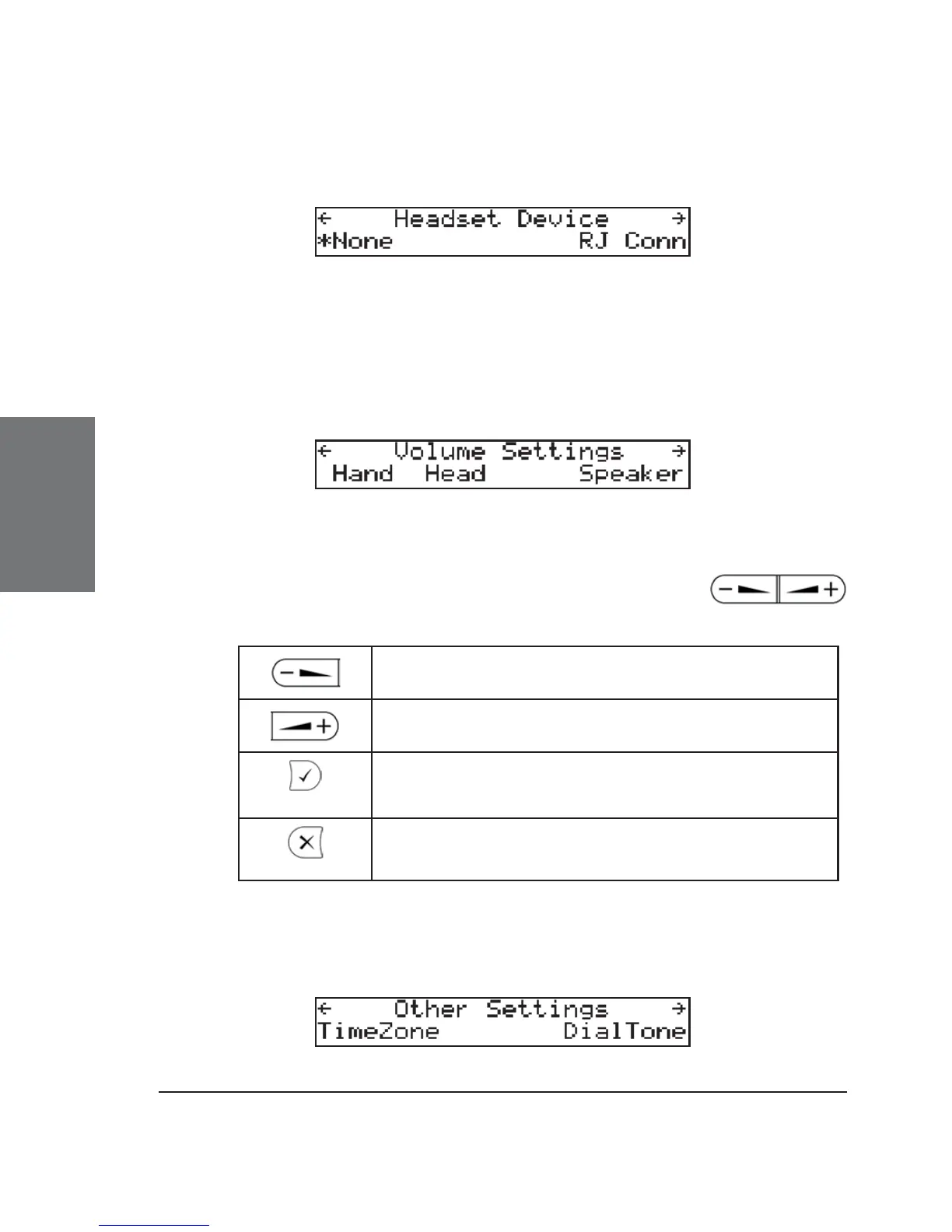
Headset Device
Select whether you want to enable the headset or not.
Volume Settings
Here, the volume of the handset speaker, headset speaker, and
casing speaker can be adjusted. Select one of them.
A tone is played at the currently set volume. Use the
keys to increase or decrease the volume in steps.
Reduce the volume in steps
Increase the volume in steps
Set volume and return to idle state
Return to idle state without setting the volume
Other Settings





 To Next Page