52 • Advanced Functions
[ SNOM 320 USER MANUAL V1.00 ]
4
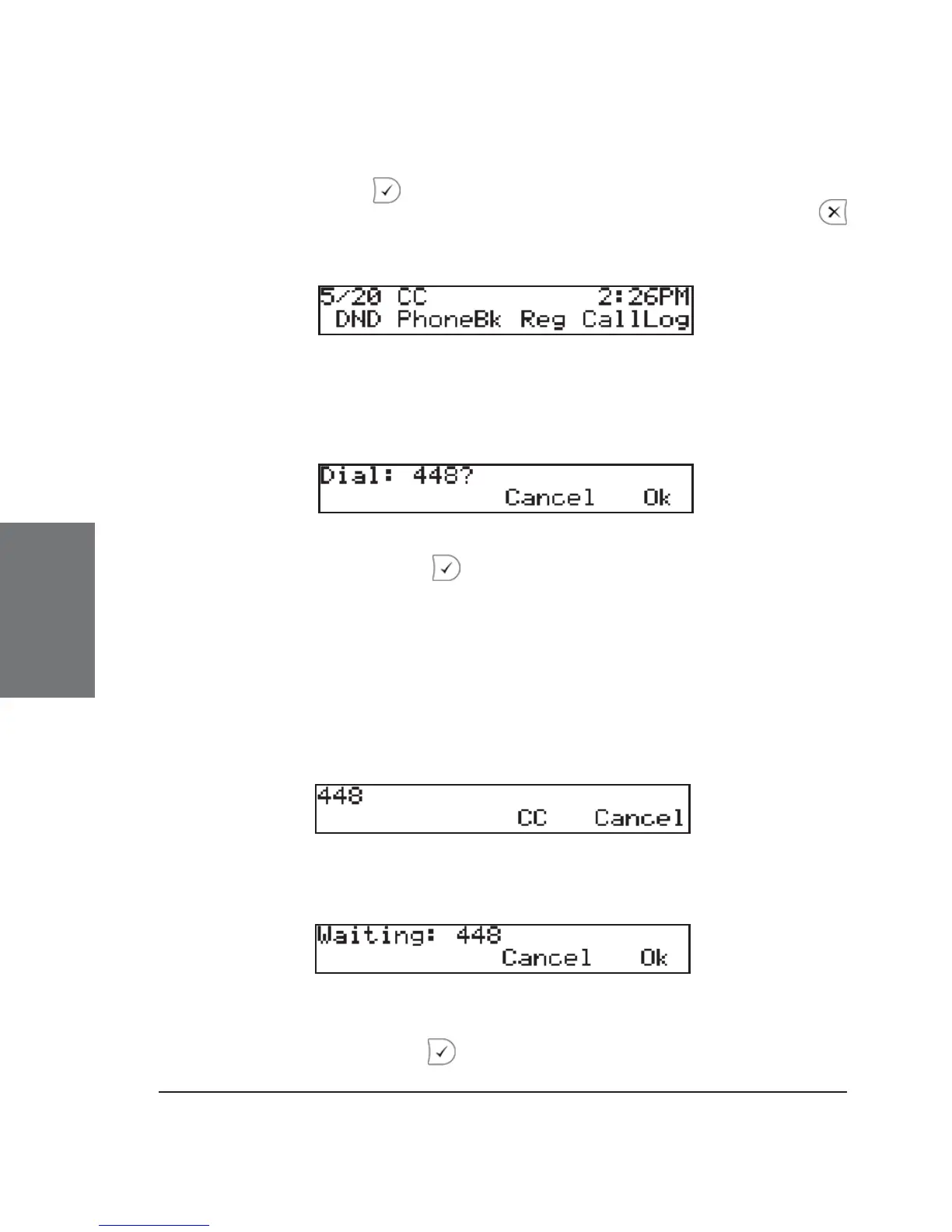
If you wish to receive and make calls while you are waiting for
call completion, press to return to the idle screen, which now shows
the letters ‘CC’ to the left of the date in the upper left corner. Pressing
cancels the call completion procedure.
When the other party becomes idle, the following window
appears:
If you press “OK” or , the phone will dial the number again in
order to establish a connection to the other party.
On no response ( CCNR)
When the phone rings and nobody answers your call, activate call
completion by pressing the ‘CC’ function key.
The phone will now wait for the dial destination to become active
again.
If you wish to receive and make calls while you are waiting for
your call completion, press to return to the idle screen, which now





 To Next Page