snom technology AG • 41
[ SNOM 320 USER MANUAL V1.00 ]
3
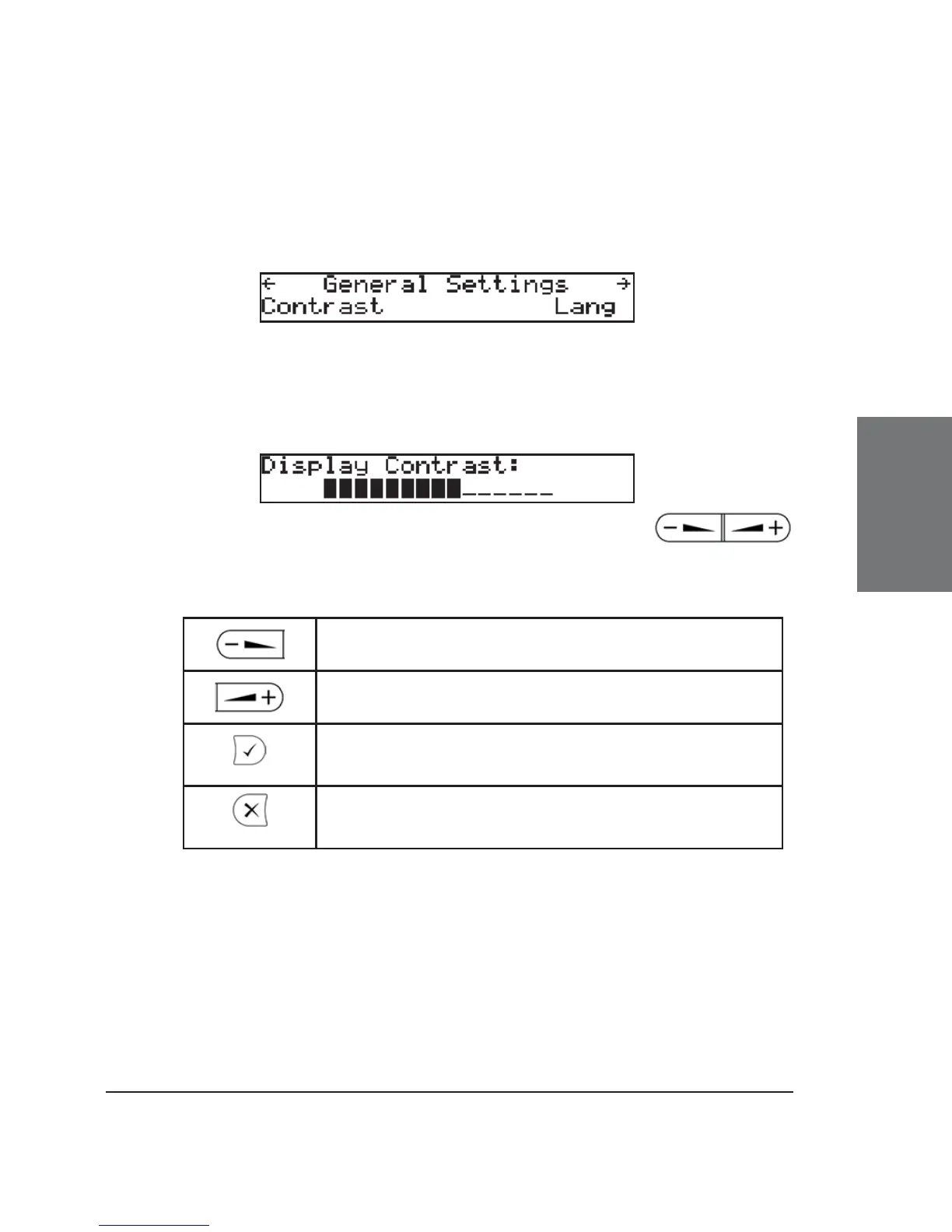
General Settings
In this submenu, the display contrast can be adjusted and a
display language selected.
Press the function underneath “Contrast” to enter the submenu.
Contrast
The current contrast setting is displayed. Use the
keys to increase or decrease the contrast in steps.
Key mapping:
Reduce the contrast in steps
Increase the contrast in steps
Confi rm new contrast setting and return to idle
state
Return to idle state without setting the contrast
Lang
Select the language of your choice, as explained in the chapter
Initialization, above.





 To Next Page