66 • Call Register
[ SNOM 320 USER MANUAL V1.00 ]
Deny List
The snom 320 gives you the option of putting telephone numbers
on a deny list to prevent incoming calls from these numbers.
Browsing
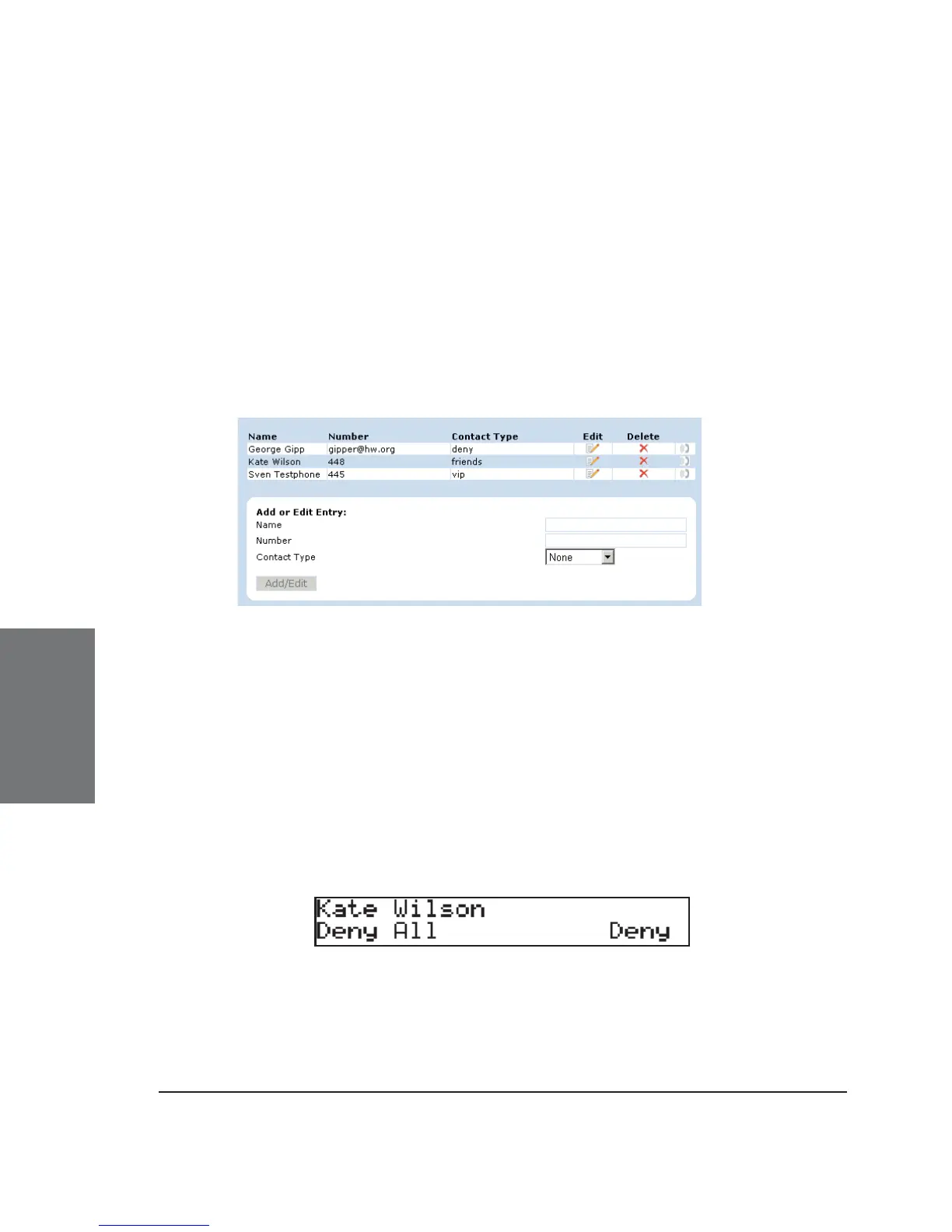
To look at the numbers currently on your deny list, go to the web
interface Address Book page.
The numbers to be denied are listed as contact type “deny”.
Adding a number
While you are being called, you can press the “Deny all” function
key if this feature is activated on the webpage “Advanced Settings”. This
will not only deny the present call but will also add the number to the deny
list. Pressing “Deny” on an incoming call will only deny that particular call
and will not put the phone number on the Deny List.
In addition, any number can be added to the deny list by entering
the phone number in the Address Book and selecting the contact type
“Deny list”.
5





 To Next Page