snom technology AG • 39
[ SNOM 320 USER MANUAL V1.00 ]
will register each line independently and then have the option to map that
particular SIP line as a ‘Shared Line’ on their programmable keys. The
status of the LED will refl ect the status of the particular line and users
are able to pick up calls on the same line that have been put on hold by
their colleagues. Regular users of remote pickup will fi nd this feature very
helpful. (See also our white paper “Key System Setup”!)
DTMF
This option allows the specifi cation of arbitrary key sequences,
which will be sent via DTMF when this button is pressed.
Menus
Press the menu key to call up the menu. The below
described submenus are available. Use the navigation key to scroll from
one menu to the next; use the four function keys underneath the display
to select an item in the bottom line of the display.
Key mapping:
Move to the previous menu
Move to the next menu
Return phone to idle state
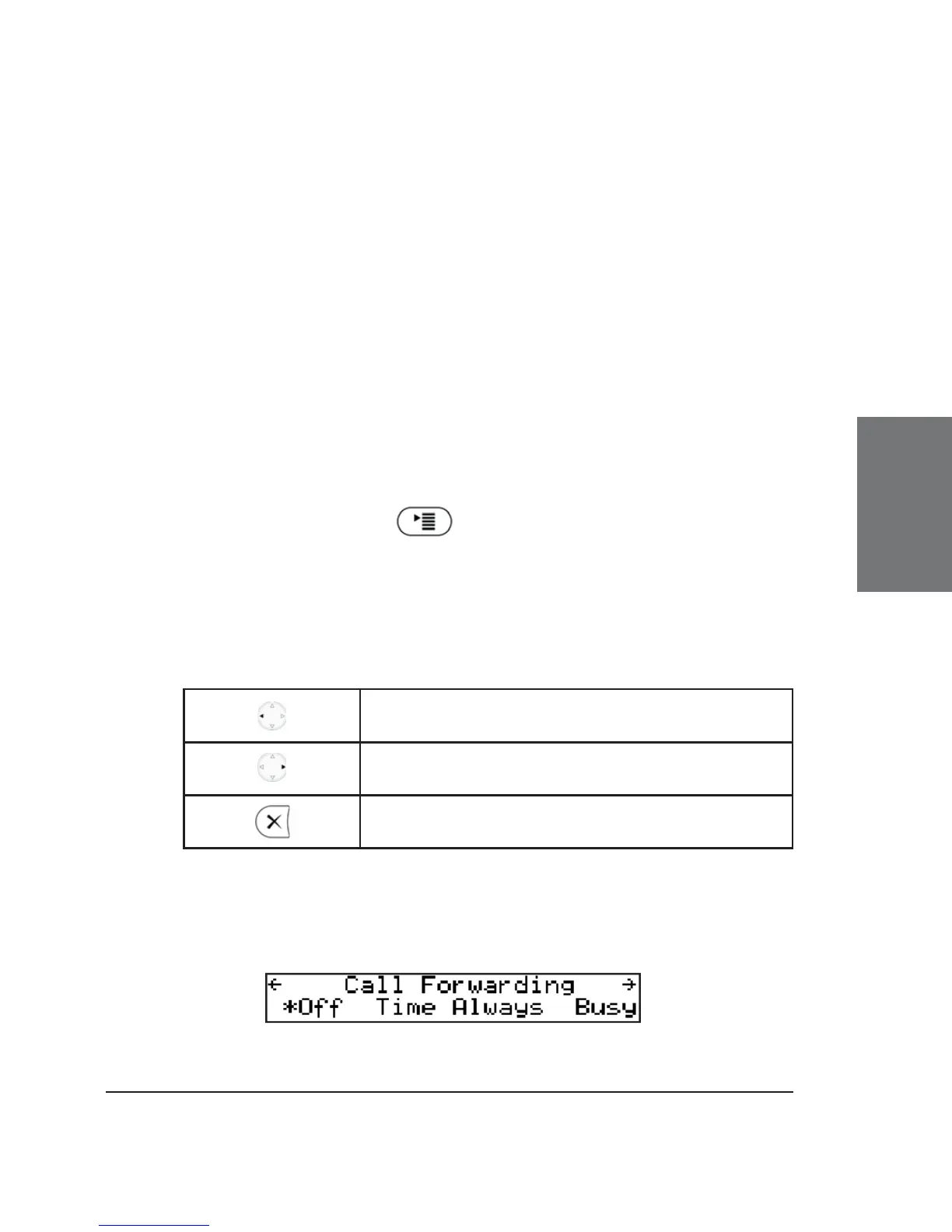
Call Forwarding
In this menu, an administrator can set up the options for call
forwarding.
3





 To Next Page