58 • Call Register
[ SNOM 320 USER MANUAL V1.00 ]
5
Adding an entry
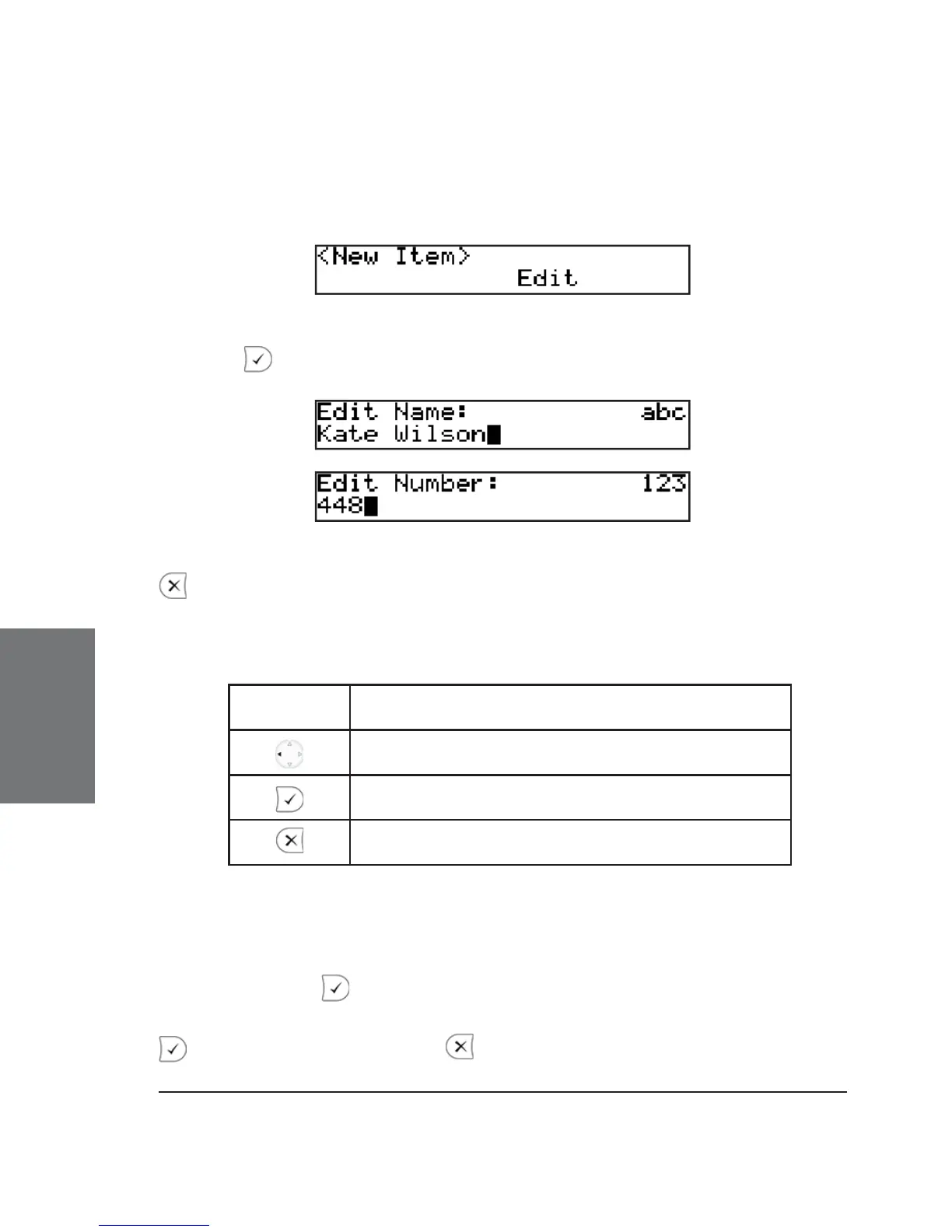
In order to add a new entry, select the list item <New item> and
press “Edit”.
Enter the name and phone number and confi rm each item by
pressing .
The title of the window indicates which input is expected. Pressing
aborts the addition of a new entry. Up to 100 entries can be placed
in the phone book.
Key mapping:
* Change the input mode
Backspace
Confi rm the entry
Cancel the entry
Editing an entry
After pressing the “Edit” key on the entry to be modifi ed, the
name and phone number will be brought up in sequence. Confi rm each
item by pressing .
The title of the window indicates which input is expected. Press
to confi rm the data; press to abort the editing.





 To Next Page