48 • Advanced Functions
[ SNOM 320 USER MANUAL V1.00 ]
4
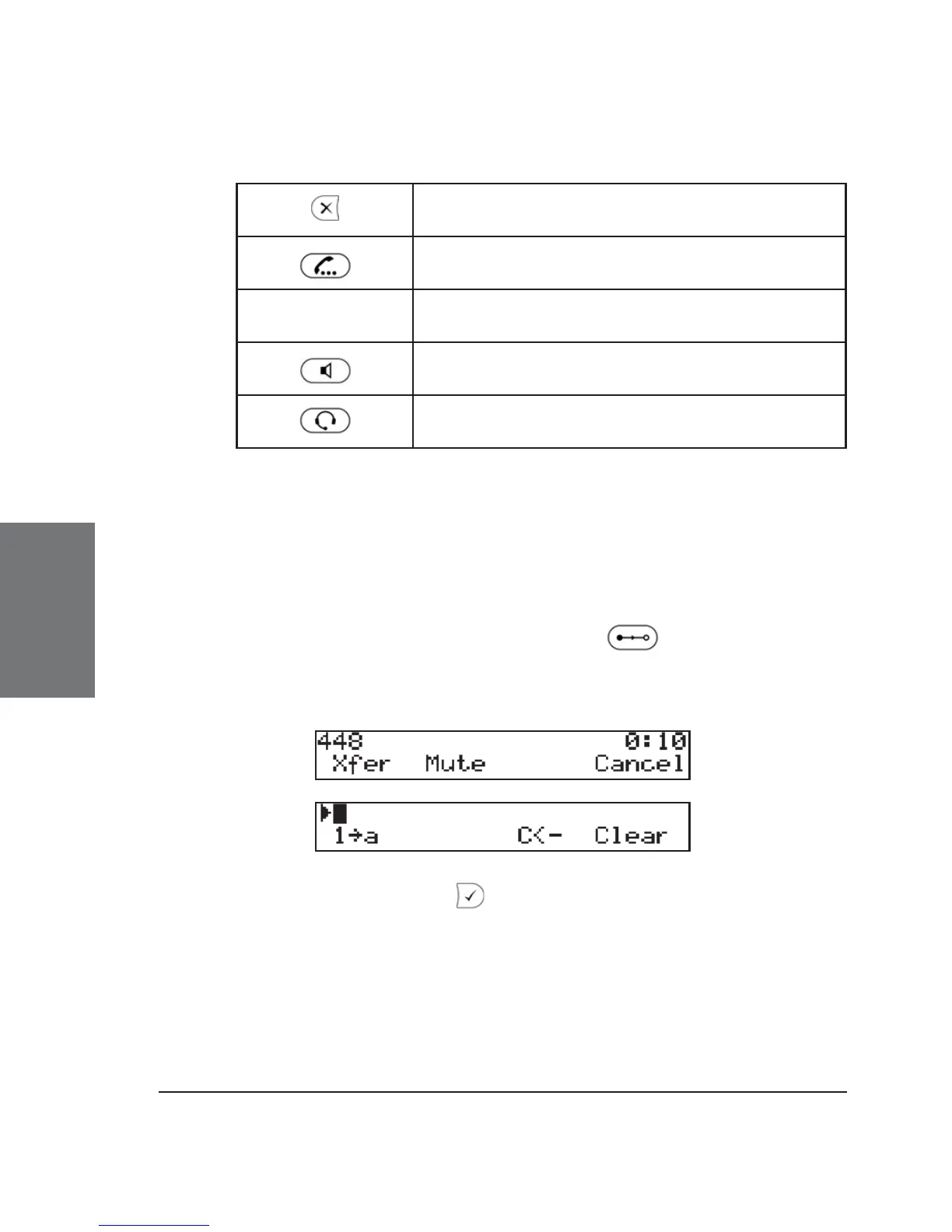
Key mapping:
Terminate the call being held
Resume the call being held
*, #, digits Can be used to initiate another call
Handsfree mode on/off
Headset on/off
Transfer
Direct Transfer
During a call, press the transfer key or Xfer to put the
connected party on hold, then dial the number to which the call is to be
directly transferred.
As soon as you press , the snom 320 will transfer the held
party to that number.





 To Next Page